General
Every email template consists of a subject and its associated content.
To ensure the email template is addressed to the recipients and sent in a personalized way, the management view offers you the following tools:
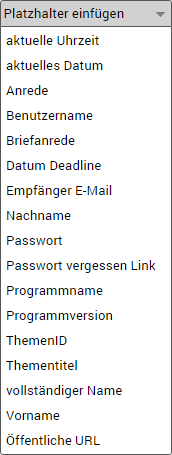
| Placeholder |
| ||
 | Remove Formatting - Removes the formatting of the highlighted/selected text or the entire text field | ||
 | Show HTML - Shows the entire content of the text field in HTML encoding | ||
 | Print - The content of the text field is shown in the browser's print preview | ||
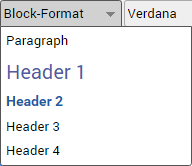
| Block Format |
| ||
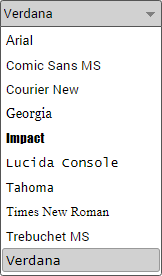
| Font |
| ||
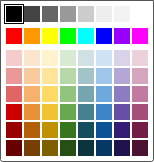 | Text Color - Formats the highlighted / selected text or the entire text field in the text color you choose | ||
 | Bold, Italic, Underlined - Formats the highlighted / selected text or the entire text field according to the selection | ||
 | Unordered List - Inserts an unordered list at the cursor position in the associated text field (subject or content). If no cursor is visible in the text field, the unordered list is always appended to the end of the associated text field. | ||
 | Ordered List - Inserts an ordered list at the cursor position in the associated text field (subject or content). If no cursor is visible in the text field, the ordered list is always appended to the end of the associated text field. | ||
 | Link - Inserts a URL / link at the cursor position in the associated text field (subject or content). If no cursor is visible in the text field, the URL / link is always appended to the end of the associated text field. |