



Transferring a Measure
So that you don't have to re-enter all the measure details for every participant in a measure, you can transfer one measure to any number of employees.
As a result of the previous step, you should now find a measure in your overview.

Select this entry and choose the "Copy measure" function.
(This function can also be called up from the context menu.)

A list of all employees now appears. In the filter row, you can adjust the list so that only relevant employees are shown.
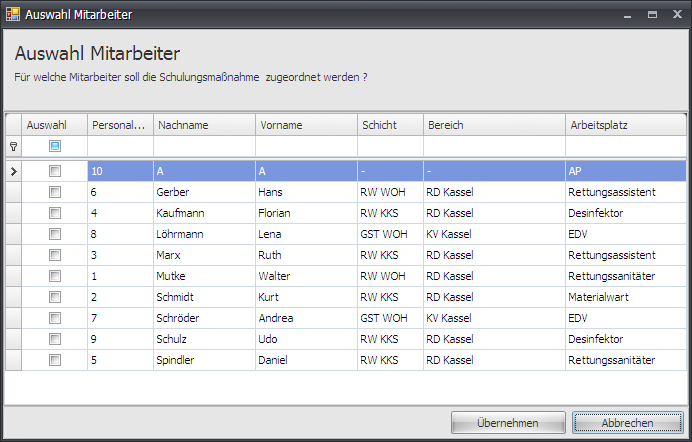
Check the "Selection" checkbox for all employees who should take part in the measure, and save the selection with "Apply".