



User Interface
Get to know the basic elements and functions of the Q-Guide program interface here.
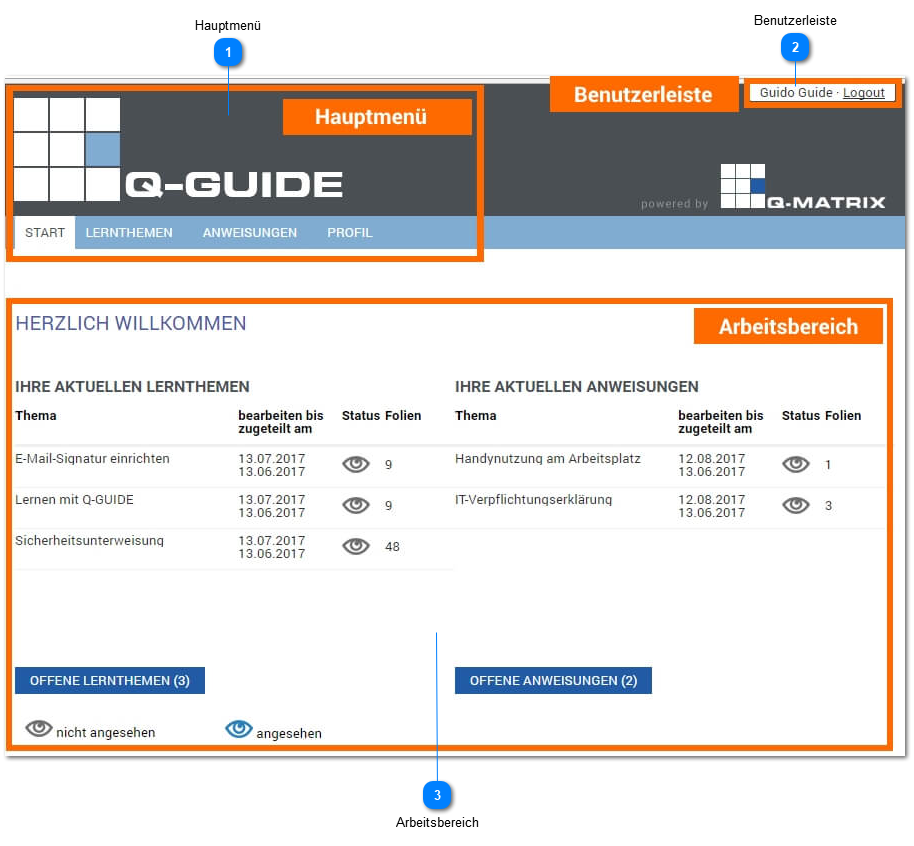
Main Menu
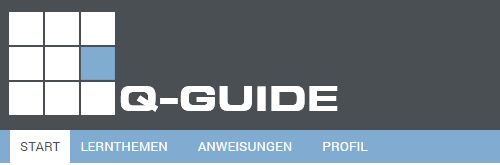
The main menu is used to navigate to the Q-Guide menus:
- Home
- Learning Topics
- Instructions
- Profile
The active menu always has a white background.
User Bar
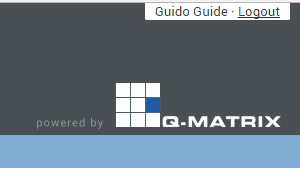
Once you are logged in to Q-Guide, your first name and last name, as well as a button for logging out of Q-Guide, appear at the very top right of the user bar.
Work Area

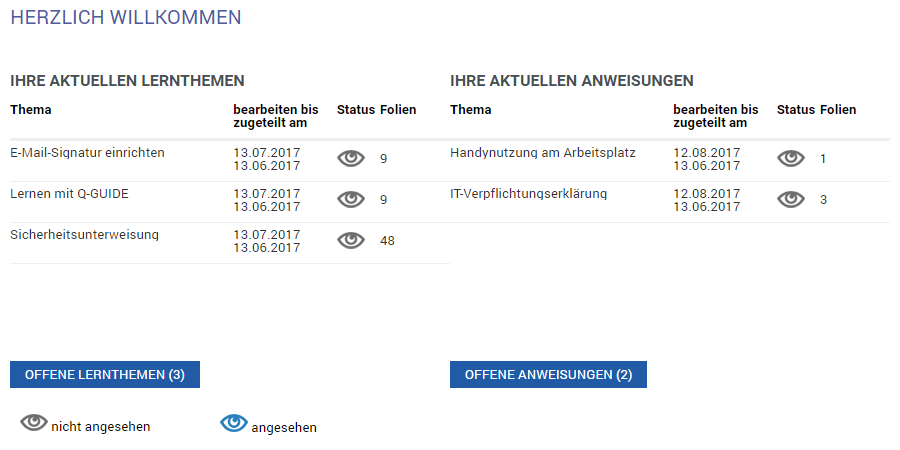
In the work area, you find the respective contents of the individual Q-Guide menus. In the home menu, for example, you see your current learning topics and your current instructions.