



Menu Item "New Ext. Person"
The "New Ext. Person" menu item contains a wizard for entering a new external person.
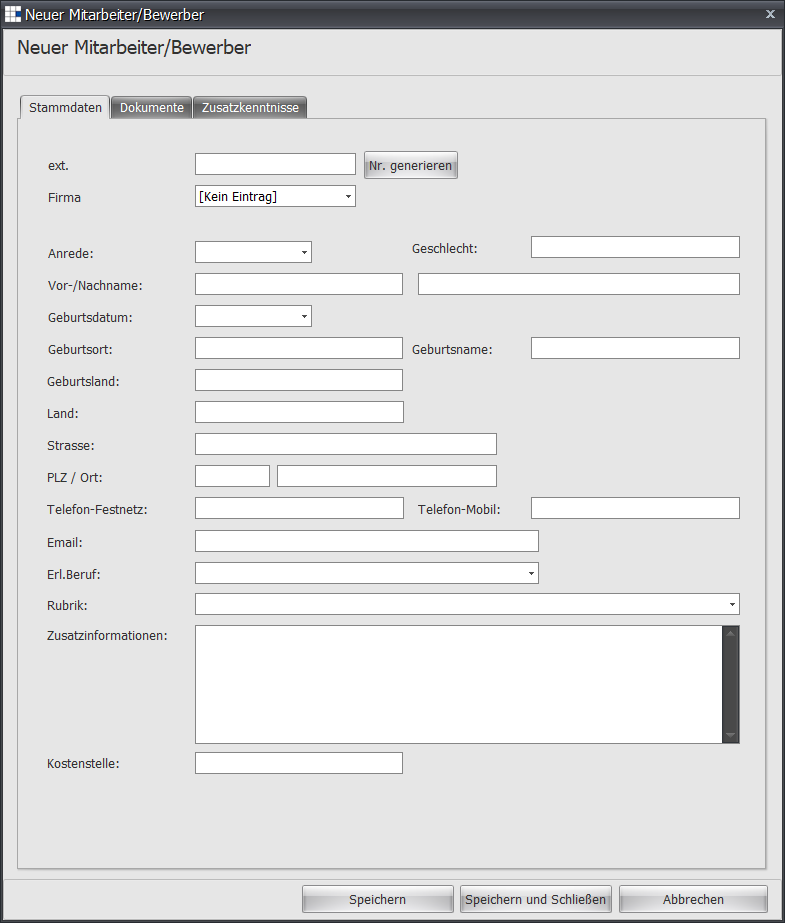
| Personnel Number | Required field - Enter the unique personnel number here |
| Generate No. | Click this button to automatically generate the next available personnel number based on the position type. The maximum length of the generated string is 20 characters. If you want to generate shorter strings, set this in the defaults. |
| Position Type | Select a type here. For this selection to be usable, the use of the type for applicants must also be enabled in the settings |
| Applicant | By default, this option is enabled for entering new employees/applicants. If an applicant becomes an employee, you can later disable this field and change it to an employee. |
| Salutation | Choose a salutation between Mr. and Ms. |
| First Name | Enter a first name |
| Last Name | Enter a last name |
| Date of Birth | Enter a date of birth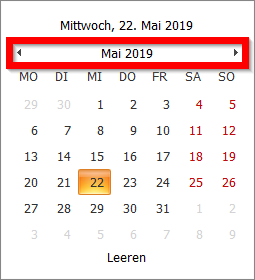 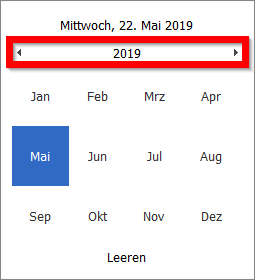 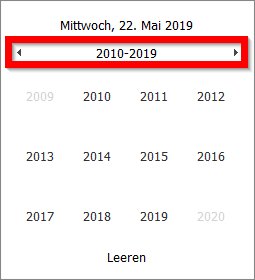 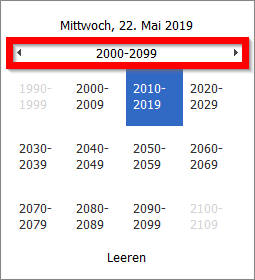 Click the month outlined in red to display the year. Clicking again shows the decade, and one more click shows the century. This lets you navigate very quickly to the desired date. Of course, you can also enter the date directly into the field. |
| Place of Birth | Enter the place of birth |
| Birth Name | Enter the birth name |
| Country of Birth | Enter the country of birth |
| Street | Enter a street |
| Postal Code | Enter a postal code |
| City | Enter a place of residence |
| Landline Phone | Enter a landline phone number |
| Mobile Phone | Enter a mobile phone number |
| Enter an email address. This email address is used to deliver emails to the employee. | |
| Trained Profession | If one or more trained professions are to be recorded, enter this information here |
| Category | If a category is to be used, set it here |
| Additional Information | Here you can record additional information |
| Cost Center | Enter the cost center |
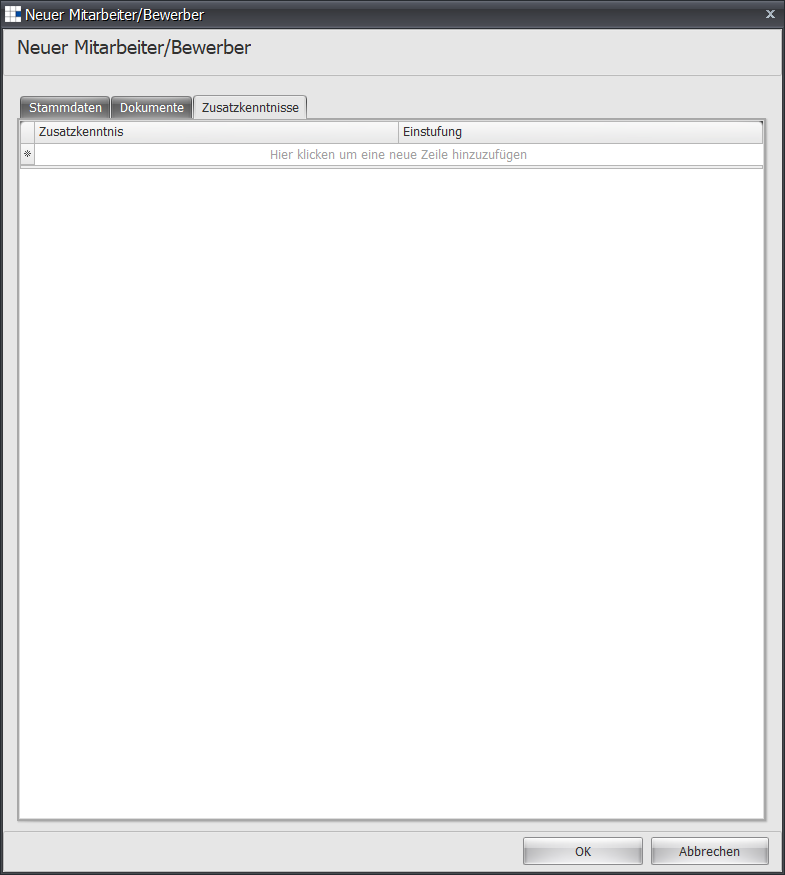
| Additional Skills | If you would like to set additional skills already at initial entry, you can set this information as described in the employee details. |