



The "Home Page" / The "Dashboard"
After a successful login, the following is displayed in the content area:
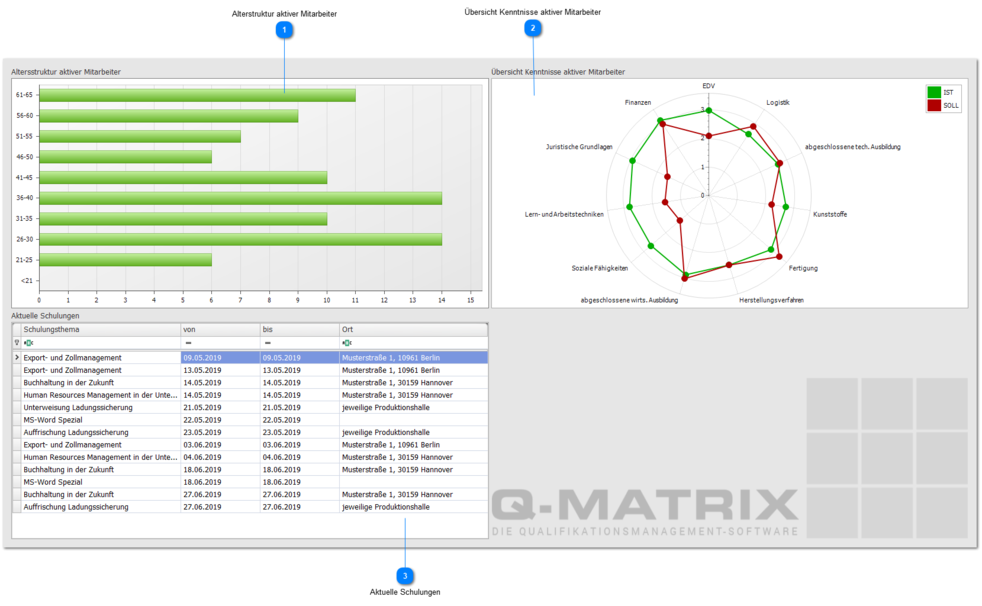
 Age structure of active employees
According to the preferences for the age structure, a bar chart is displayed in this area.
If the employee data does not contain a date of birth, the chart is empty and no bars are displayed.
A user in the Management role only sees employee data accessible to that user.
Users in the Administrator and HR roles always see all employees.
 Skills overview of active employees
The "Skills overview" is a special report that already gives a highly condensed yet meaningful, at-a-glance view of qualification status on the home page.
A user in the Management role only sees qualification data accessible to that user.
Users in the Administrator and HR roles always see all data.
Double-clicking the spider chart opens a new window.
- The "Skills overview" tab shows the chart. This chart can be filtered via the ribbon and saved or printed in a PDF viewer.
- The "Detail data" tab lists the underlying data for the spider chart in tabular form.
Skills overview
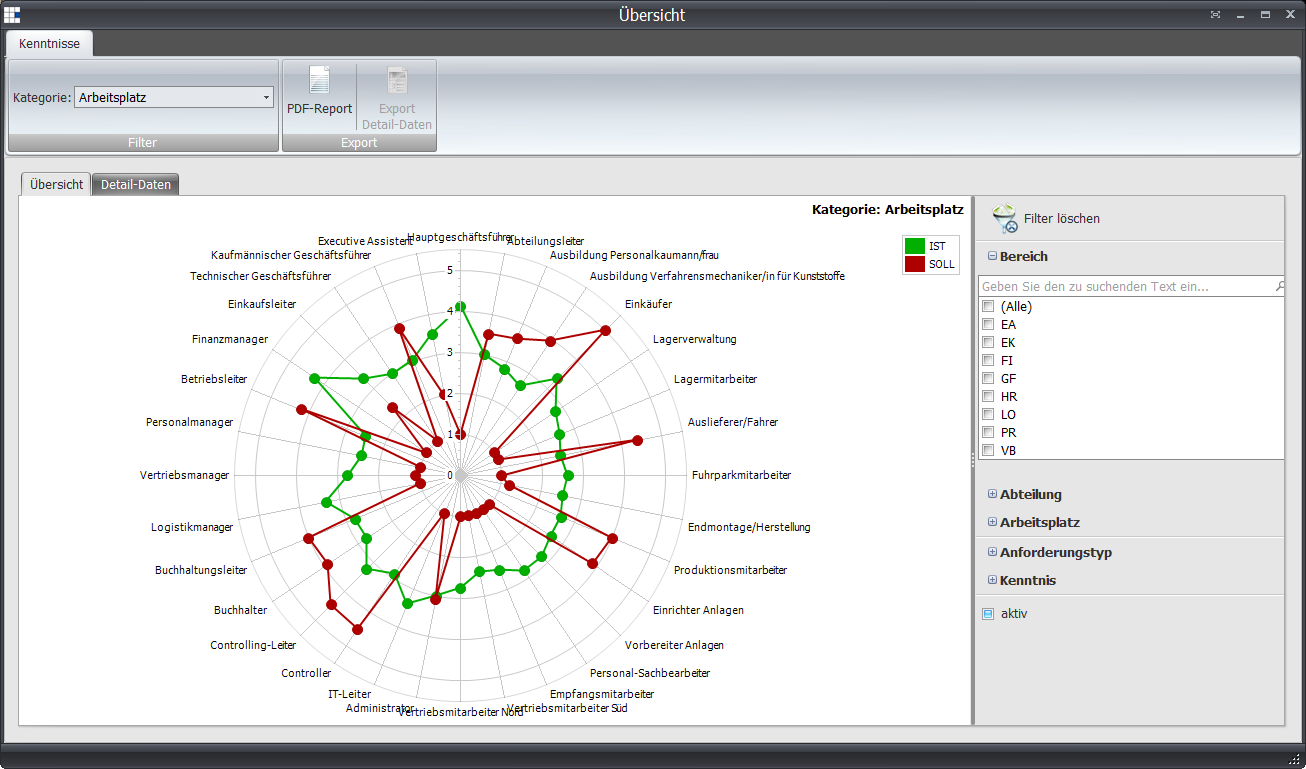
The chart can be influenced by the category as well as the side filters.
Detail data
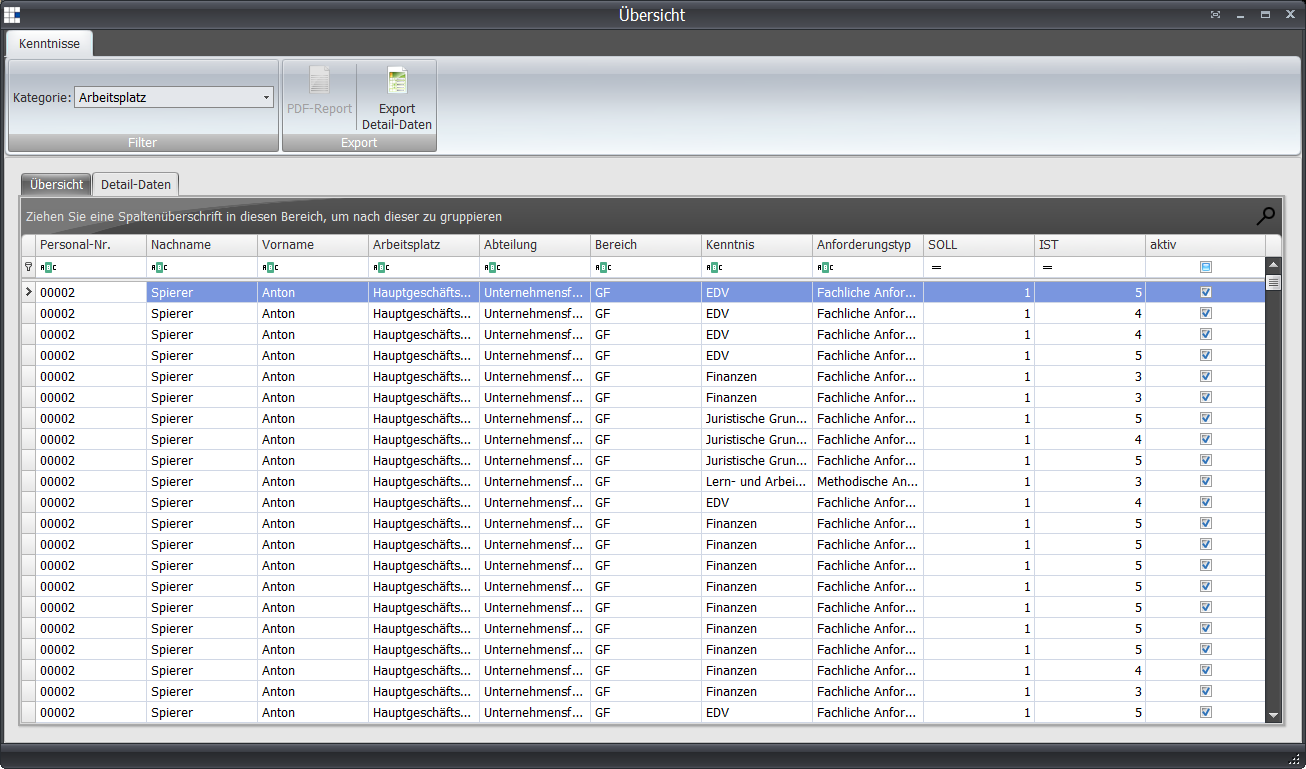
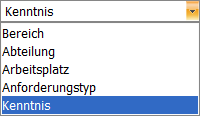
Filter options
The side filter options are based on the data for the company and qualification structure.
 Current Training
Upcoming (from today) measures (scheduled) are listed here in tabular form.