



Menu Item "Duplicate Management"
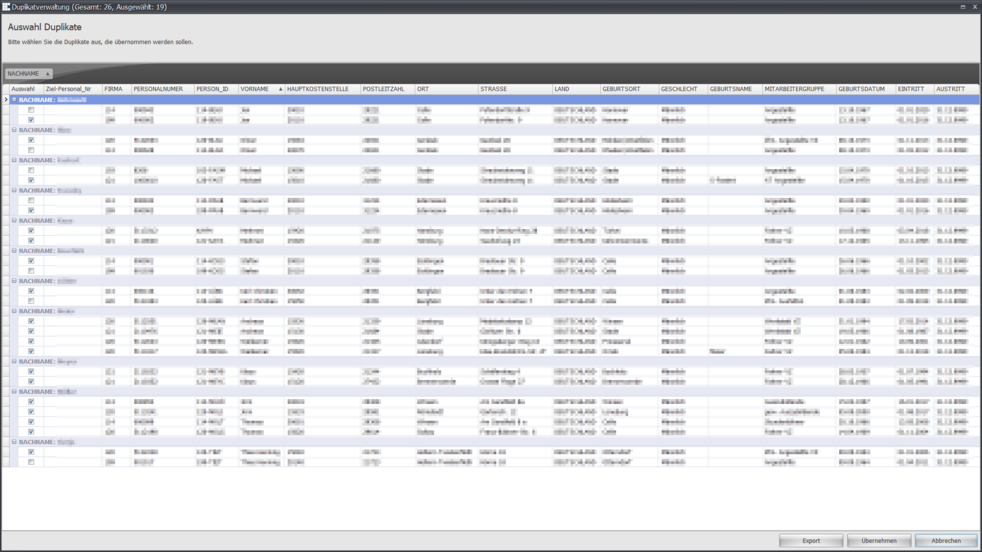
The "Duplicate Management" menu item contains a dialog for processing duplicates that can be identified by the Q-Engine during import.
A tabular overview shows all import duplicates based on first and last name.
Q-Engine can currently import data from Microsoft SQL, Oracle databases, as well as CSV files.
The data columns listed here by target personnel number come from the data sources and are also taken over 1:1 from there.
This includes the name as well as the content.
In the Selection column, you can specify which of the potential duplicates should be adopted.
In the Target Personnel No. column, you can specify whether the data of this record should be transferred to an existing employee.
The Cancel button aborts the process of finalizing the import.
The Apply button finalizes the import, and accessing this menu item again will present an empty data view.
The Export button saves the data listed here to a Microsoft Excel file of your choice.
Note:
The personnel number is always required for a successful import. Without this information, no import can take place.
If an employee, i.e. a personnel number, is no longer contained in an import, that employee/personnel number is set to inactive.
Other imports are not currently supported. For further imports, contact us.