New Category
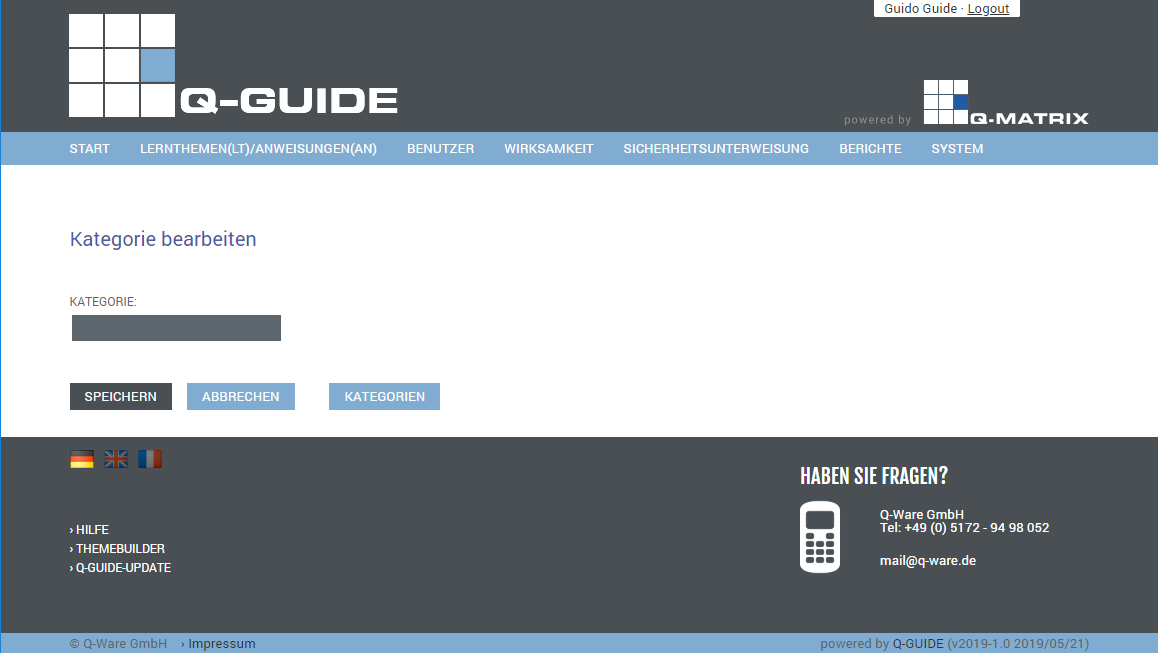
Shows you the creation view for a new category.
Each learning topic (LT) and/or instruction (AN) can belong to one or more categories.
If the category field is displayed empty, you can assign a new category.
To do so, enter the category name you want, for example New Hire, and press save.
You are then shown the category overview.
This view is also displayed when you press the Categories button.
Category Overview
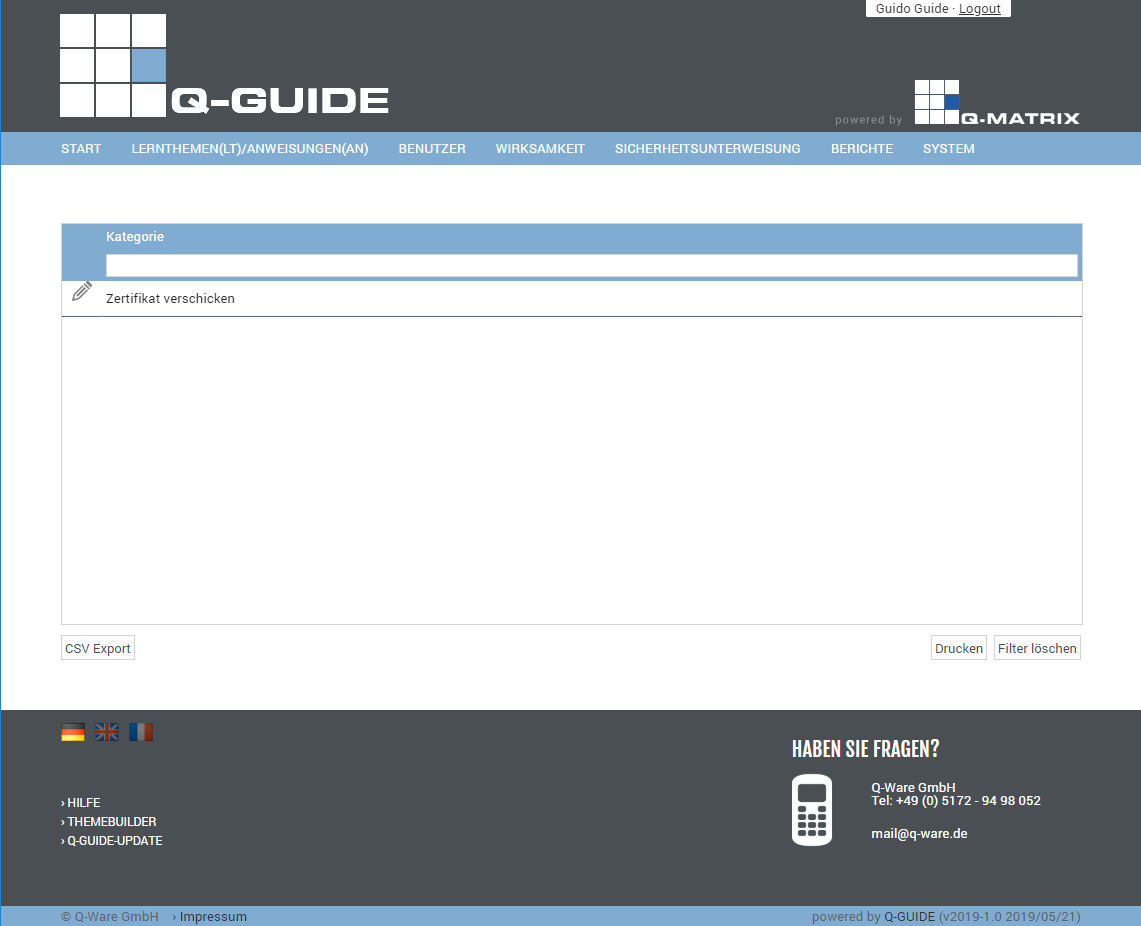
Shows you a tabular overview of all available categories for management.
Click  to edit a category.
Editing a Category
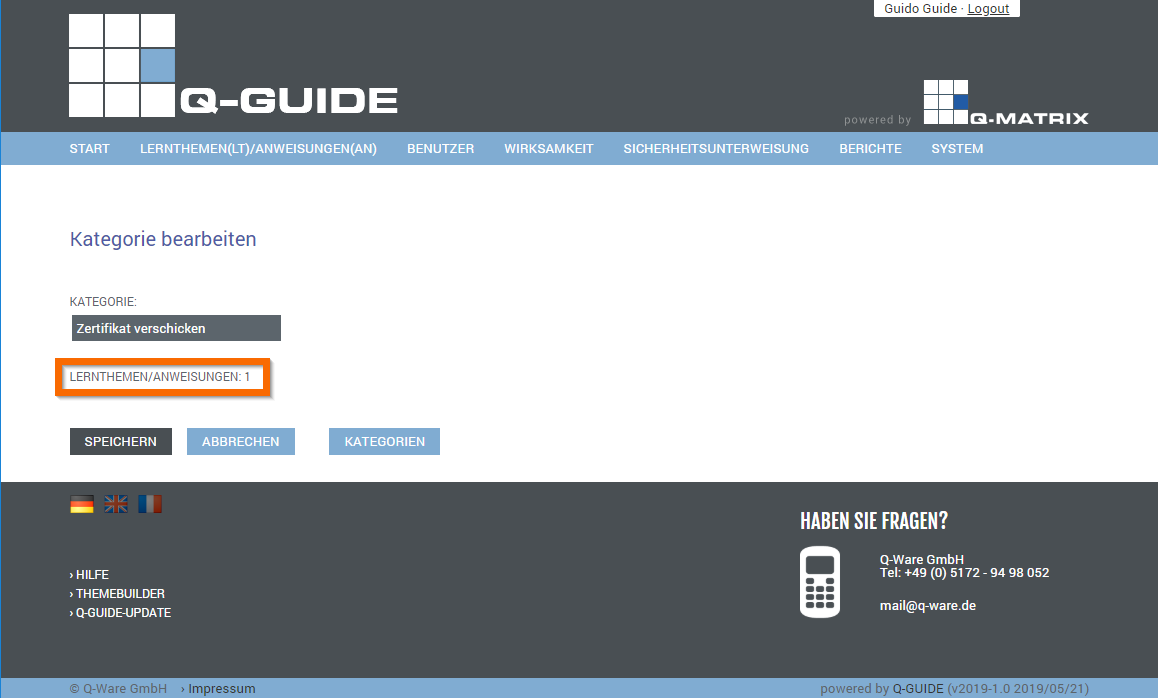
When you edit a category, you are shown below the category name how often this category is assigned to a learning topic (LT) or an instruction (AN).
If the assignment count is zero (0), i.e. it is not assigned to any learning topic (LT) or instruction (AN), you can delete the category via the  button.