Menu Item "Proofs & Target Hours"
Get an overview of (non-)existing proofs and (in)complete target hours.
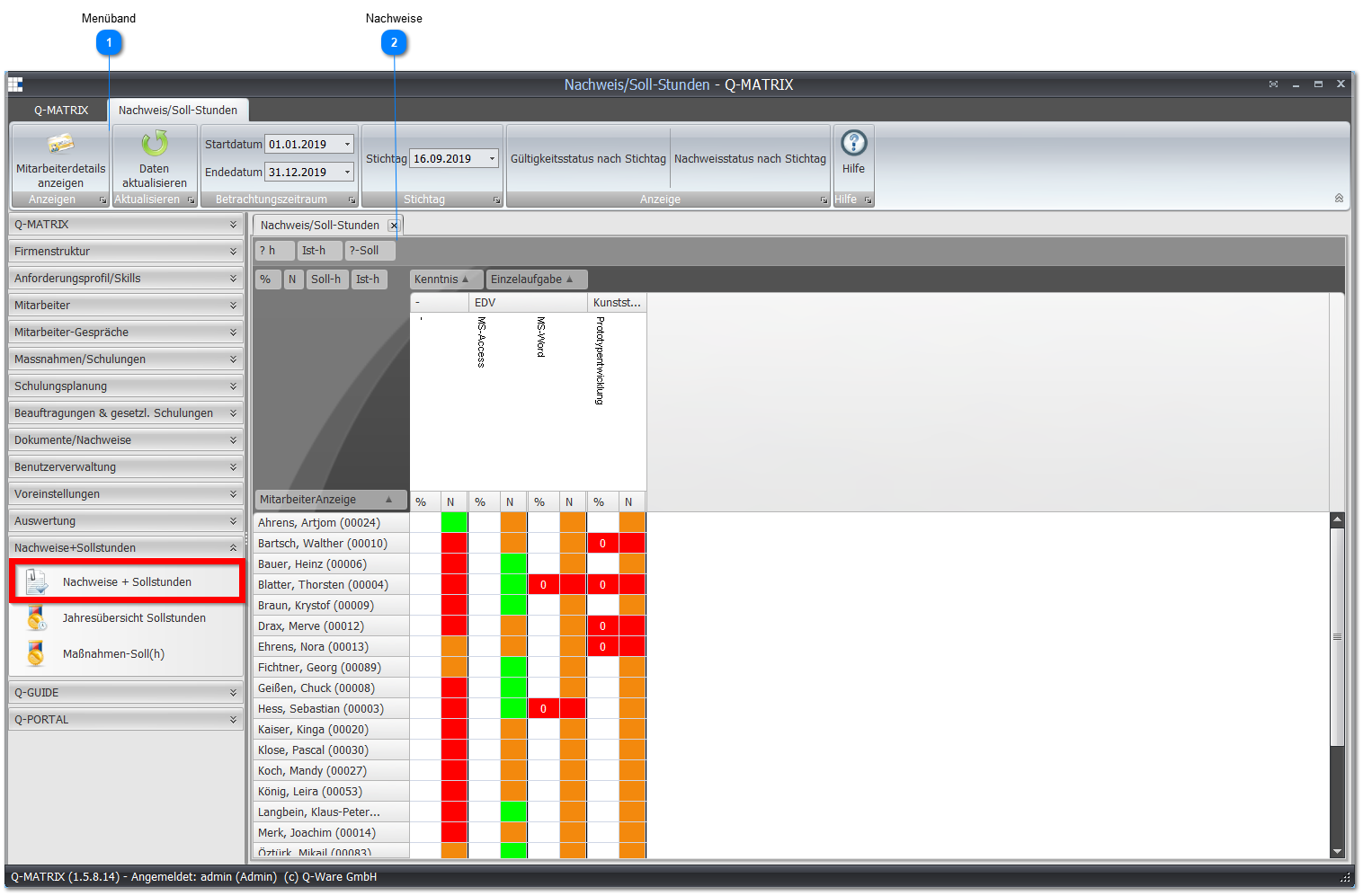
 Ribbon

| Review Period | Set the review period |
| Reference Date | Select a reference date. You need the reference date for the following two functions |
| Validity Status by Reference Date | Check whether the proofs are valid as of the selected reference date |
| Proof Status by Reference Date | Check what the proof status was as of the selected reference date. For example, if you want to know which employees had already provided certain proofs by a specific date or not, select this function. |
 Proofs
This overview shows you whether your employees have already completed all target hours for an individual task and the associated proofs.
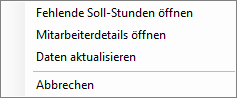
Right-clicking a desired employee lets you open an overview of the missing hours via the context menu.
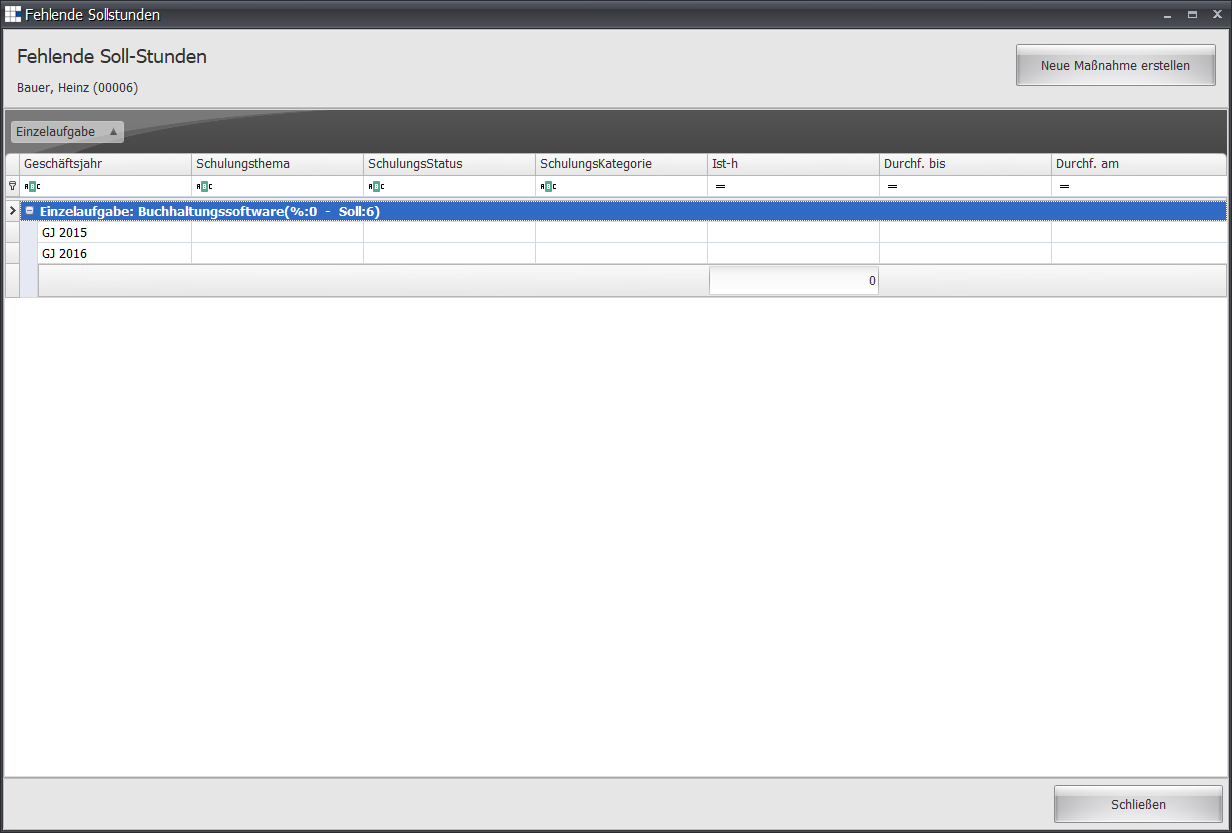
The Missing Target Hours overview shows you for which individual task and its associated measures/training courses an employee is still missing hours.