



Attachments
The following settings allow you to manage the possible file attachments for your email templates.
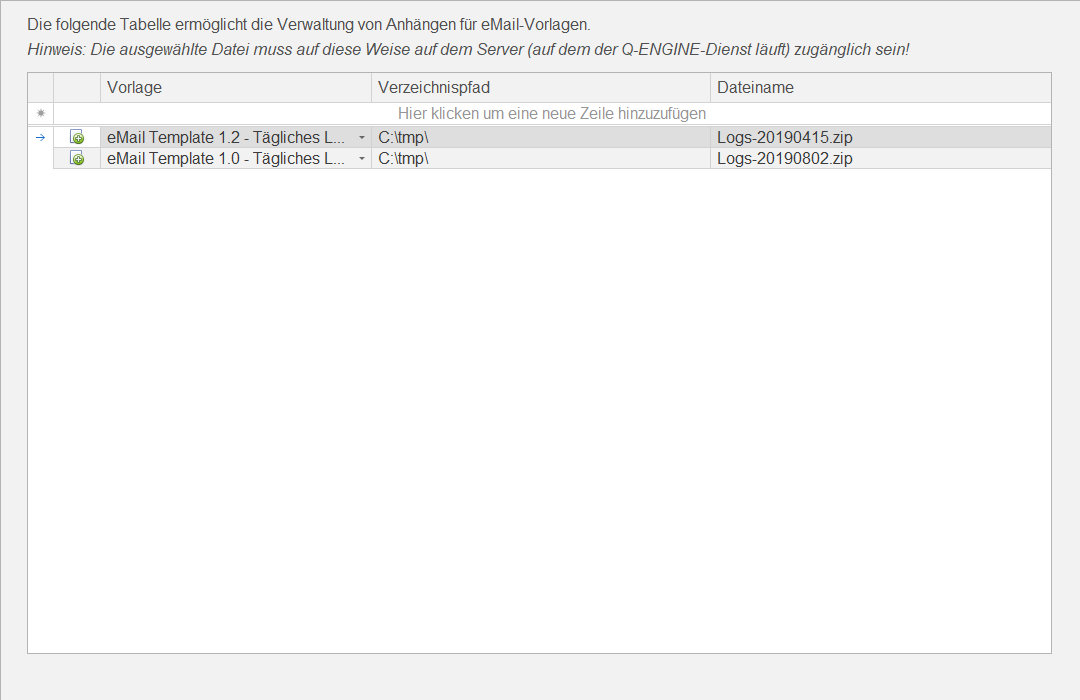
You can view the following information:
| Action | Clicking this button  opens a file selection dialog in which you select a file to attach. Clicking OK applies the selection to the directory path and file name. opens a file selection dialog in which you select a file to attach. Clicking OK applies the selection to the directory path and file name. |
| Template | Select one of the available email templates to which the configured / selected file should be sent. |
| Directory Path | The directory path to the file to be attached |
| File Name | The file name of the file to be attached |