



Menu Item "Applicant Skills"
With additional skills, you can quickly evaluate information not related to positions at a glance.
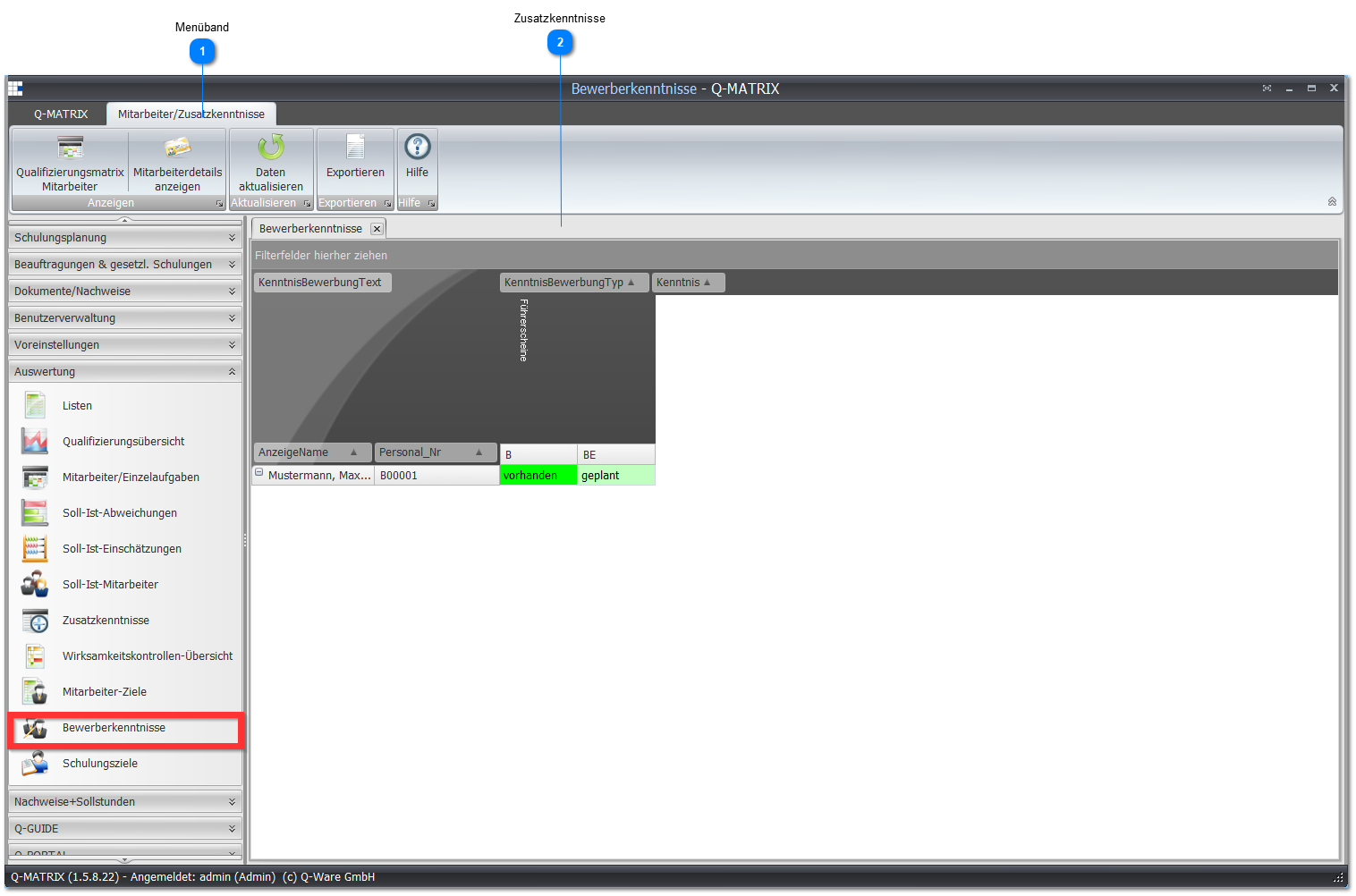
 Ribbon
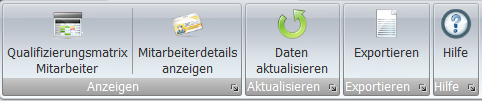
| Employee Qualification Matrix | Opens the assessment screen for the marked employee. |
| Print Employees/Individual Tasks | Opens the result according to the preferences. If the Excel template is used, the security notice must be accepted and the small macro for display preparation must be started. |
 Additional Skills
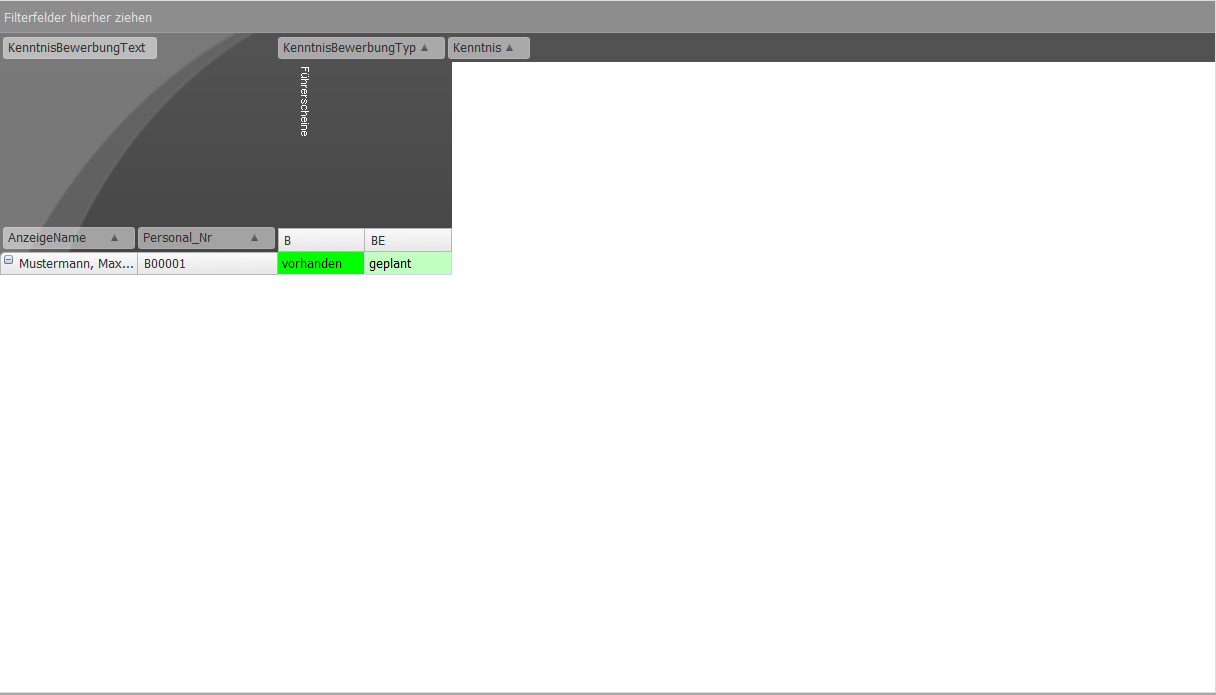
Here you find again the cell values from the preferences.
If an employee has an additional skill, the corresponding value is shown in the intersecting cell.
In this example, the following values are defined:
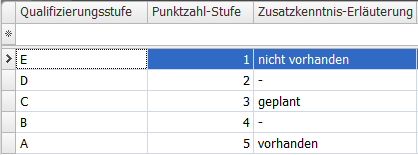
You can change the displayed data according to the settings.