



Menu Item "Employees/Individual Tasks"
See at a glance the ratings of your employees in the various individual tasks.
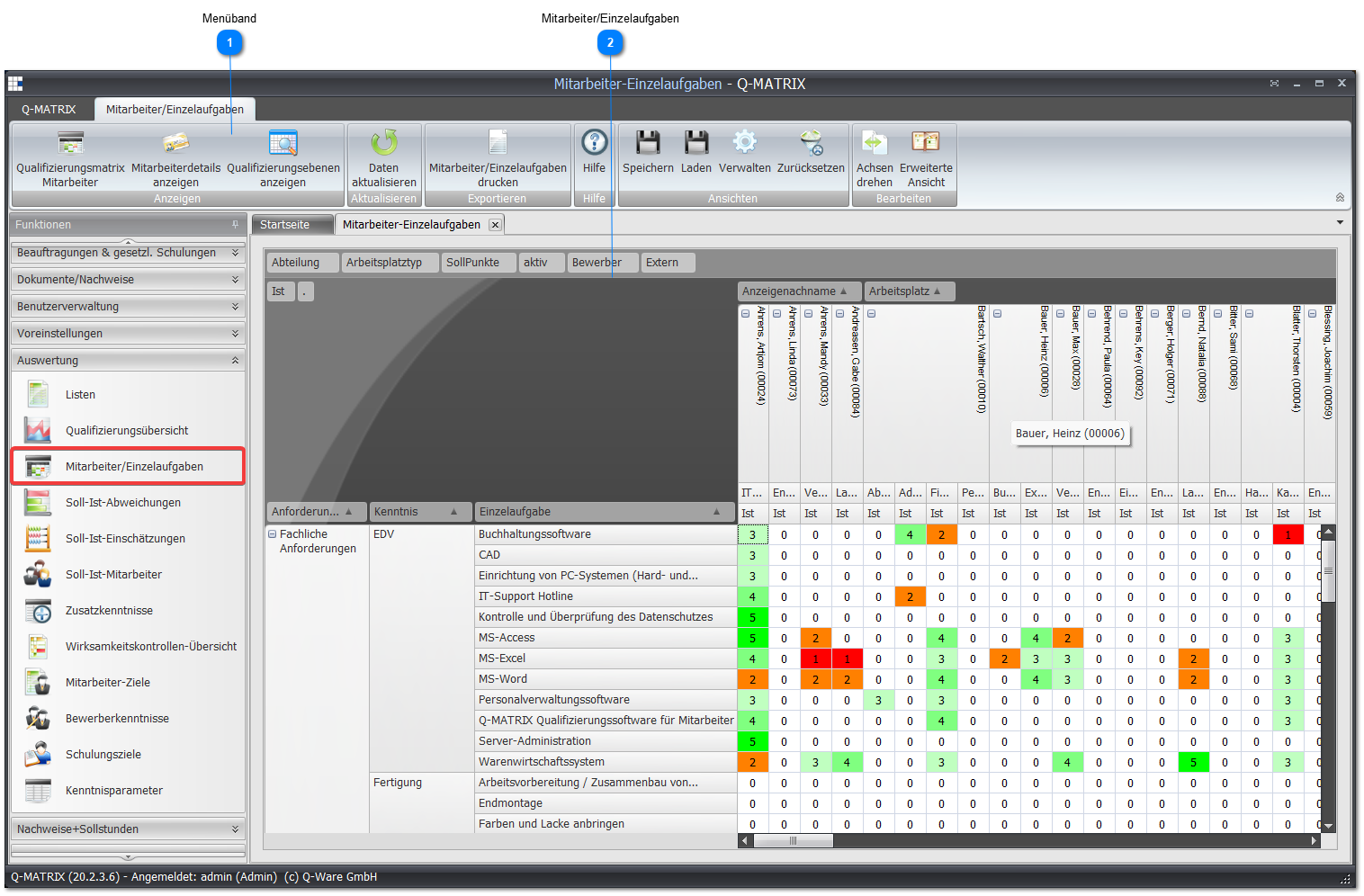
 Ribbon

- Employee Qualification Matrix opens the assessment screen for the marked employee.
- Print Employees/Individual Tasks opens the result according to the preferences.
If the Excel template is used, the security notice must be accepted and the small macro for display preparation must be started. - Rotate Axes swaps the column and row headers
- Extended View reloads the data for display, whereby this function also uses the functional manager view
The functional manager view means that a person for whom no disciplinary view exists is added based on their position assignment.
An example result in Excel:
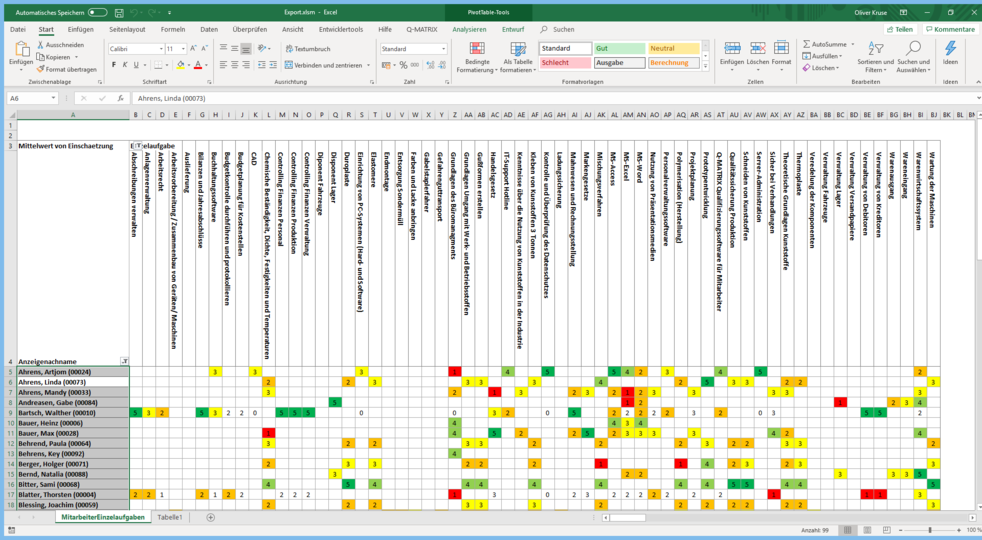
 Employees/Individual Tasks
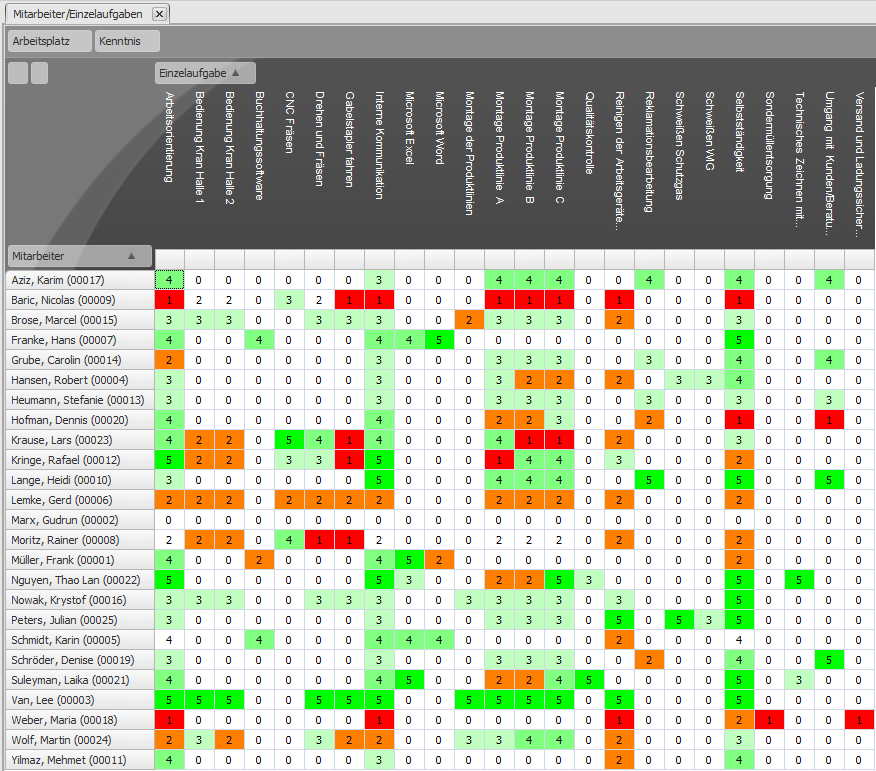
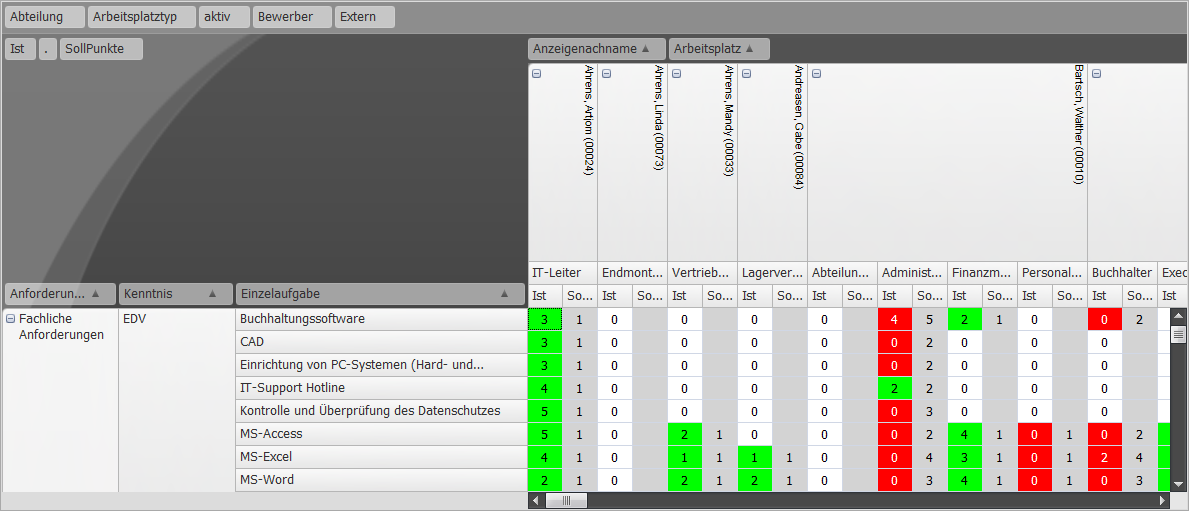
This table shows you the rating of all employees in their assigned individual tasks.
Use this view, for example, to discover general strengths and development areas in your company.
You can change the displayed data according to the settings.
The context menu of a cell allows direct access to
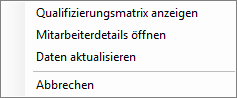
Furthermore, the individual qualification matrix can be opened by double-clicking a single value.