Menu Item "Applicant Overview"
Here you get an overview of all applicants and the corresponding information.
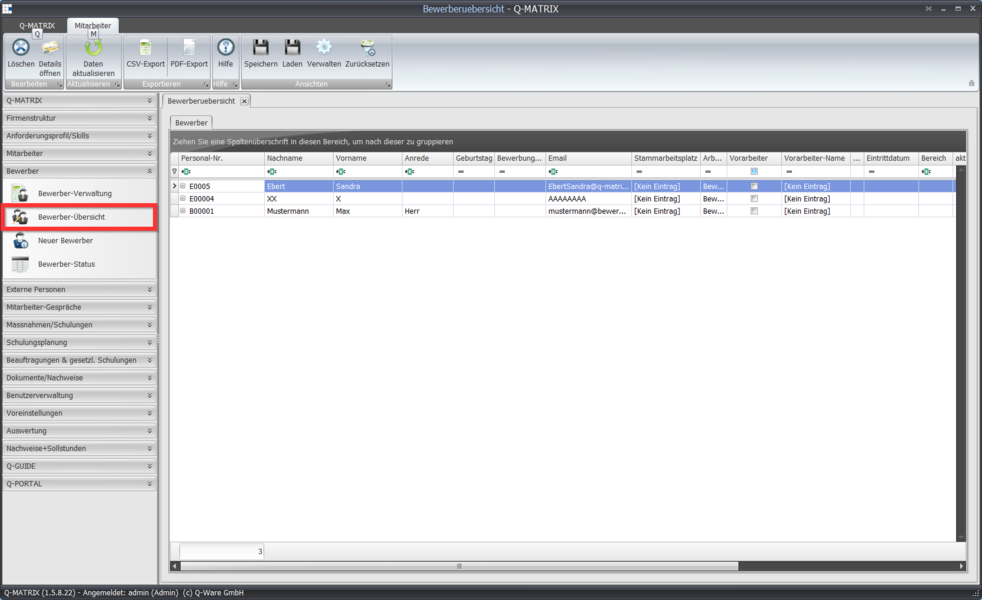
Double-clicking an applicant opens the detail view.
Applicant Detail View
The applicant detail view is very similar to the employee detail view, however only the personnel data + additional skills, measures, and documents can be managed.
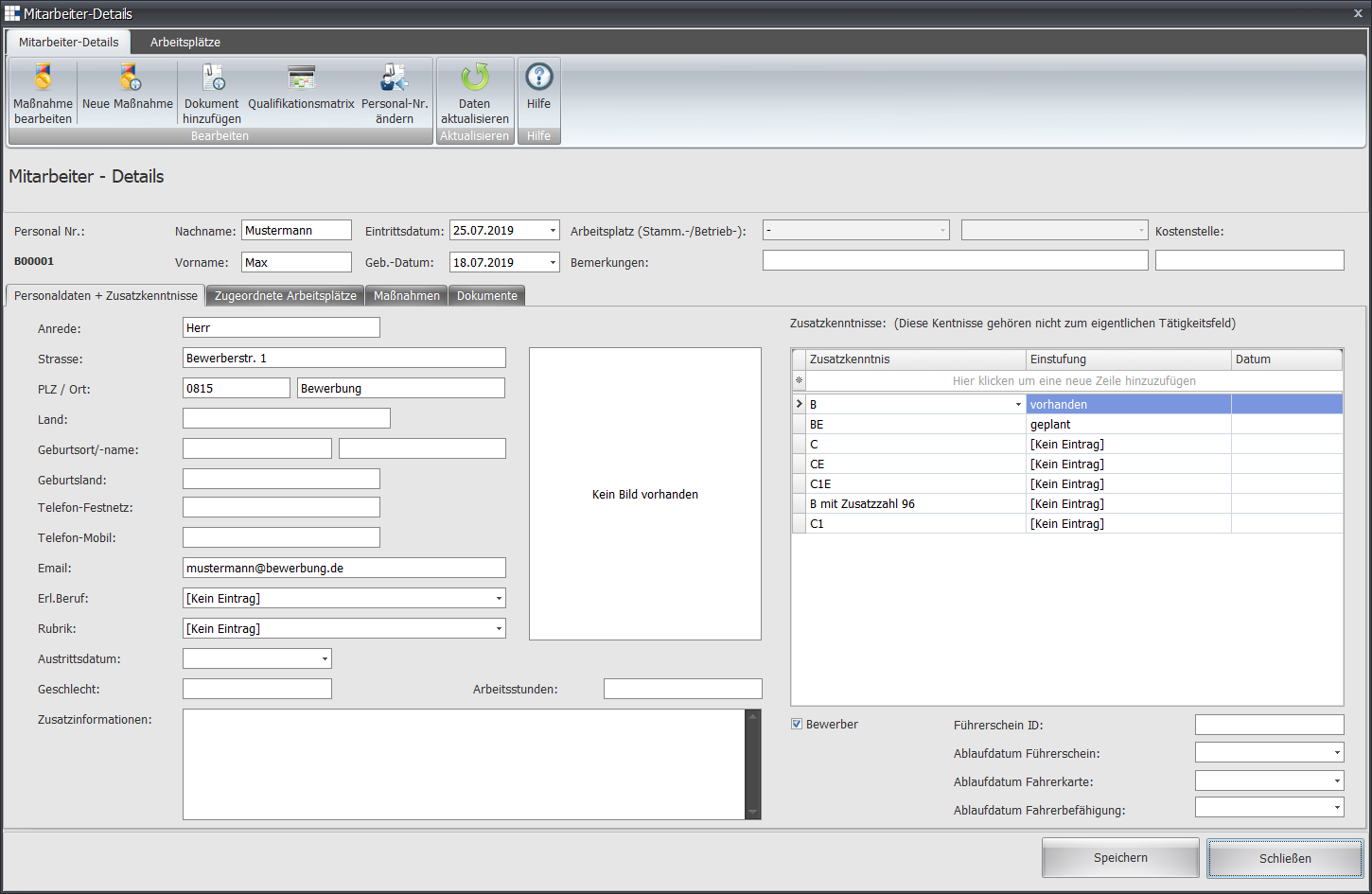
If an applicant becomes an employee, the Applicant field must be disabled.
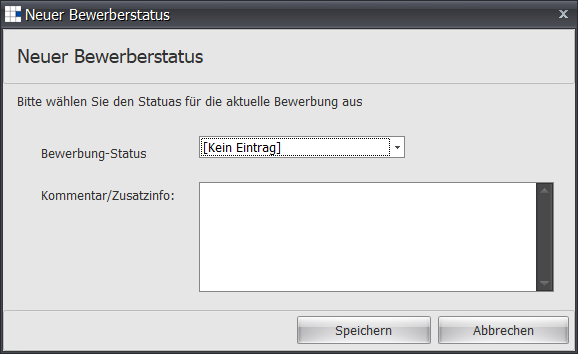
When the Save button is pressed, a status (e.g. Interested, Reviewed) as well as free-text information can be entered in the following dialog.