



Setup
Currently, installation can only be performed manually and on Windows systems this way.
1) Manual Installation
The manual installation uses a file as a compressed archive.
The contents of the archive must then be unpacked into a directory and added to the web server as a directory (physical or virtual).
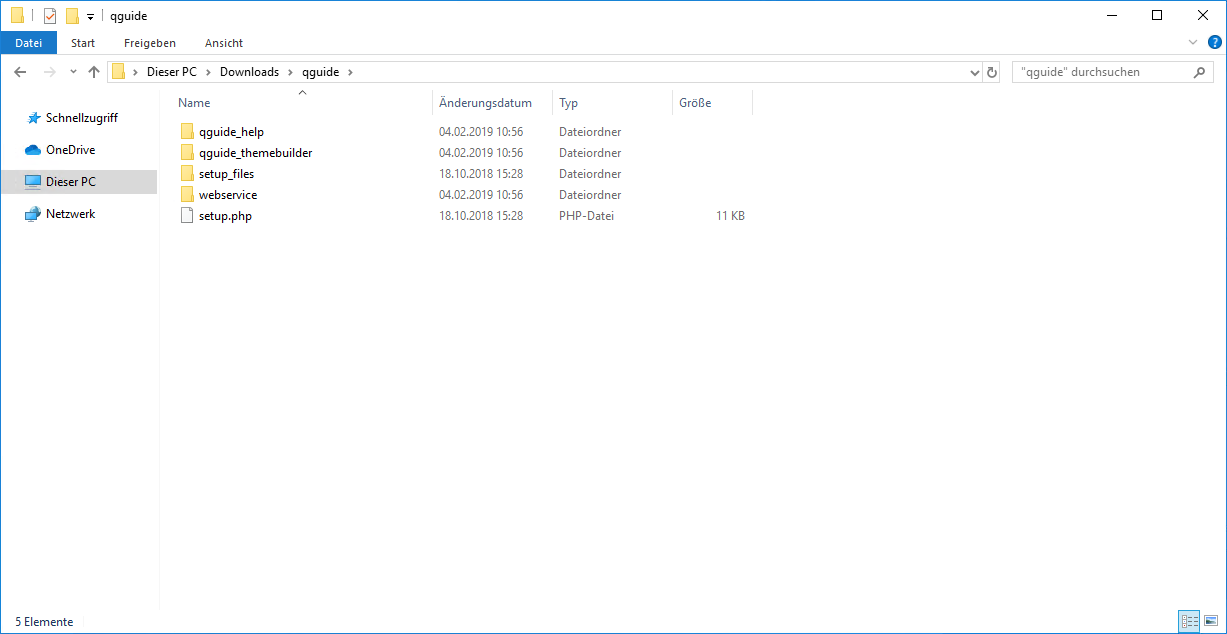
The installation of the web server and its associated components are not shown here.
If you need help with the installation, please feel free to contact us.
2) Windows Installation
If the installation takes place on a Windows system, the guided installation can be used.
The following steps show the corresponding dialogs:
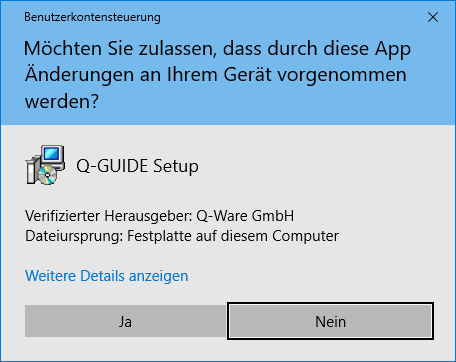 | A successful installation is based on the assumption that Microsoft Internet Information Server (MS IIS) is installed. The installation takes place in the directory C:\inetpub\wwwroot\qguide and requires administrator rights to write to this directory. This dialog leads to an installation with the corresponding administrator rights. Click YES to start the installation with administrator rights. If you select No, the installation will fail. |
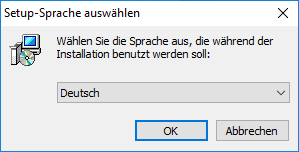 | Set the installation language. German is the default. However, you can also carry out the installation in English or French. Click OK to proceed to the next step. |
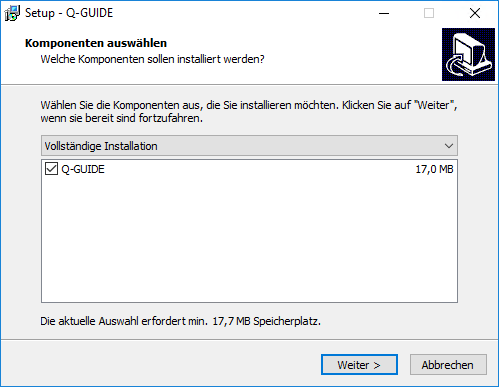 | Please select next, since no further options are available for this type of installation. |
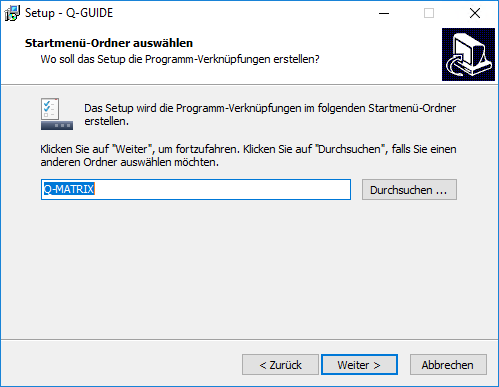 | Here you can specify under which Start menu entry (default: Q-Matrix™) the shortcuts should be placed.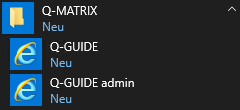 Click next to proceed to the next step. |
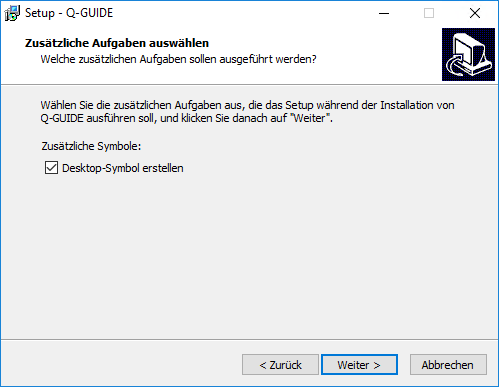 | By selecting this option (default: enabled), the shortcuts are placed not only in the Start menu but also on the current user's desktop. Click next to proceed to the next step. |
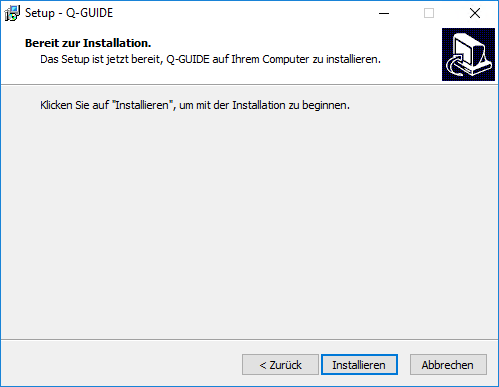 | Click Install to start the installation with the selected settings. |
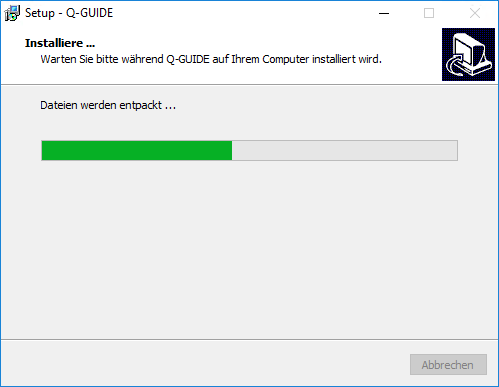 | In the final step, you just need to wait a little until the installation is complete and the installation window closes. Then you're done. |