



Menu Item "Lists"
Lists help you keep an overview in some Q-Matrix™ areas.
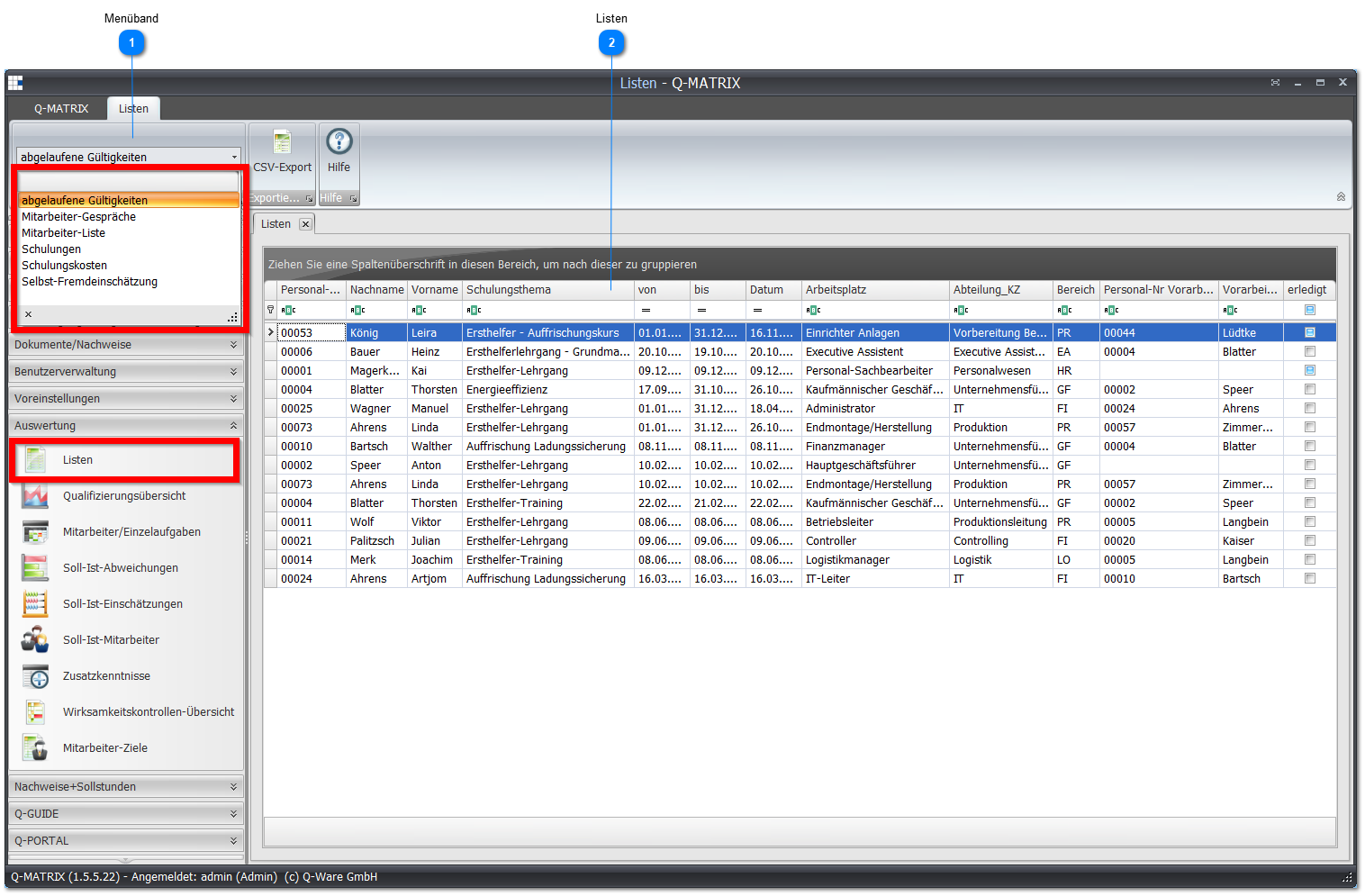
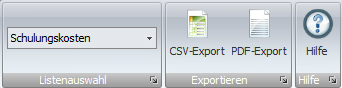
 Ribbon
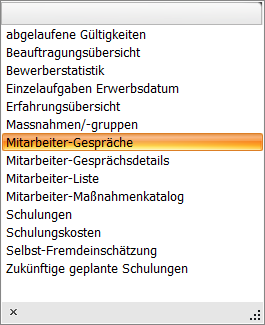
In the list selection, you choose your desired view.
 Lists
Lists
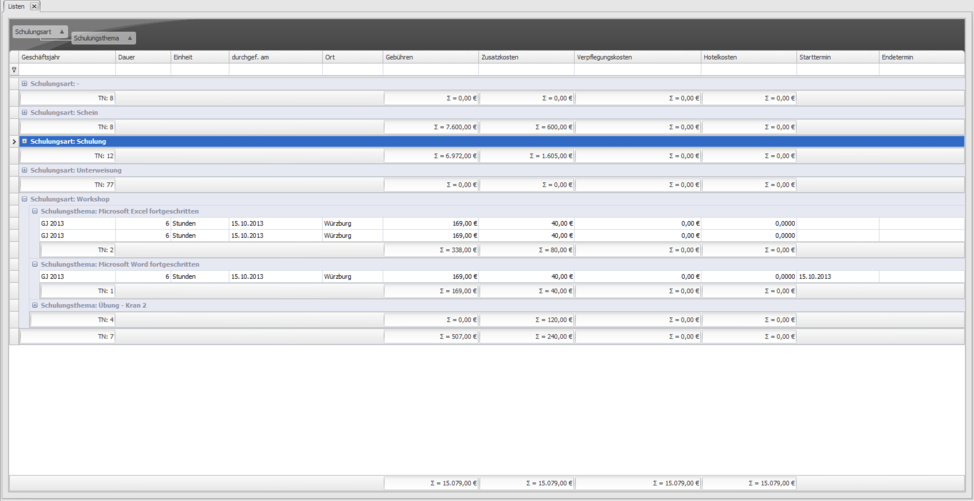
This area shows you the desired list.
| Expiring Validities | Provides a tabular list of all measures whose validity is expiring. This list corresponds to the overview of expiring validities shown after login.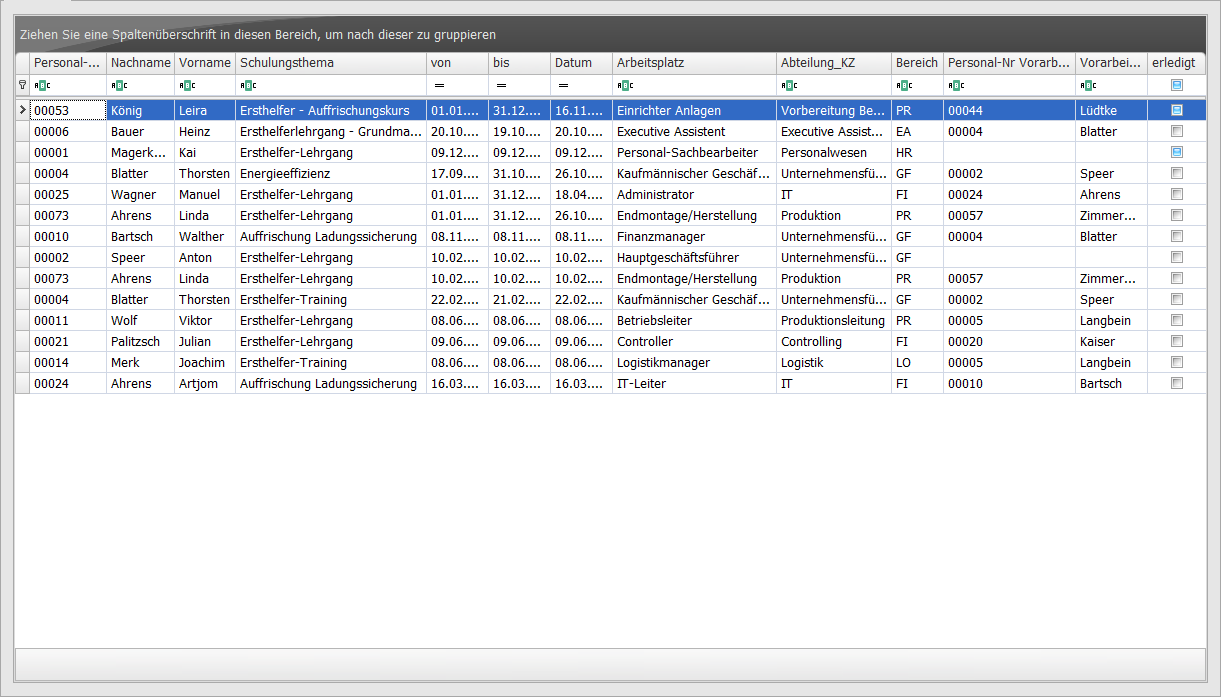 |
| Assignments Overview | Provides a tabular list of all visible assignments.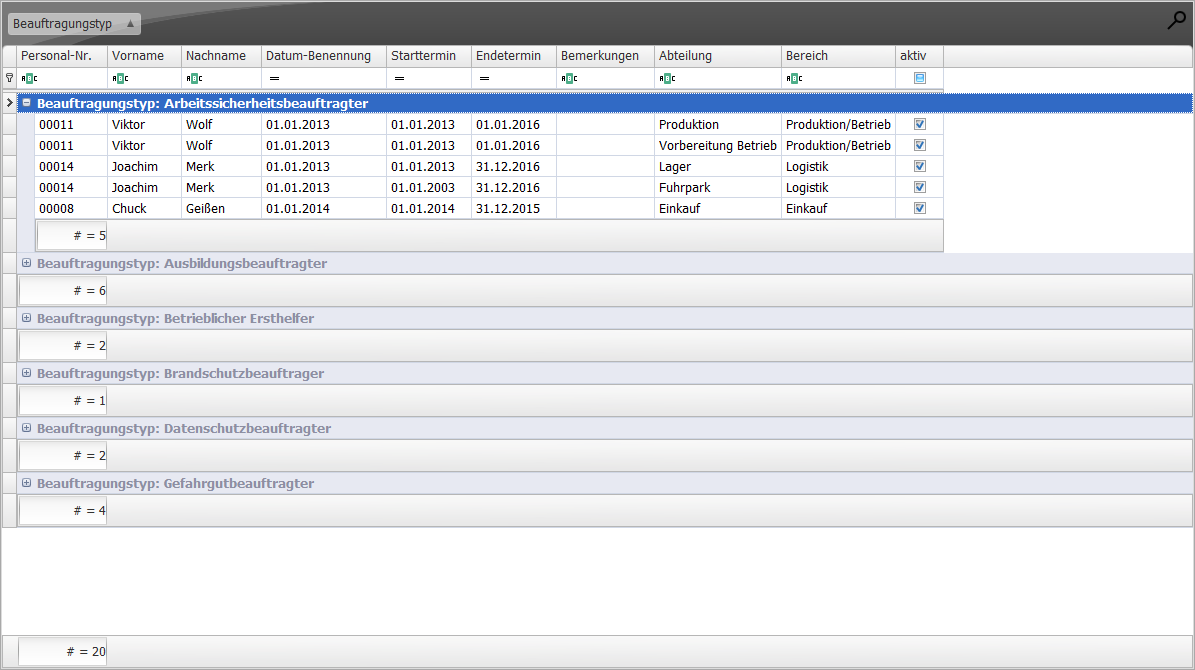 |
| Applicant Statistics | Provides a tabular list of all visible applicant statistics information.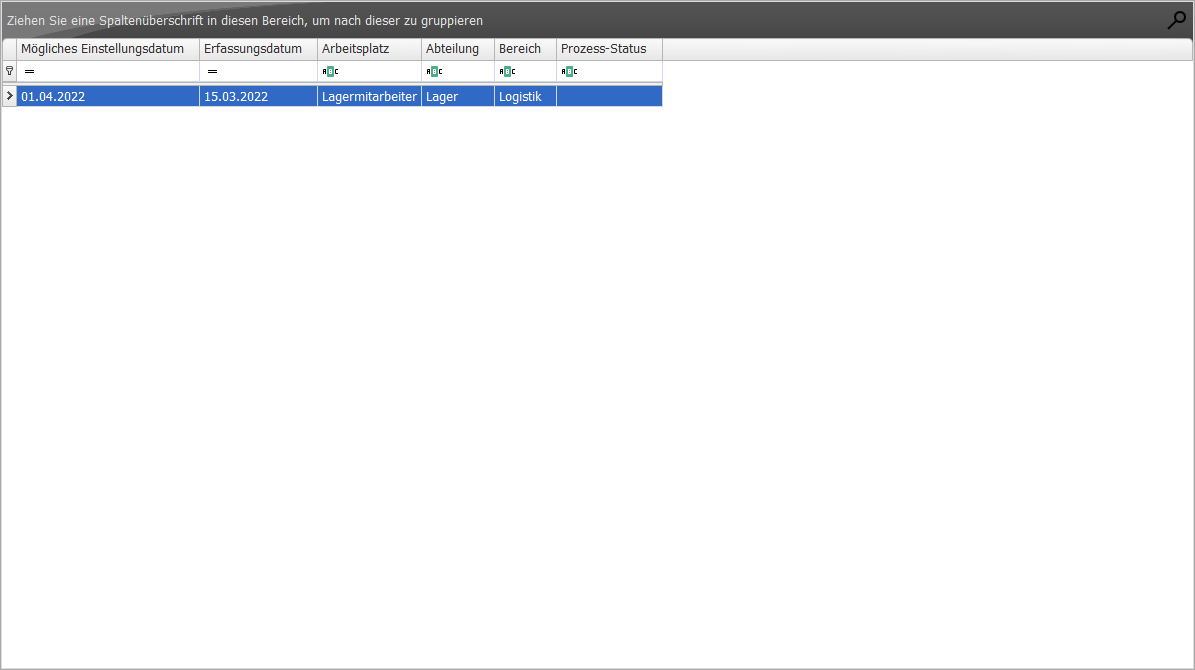 |
| Experience Overview | Provides a tabular list of all visible employee experiences.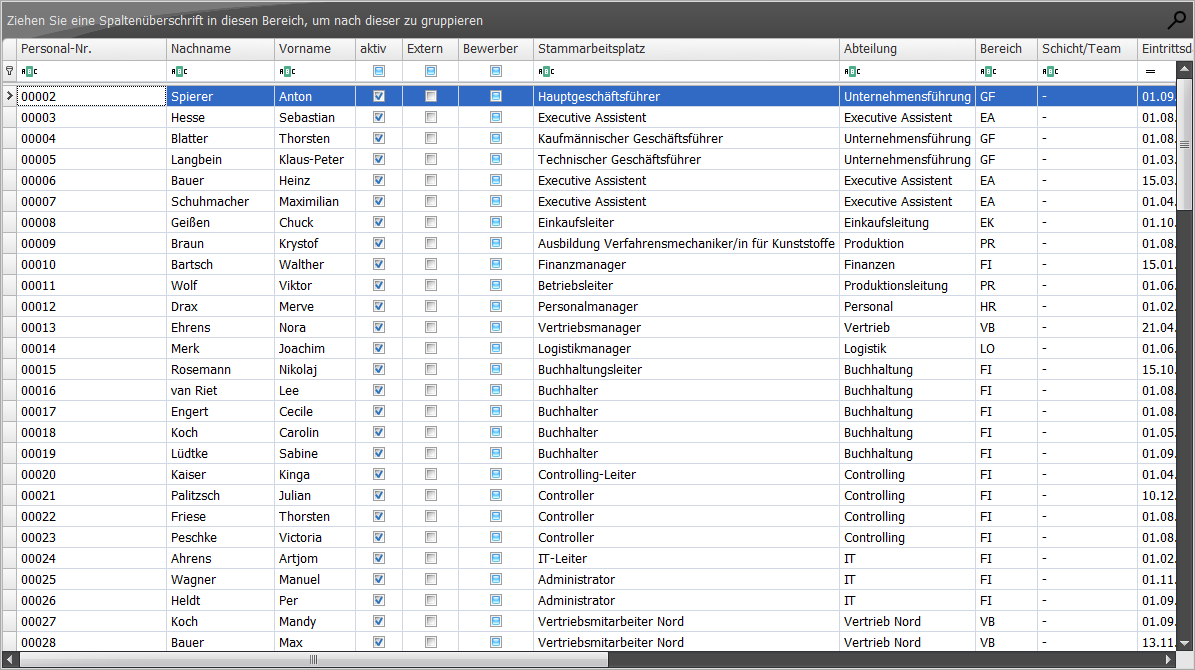 |
| Employee Interviews | Provides a tabular list of all visible employee interviews.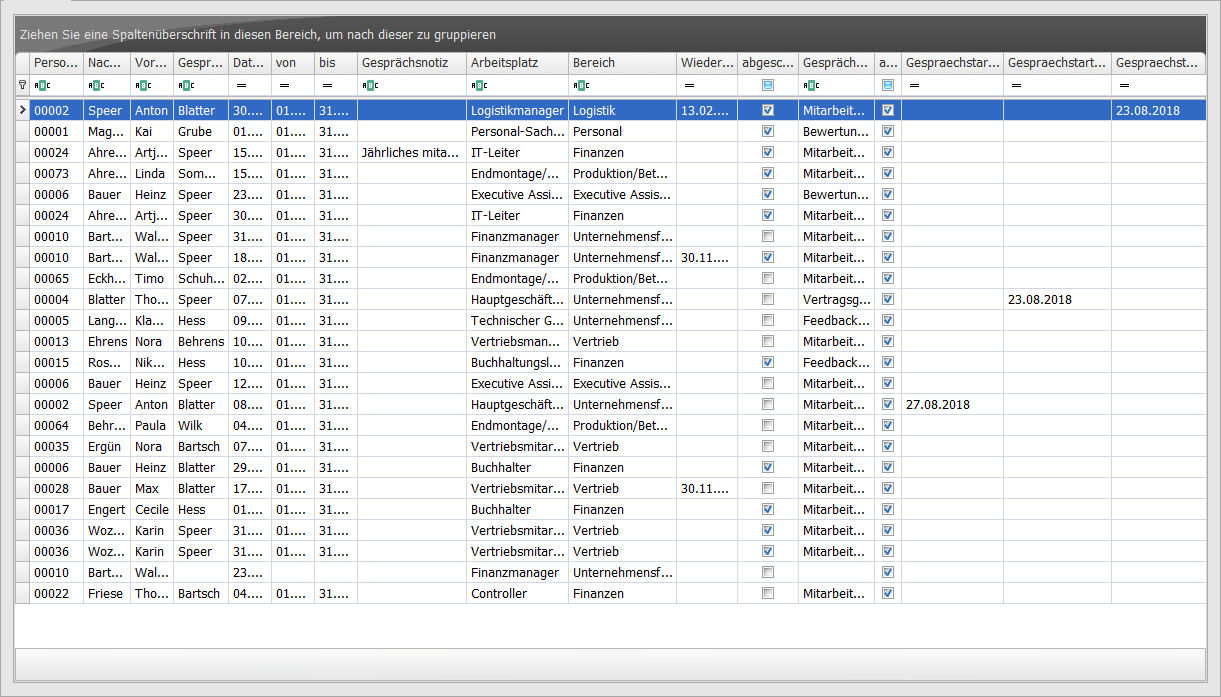 |
| Employee List | Provides a tabular list of all visible employees.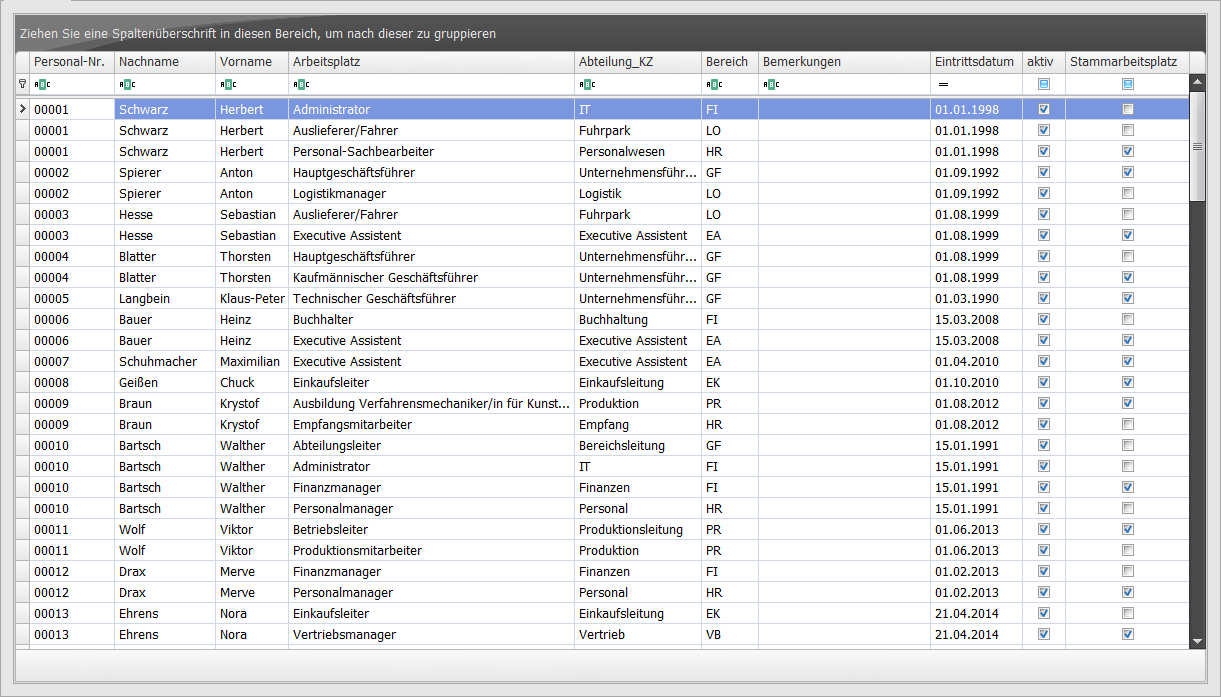 |
| Training Costs | Provides a tabular list of all visible measures, already grouped by type and topic.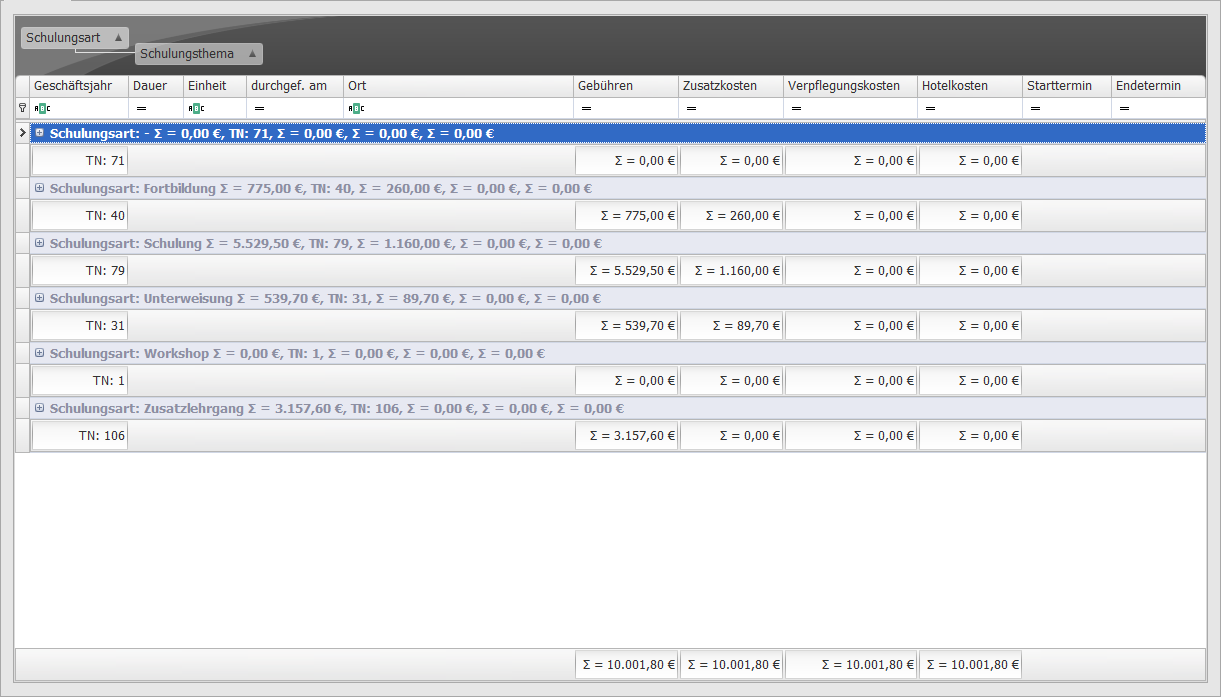 |
| Training Courses | Provides a tabular list of all visible measures.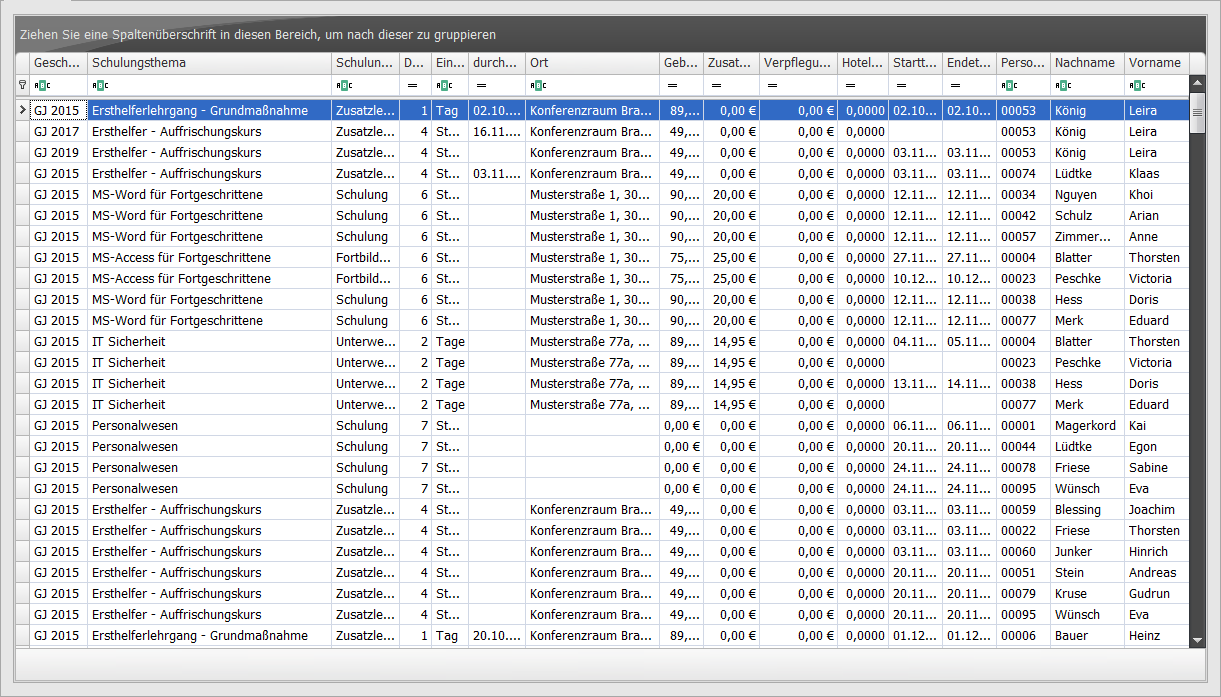 |
| Self/Other Assessment | Provides a tabular list of all visible self- and other-assessments of all visible employees.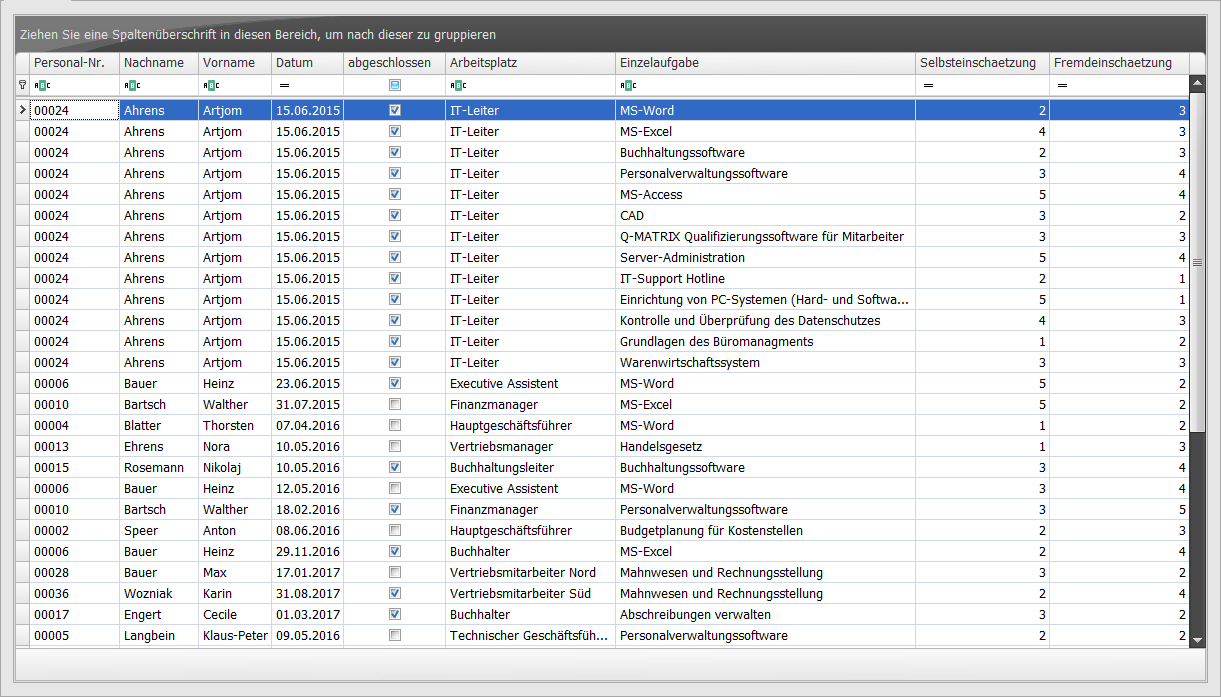 |
| Future Planned Training Courses | Provides a list of all future (from today) planned measures/training courses in the company.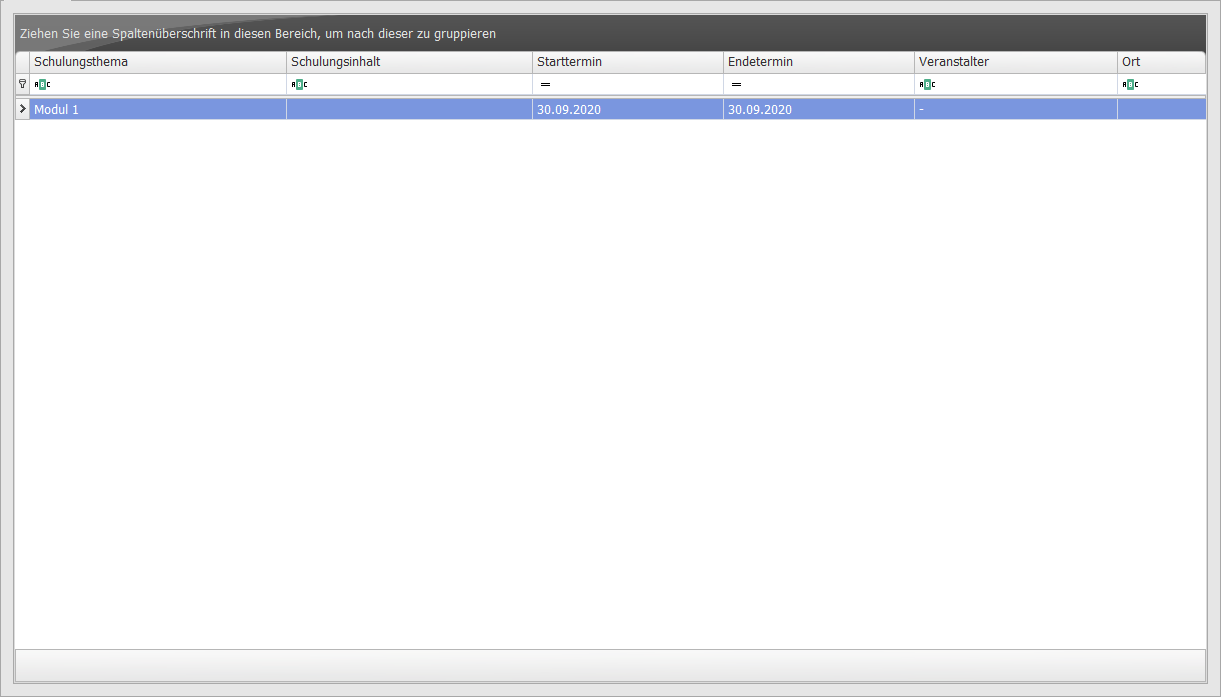 |
| Measures/Groups | Provides a list of all measures in the measures catalog with a special view of the measure groups.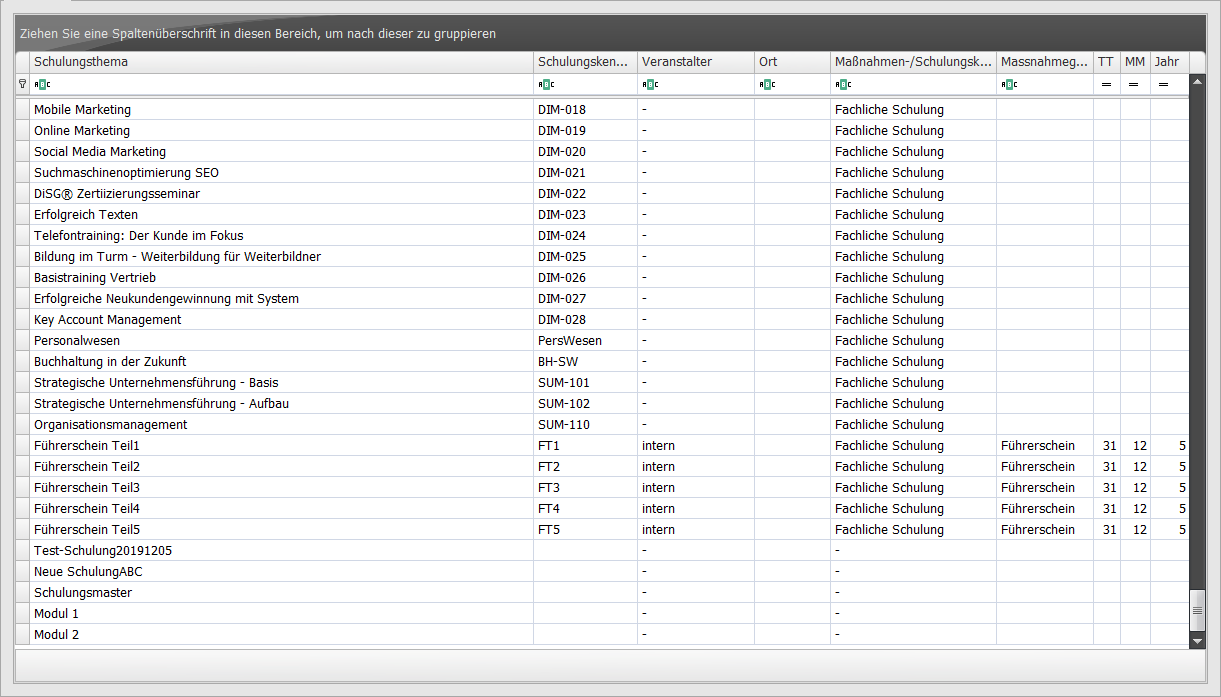 |
| Individual Tasks Acquisition Date | Provides a list of all individual tasks for all employees with an automatic calculation of experience values for each individual task.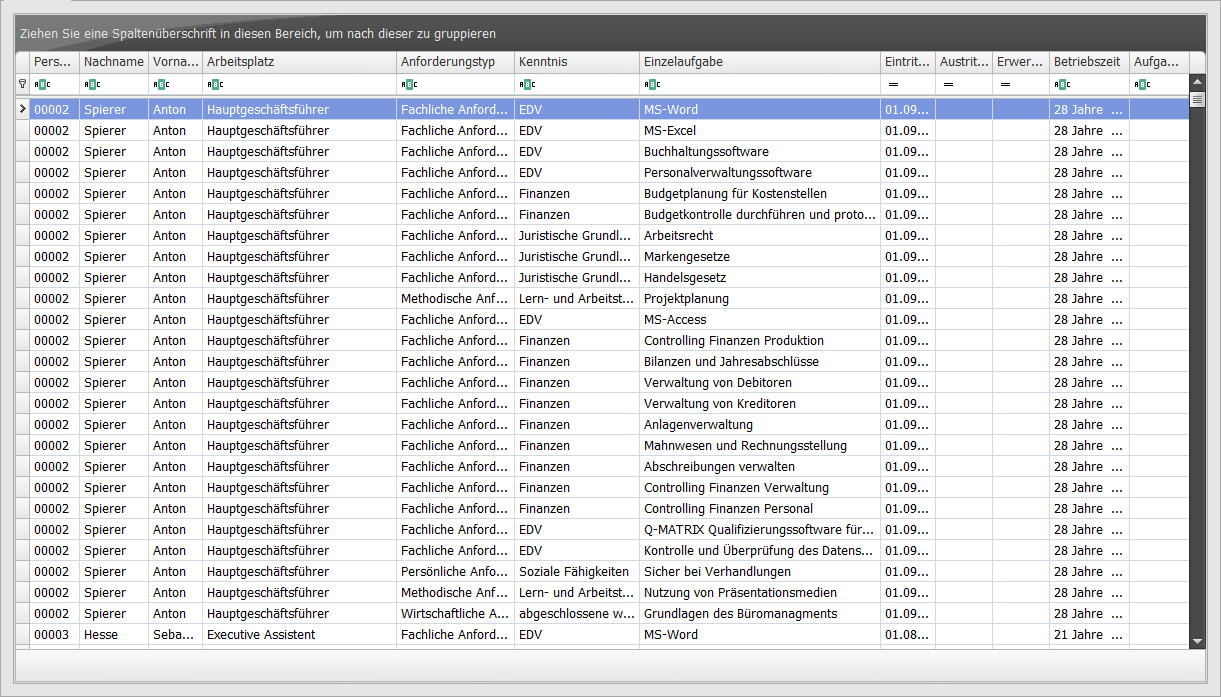 Time in Service If there is no leaving date or one in the future, the time in service is calculated from the entry date to today. Otherwise, the leaving date is used as the maximum calculation basis. Task Time If there is no leaving date or one in the future, the task time is calculated from the acquisition date to today. Otherwise, the leaving date is used as the maximum calculation basis. |