



Translations
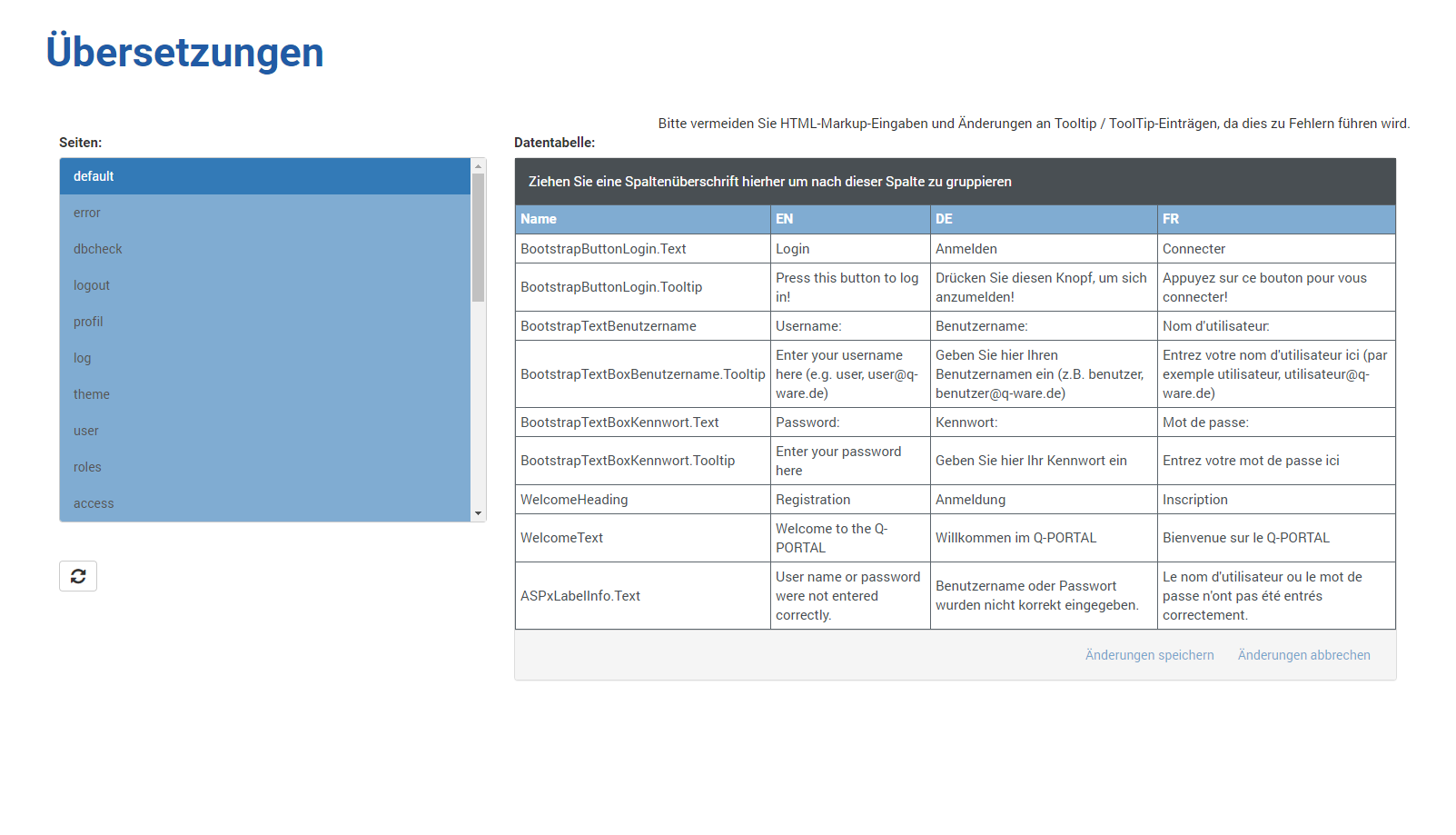
Allows you to adjust the terminology of the user interface for the available languages [German ( DE), English (
 EN), French (
 FR)].
FR)].
To do this, you can select a Q-Portal page on the left to display the terminology on the right.
To change it, simply click a cell in the desired language and edit the content.
Clicking Save Changes saves your changes in the database.
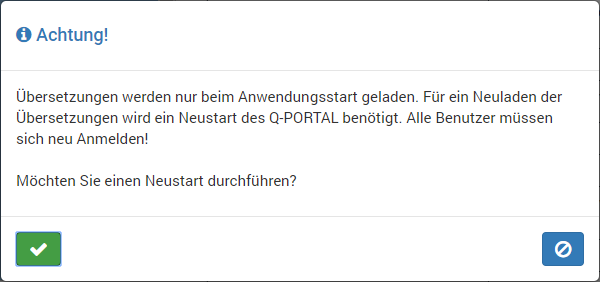
Once you have made all your changes, you must restart Q-Portal.
To do this, click  and confirm the restart with
  in the following dialog.
After the application has restarted, your changes will be used.