"Workplaces" Menu Item
The workplace/role forms the third hierarchy level.
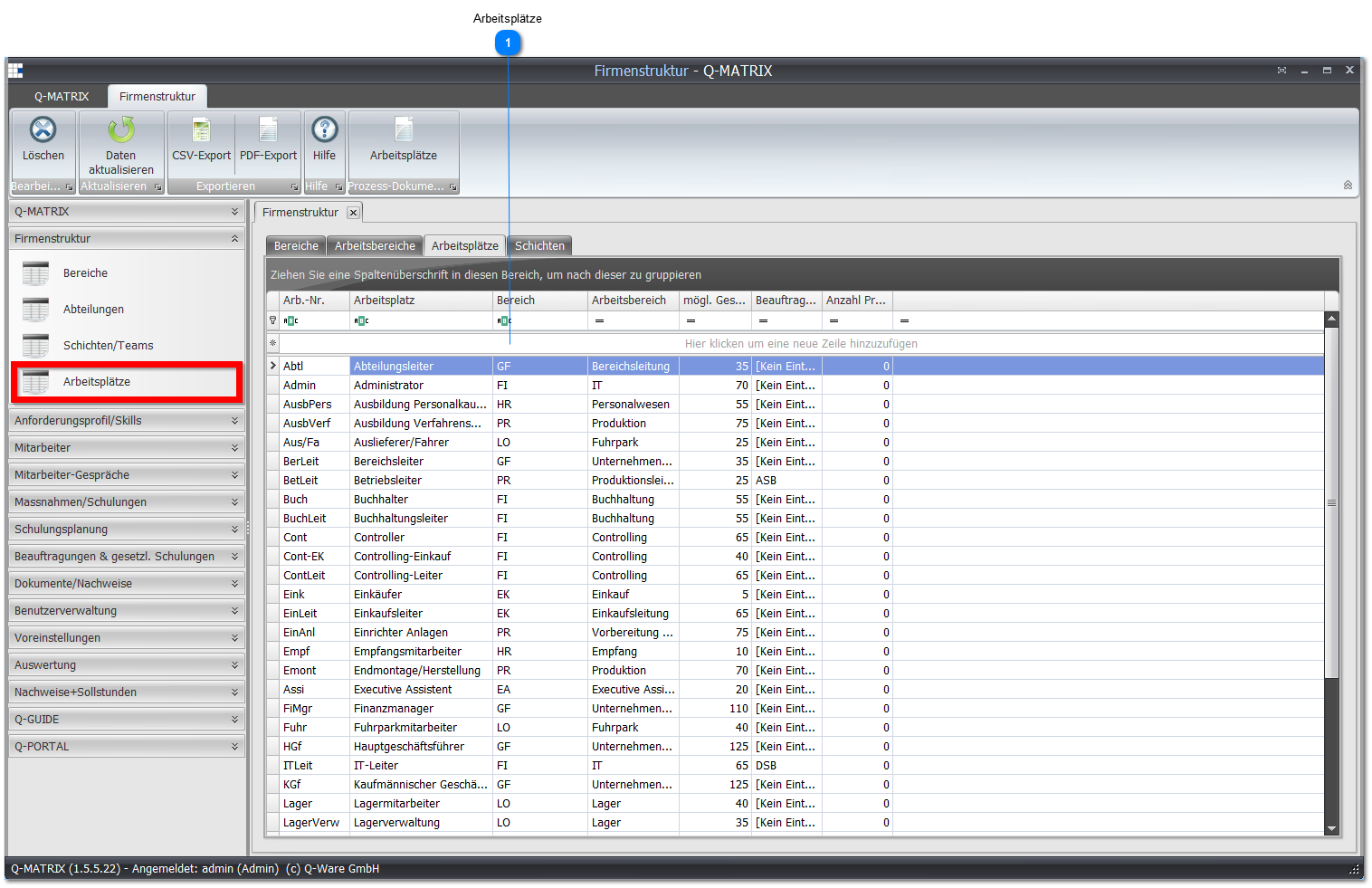
 Workplaces
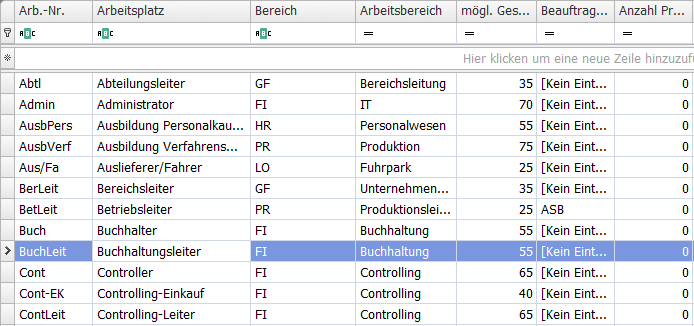
| Workplace no. | Enter a meaningful short name. |
| Area | Shows the area of a workplace/role and is assigned automatically based on the work area. |
| Work area | Select the work area/department for a workplace/role here. |
| Workplace | Assign a unique name for the workplace/role here. |
| Possible total score | Shows the possible total score of the individual tasks assigned to the workplace. |
| Assignment type | If a workplace/role is always and unambiguously associated with an assignment, you can make the corresponding selection here. |
| Number of process documents | Shows how many process documents (e.g. work instructions) are assigned to this workplace/role. |
Note:
To modify a record, click into the row/cell of the record to be changed and enter the desired information.
After making the change, you must leave the row again so that the record is saved.
To have the possible total score calculated, select the "Calculate required score" command from the context menu.
Open the context menu with a right-click. This function always calculates the required score for all workplaces.
Normally you don't need to trigger this function manually. The calculation happens automatically.
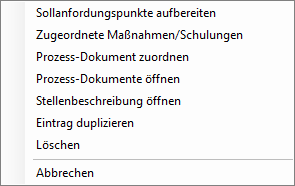
Selecting the Open job description menu item opens a dialog for creating the job description as a Word document.
The Assign process document menu item lets you assign the relevant documents to a workplace/role.
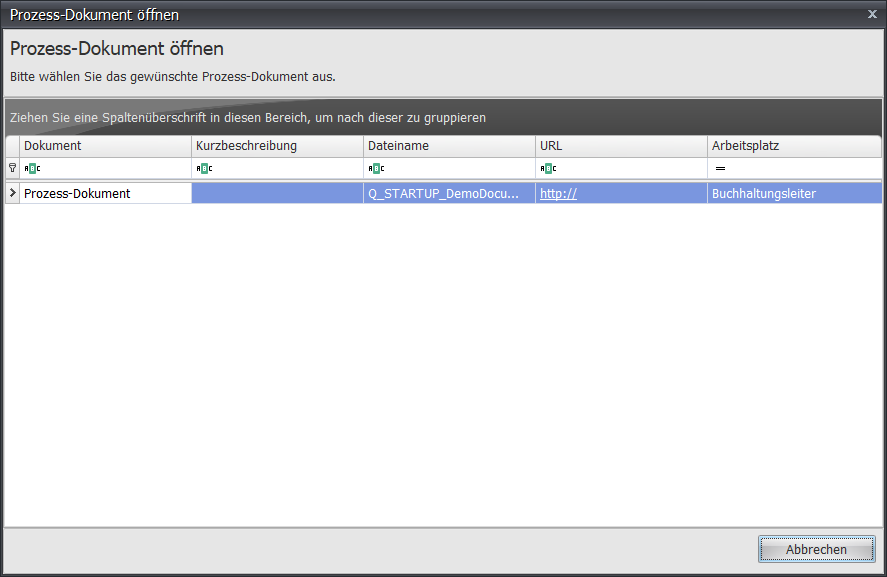
The Workplaces button and the Process documents context menu item both open the overview of assigned process documents.
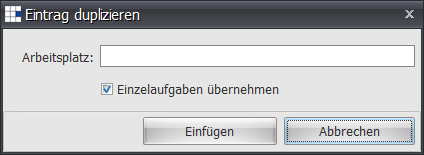
The Duplicate entry menu item duplicates the current workplace, and in the follow-up dialog the already assigned individual tasks can be adopted.