Grouping
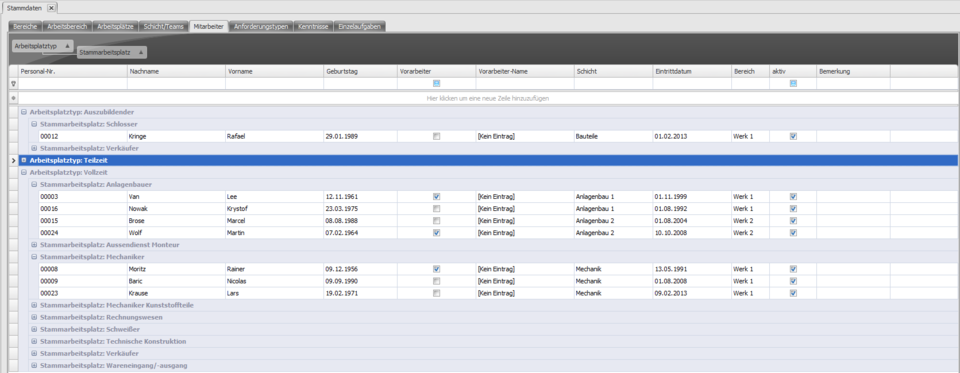
Using drag & drop (moving elements with the left mouse button held down), you can drag table columns into the bar below the tabs.
The items in the table are then grouped by the criterion of that table column.
Alternatively, you can right-click the desired table column and choose Add grouping.
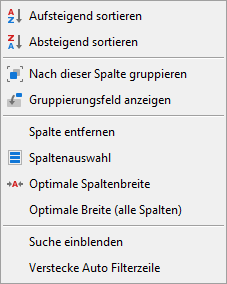
This option is only available for elements in Q-Matrix™ intended for it.
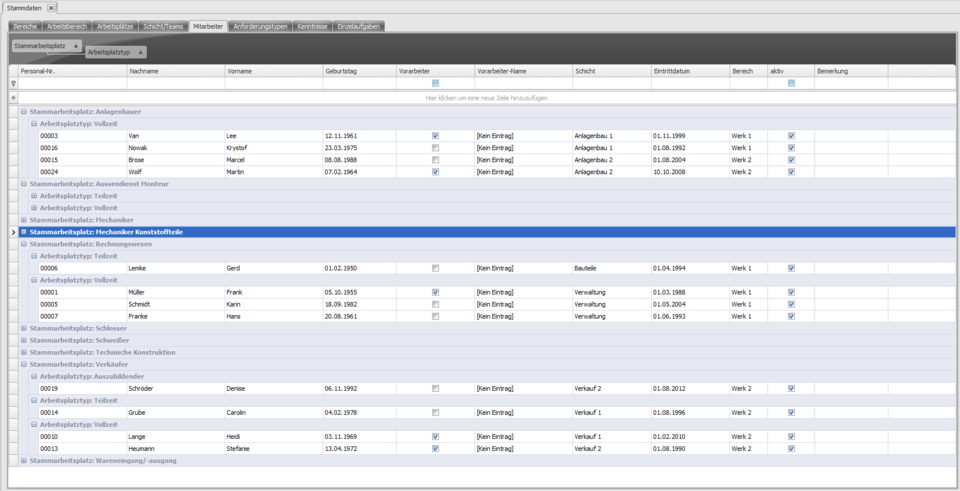
Sub-groupings can also be defined by dragging several table columns into the bar.
Example:
In this example, grouping was first applied by primary workplace.
The workplace type column was then dragged into the bar.
The primary-workplace grouping now contains the workplace-type sub-groups.
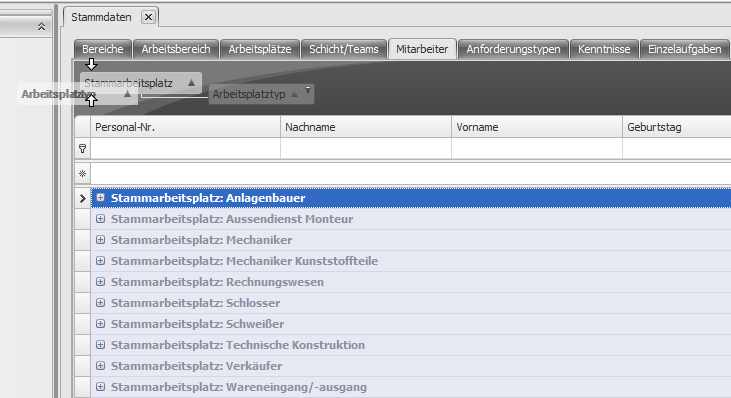
Now suppose you drag the workplace type field with the mouse in front of the primary workplace field, as shown in the image ...
... the grouping order changes. The workplace types now form the top-level grouping, with the primary workplaces as sub-groups.