



Program Screen
The program screen for the Q-Engine administration interface is based on recurring elements.
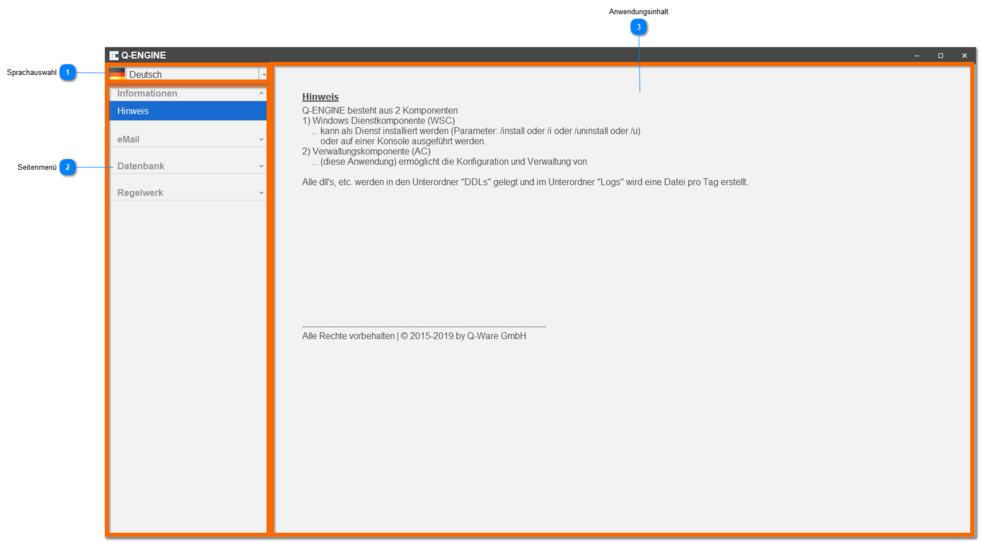
Language Selection
Click this drop-down list to select the desired language.
By default, German is always shown initially as the active language ( German).
 | German | Switches the active language of the user interface to German. |
 | English | Switches the active language of the user interface to English. |
 | French | Switches the active language of the user interface to French. |
Side Menu
Here you will find the menu items of the side menu that are visible to you.
The current / active menu item is highlighted in color (dark blue).
Application Content
All information from the various functions is displayed here.
You can find out more about this in the section Functions / Menu Bar.