



Menu Item "Measures ► Employees"
This menu item contains the bulk assignment of measures to employees.
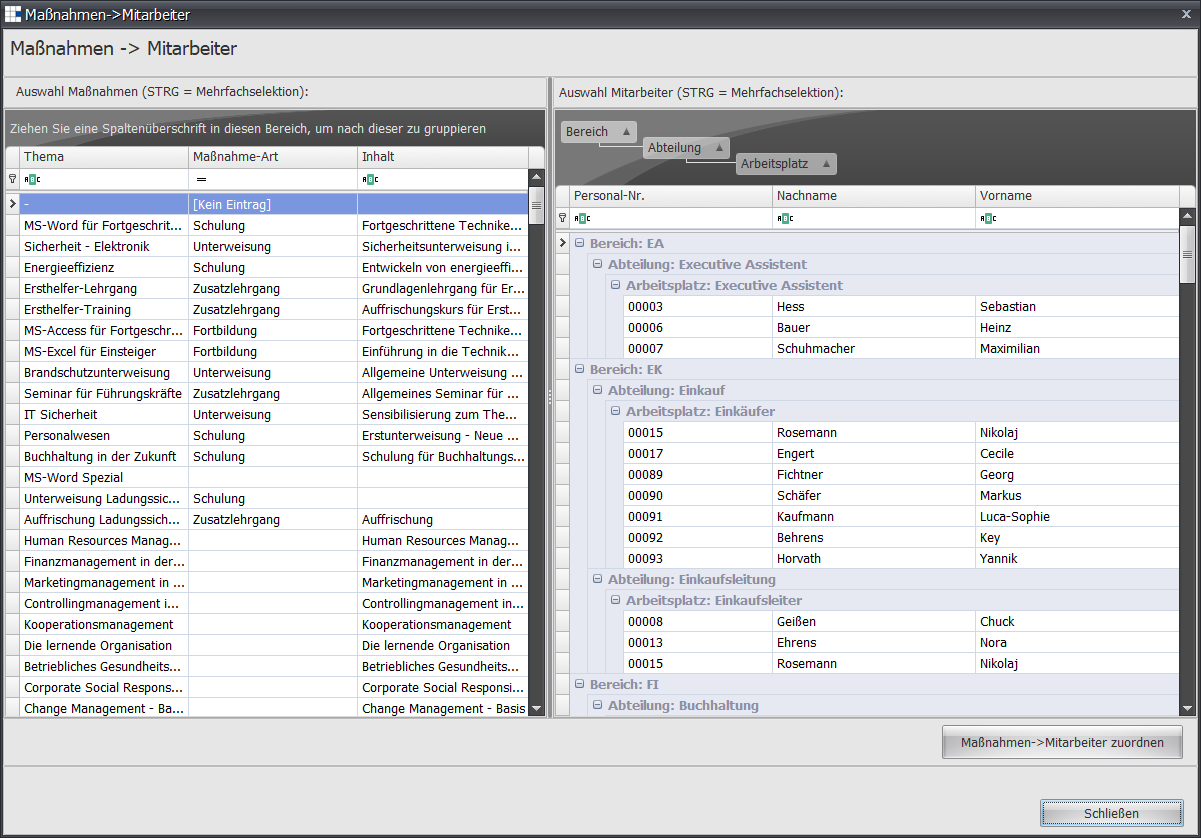
- Select a measure/training course, and your selection is highlighted in blue.
If you want to select several measures/training courses, hold down the CTRL key and mark further measures/training courses with the left mouse button. Each selected measure/training course is displayed highlighted in blue. - Now carry out the steps for the measure/training selection for the employee selection.
- Complete the assignment using the Measures ► Assign Employees button
- If you want to make further assignments, start again from step 1.