Menu Item "Transfer"
To configure this function, the general use must be activated.
You can then define the details of the transfer settings in this overview:
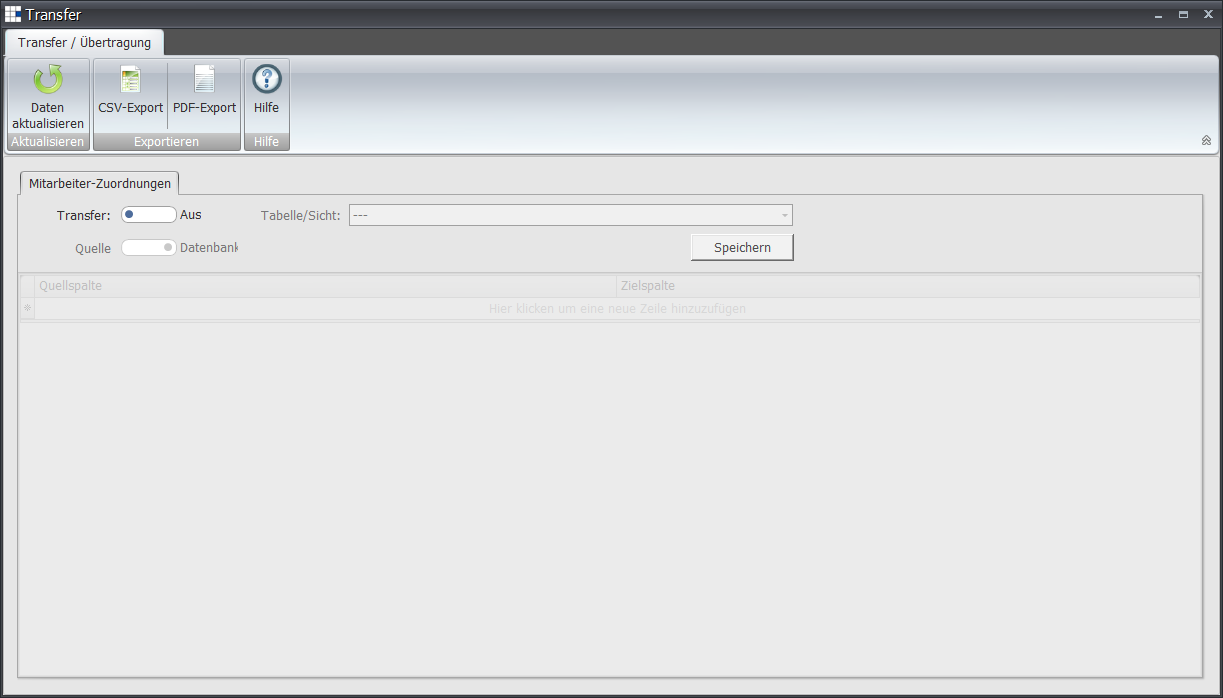
- Transfer - Allows you to enable or disable the rule application of the transfer in this setting
- Table/View - Opens a dropdown list of all tables/views available in the database for the data transfer.
- Source - Determines whether the database or a CSV file should be used for the data transfer.
- Save - Saves the settings made in this function
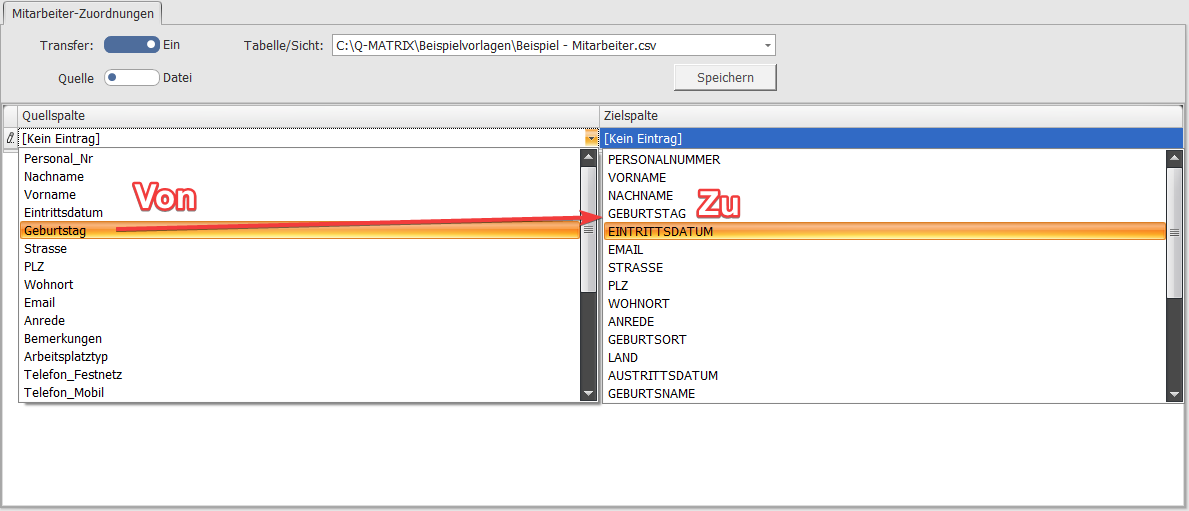
Once the basic settings above have been made, the details define which fields from the source should be transferred into which fields of Q-Matrix™.
The mapping is based on a compiled list in which the field transfer details are set.
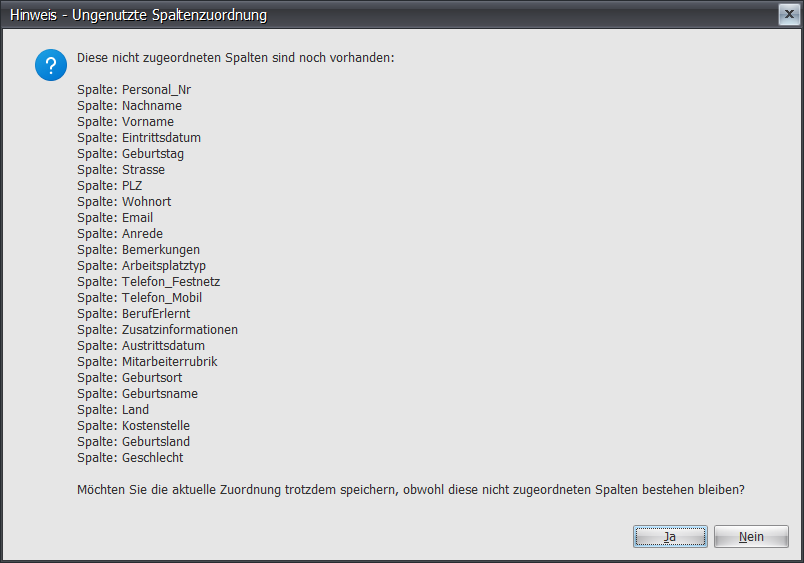
Saving displays a dialog showing the fields that have not yet been mapped: