



Form Elements Tab
In this tab, you can adjust the capitalization so that buttons and labels as well as other elements match your preferences.
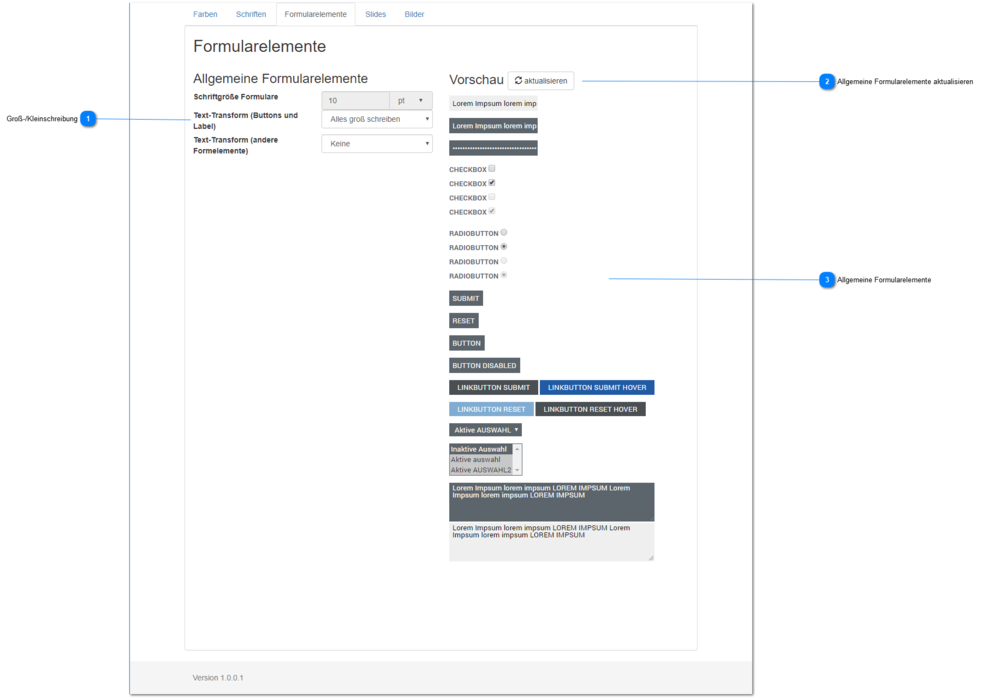
Capitalization
Set the text display (capitalization) for the general form elements.
You can change the capitalization for buttons and labels as well as other elements.
You can choose between
- no changes (text is output as created/entered) [default for other elements]
- first letter of every word capitalized
- everything capitalized [default for buttons and labels]
- everything lowercase
The size settings are currently disabled to maintain the Q-Guide user experience.
If you would like changes to these dimensions / settings, please contact us.
Update General Form Elements
If the capitalization is not shown to you in real time, you can update the general form elements using this button.
General Form Elements
Shows the selected capitalization for the general form elements.