



Menu Item "Email Templates"
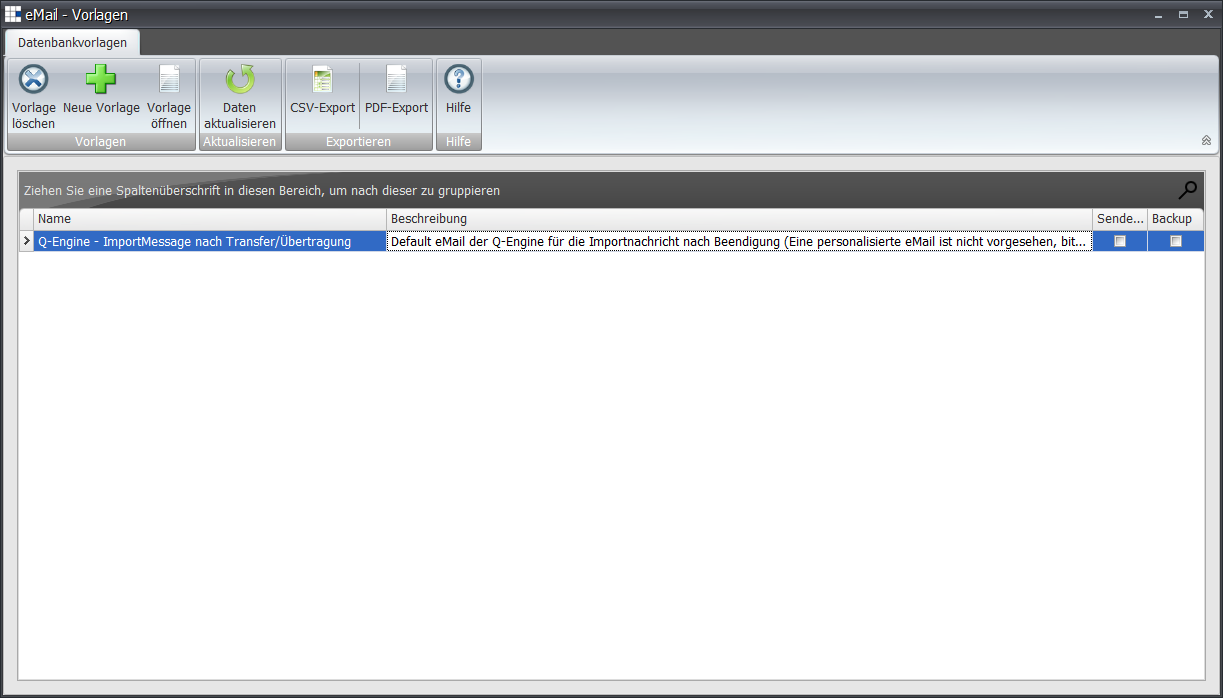
In this tabular view, you find the existing email templates used for the various functions.
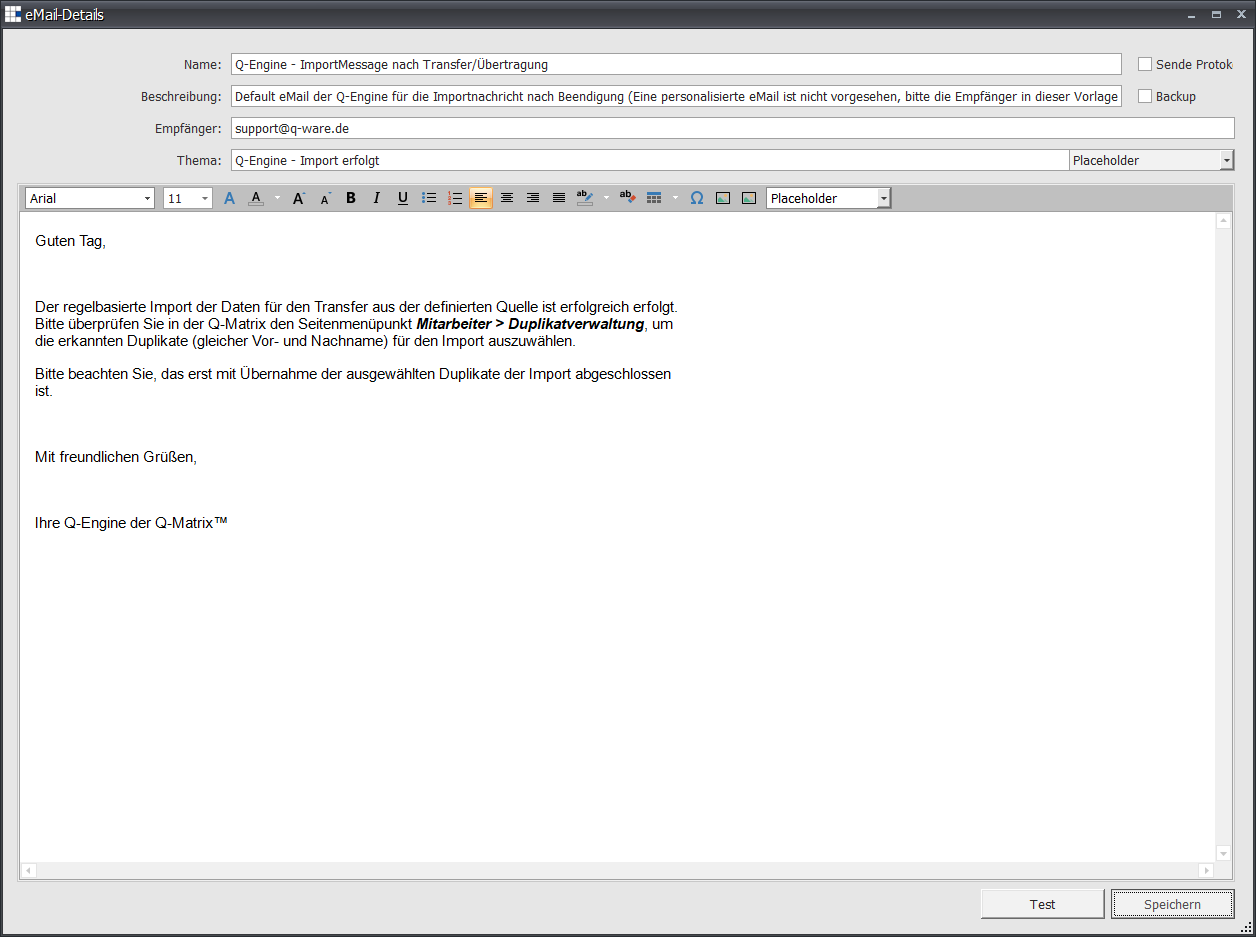
Editing (Open Template or double-click) opens the editor for editing the email template:
The following placeholders are currently available:
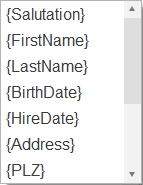 |
You can choose from the following placeholders:
|
The toolbar supports the following:

Allows you to design the content of the email template message:
 | Choose a font from the available ones or change it |
 | Set the font size or change it |
 | Opens the following font selection dialog: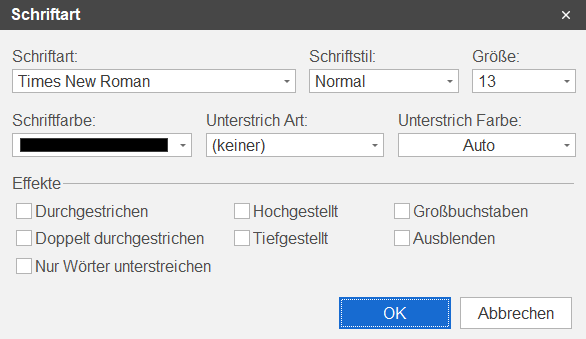 |
 | Set the font color or change it |
 | Use this to increase font size |
 | Use this to decrease font size |
 | Mark/set selected text as bold |
 | Mark/set selected text as italic |
 | Mark/set selected text as underlined |
 | Create bullet points at the current position or for the selected/marked text |
 | Create numbering at the current position or for the selected/marked text |
 | Set text left-aligned |
 | Set text centered |
 | Set text right-aligned |
 | Set text as justified |
 | Highlight selected/marked text with color |
 | Remove the highlighting of the selected/marked text |
 | Insert a table at the current position: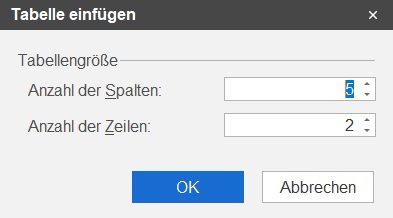 |
 | Insert a special character from a selectable font at the current position: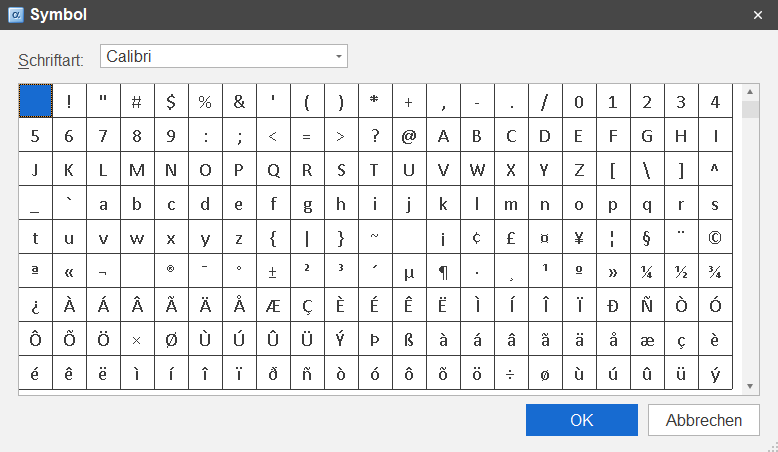 |
 | Add an inline image from a file |
| Add an image from a file |
 | Insert a placeholder at the current position |