Import LT / IN
Using the import wizard, you can re-import previously exported learning topics / instructions.
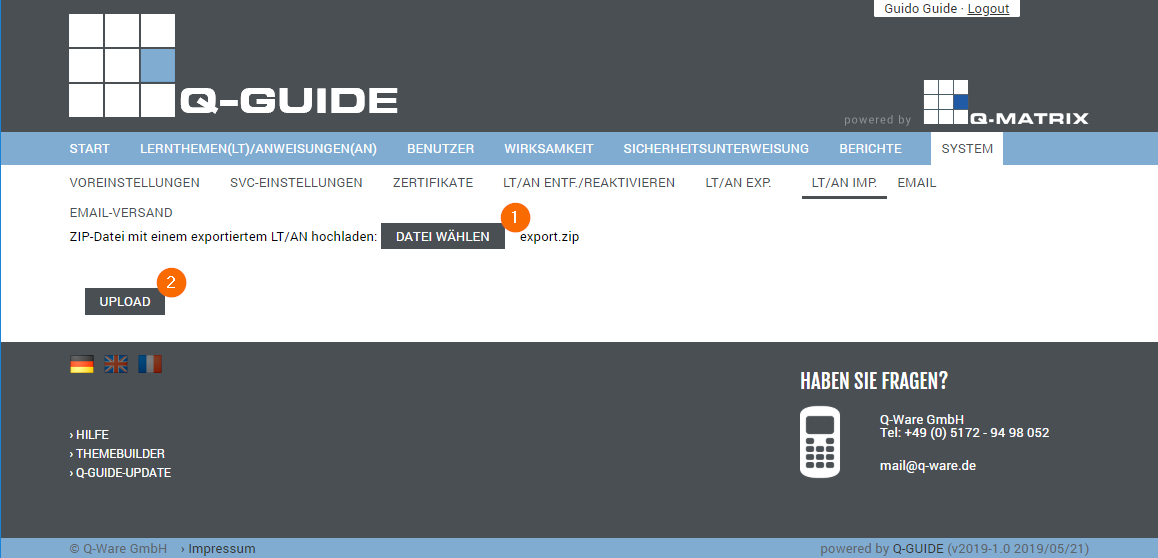
The import takes place in two (2) steps:
1) File Selection
Clicking Choose File opens a file selection dialog.
You can then select the export file (e.g. EXPORT.ZIP).
The file you selected is then shown next to the button with its file name (e.g. export.zip).
2) Upload
The actual import is then started via the Upload button.
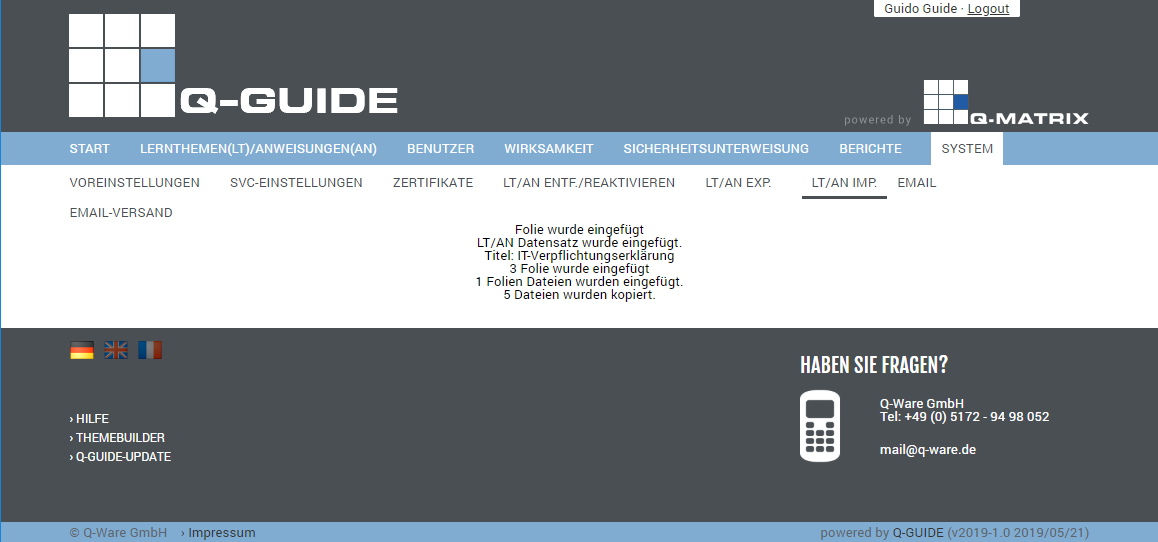
The result is then displayed.
On success, a message like the following appears: