My Calendar
Display of all your measures in a calendar.
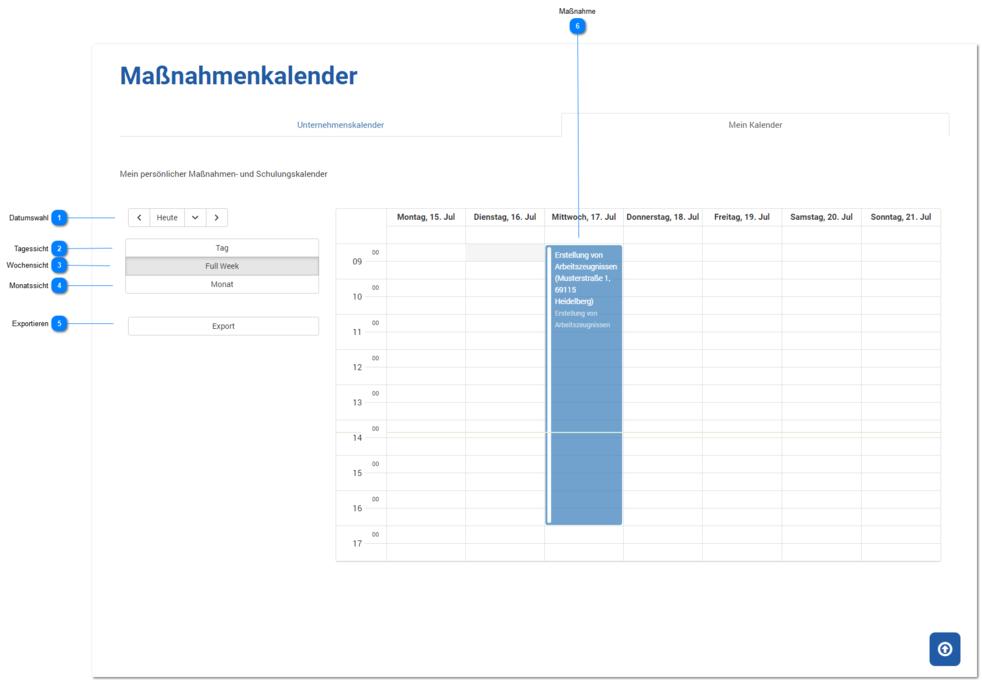
Date Selection
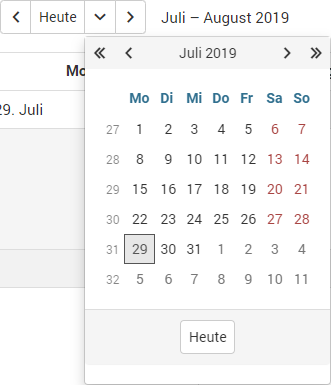
You can set the start date for the calendar view (one month before, free date selection, one month later).
The default view is always centered on today's date.
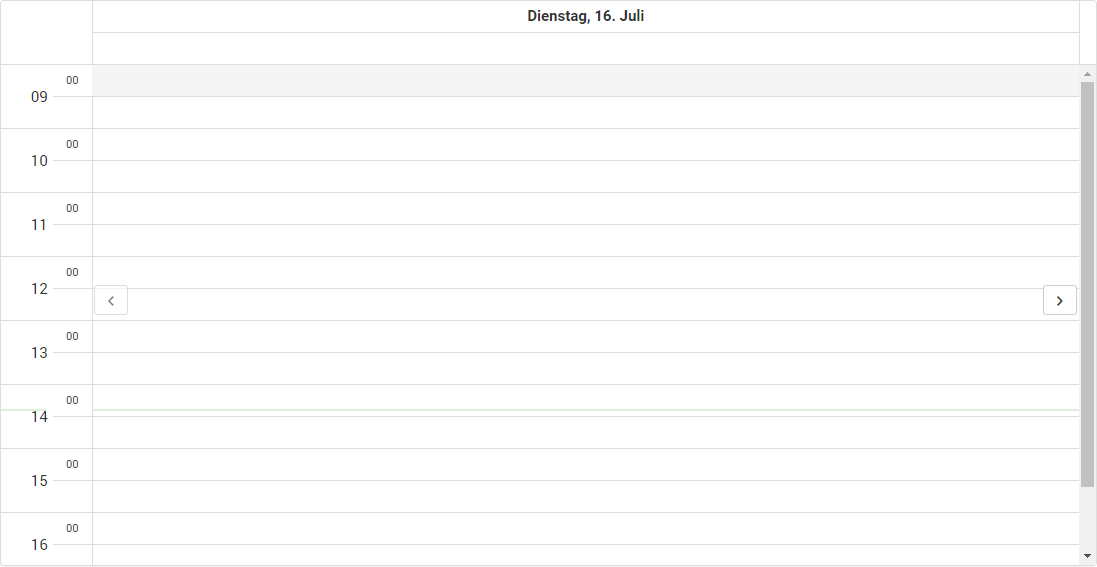
Day View
Click this button to switch to the day view.
Week View
Click this button to switch to the week view.
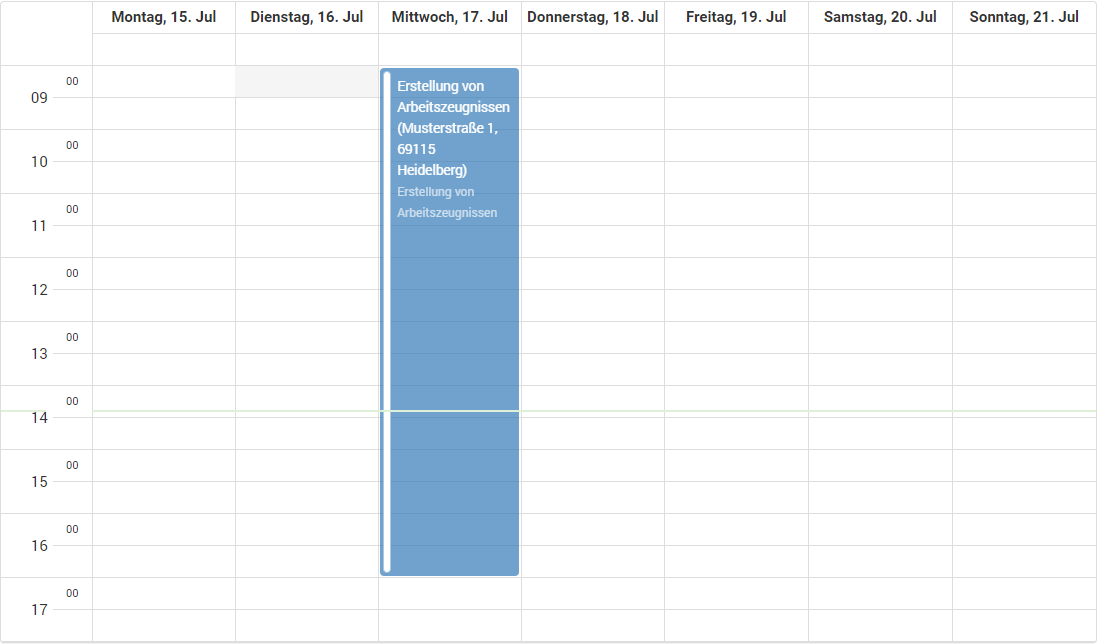
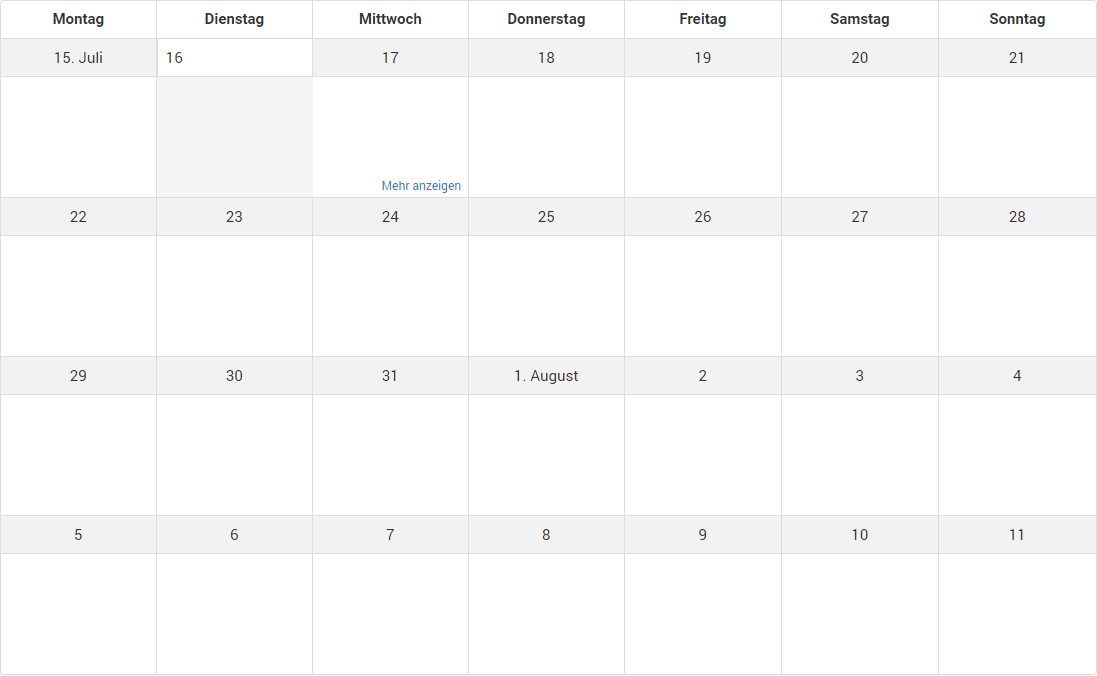
Month View
Click this button to switch to the month view.
Export
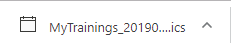
Clicking this button downloads all appointments from the calendar in ICS format to the file MyTrainings_[date_from_today].ics in the browser.
The ICS file can be opened, for example, by Microsoft Outlook to import the appointments it contains into your own calendar.
Measure
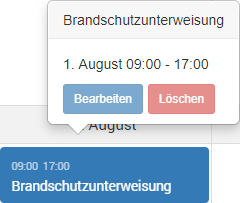
If the mouse pointer is over a measure, some additional information (start and end time) is shown.
Editing or even deleting a measure appointment is not possible here.