



Completing a Knowledge Test

You can finish the knowledge test immediately as soon as an answer option has been selected for the last question of a knowledge test.
The Done button appears.
Only click it if you want all answers to be evaluated immediately.
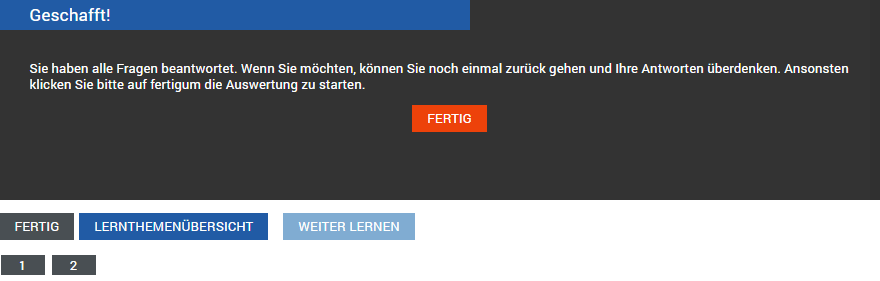
However, after answering the last question, you can also review all your answers again and move to the last slide using the forward button.
Clicking the orange Done button starts the evaluation.
Important:
At least one answer must be marked for every question!
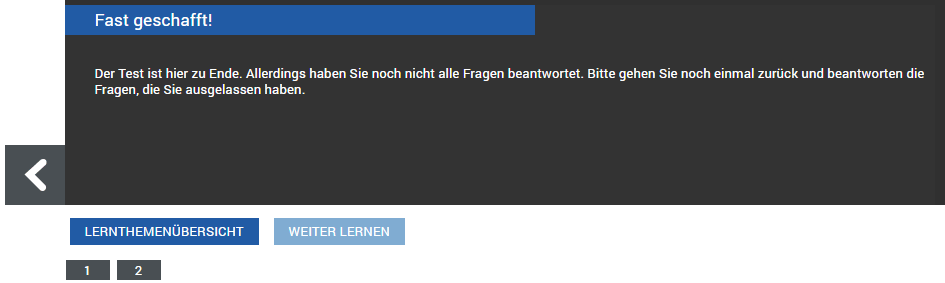
If not all questions of the test have been answered yet, the test cannot be finished.
You are prompted with the message "ALMOST DONE!" to provide the still-missing answers.
Navigate to the test slides not yet highlighted in orange and answer the questions.
Once all questions have been answered, complete the test using the Done button on the last slide and start the evaluation.
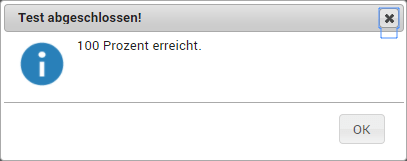
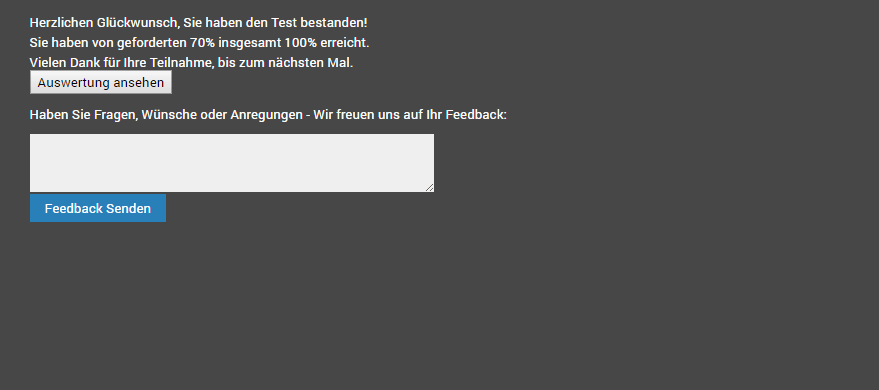
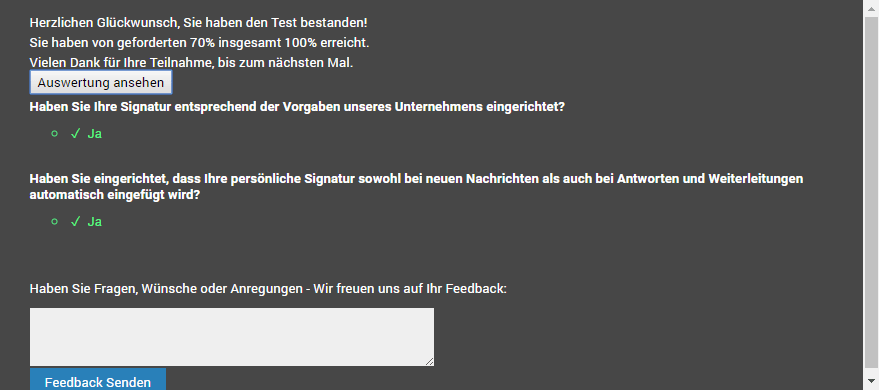
If you have reached at least the required percentage of correct answers, you have passed the test and will be congratulated.
Feedback on the learning topic and the final test would be appreciated, so that the quality of the learning topics in Q-Guide is always kept at an optimal level.
Note:
A passed test cannot be retaken.
The learning topic is now considered completed and is only visible via the Learning Topics - Completed menu item.