



Tab "Q-Guide"
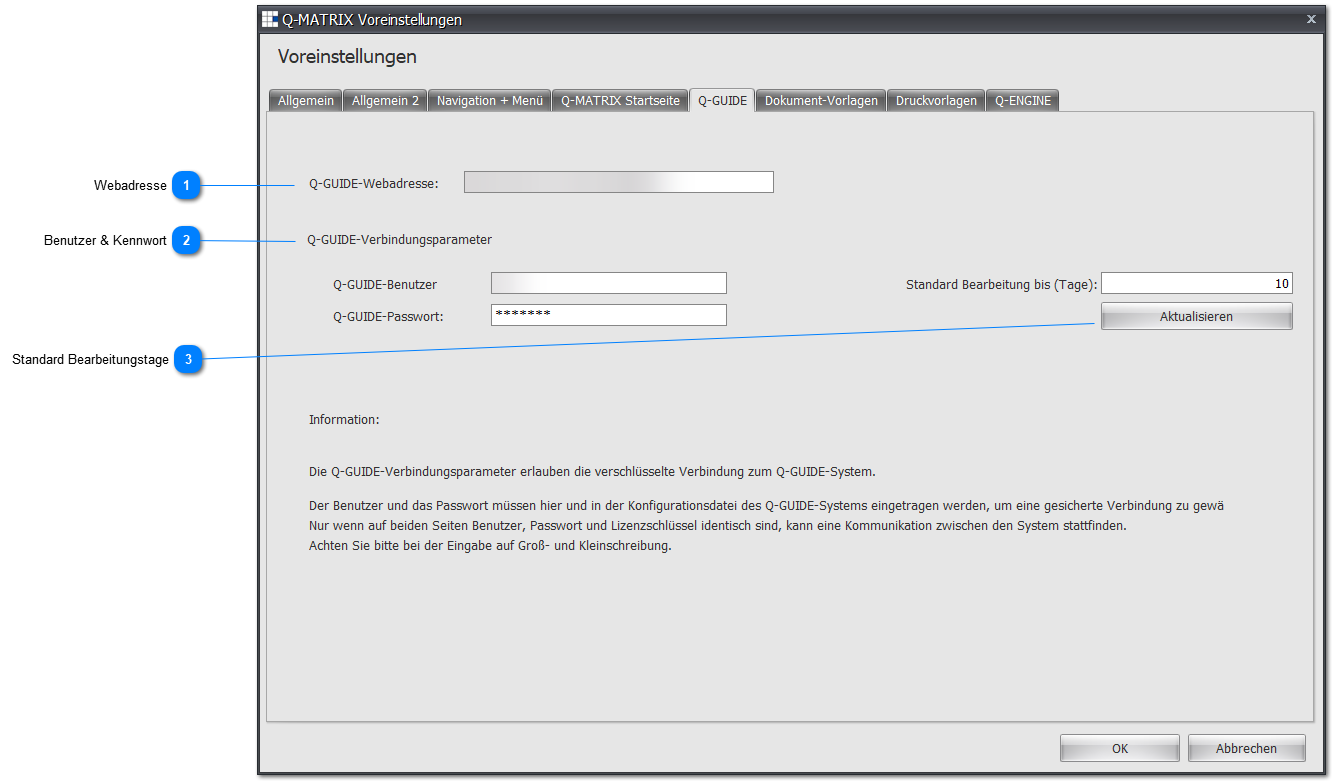
The current preferences of the "Q-Guide" tab are as follows:
Note:
It is planned to change the way Q-Matrix™ and Q-Guide interact, so these settings may become obsolete at some point.
 Web Address

If you have also acquired the Q-Guide module with your Q-Matrix™ license, enter the web address/URL for the Q-Guide module here.
This could, for example, be the following address/URL:
 User & Password
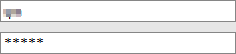
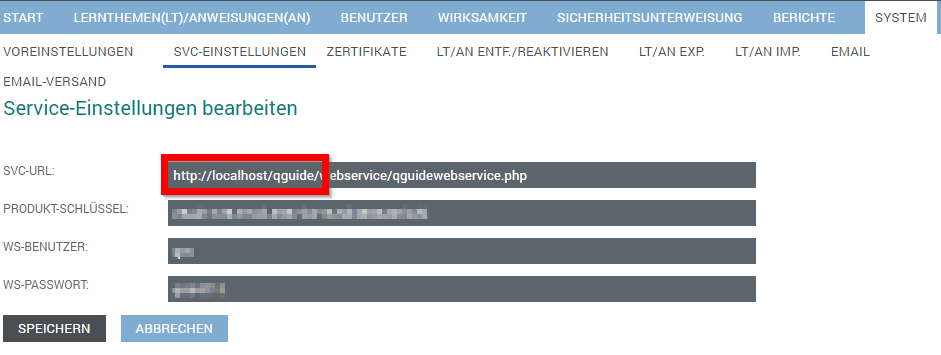
The user and password can be found in the Q-Guide administration.
To do this, go to SYSTEM ► SVC SETTINGS in the Q-Guide administration.
There, the user & password are set, and the address/URL can also be read.
 Default Processing Days
Once the connections have been saved correctly, this button reads the default processing days setting from Q-Guide.
This value is used to calculate the processing end date (reference date) as soon as a Q-Guide measure is assigned in Q-Matrix™.