



Starting a Knowledge Test
You have several ways to open an associated knowledge test:
1. At the end of a learning topic
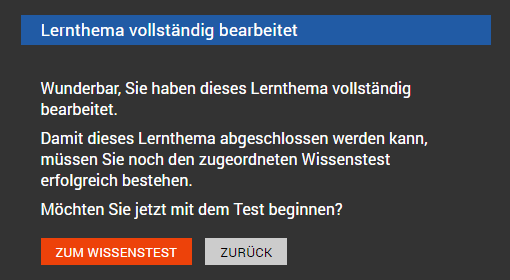
On the last slide of each learning topic, the TO KNOWLEDGE TEST button takes you to the associated learning objective check.
2. Directly within the learning topic
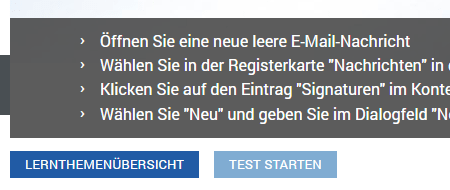
Directly below the slides of the learning topic, you can click the Start Test button.
As a rule, it makes sense to work through the entire set of slides of a learning topic before starting the test.
3. From the learning topics overview
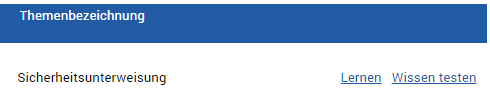
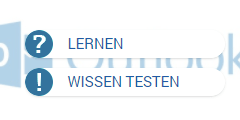
In the learning topics overview, you find the Test Knowledge link after each learning topic.
For the two most recent learning topics in the learning topics overview, there is a dedicated Test Knowledge button for this.