



User - Home
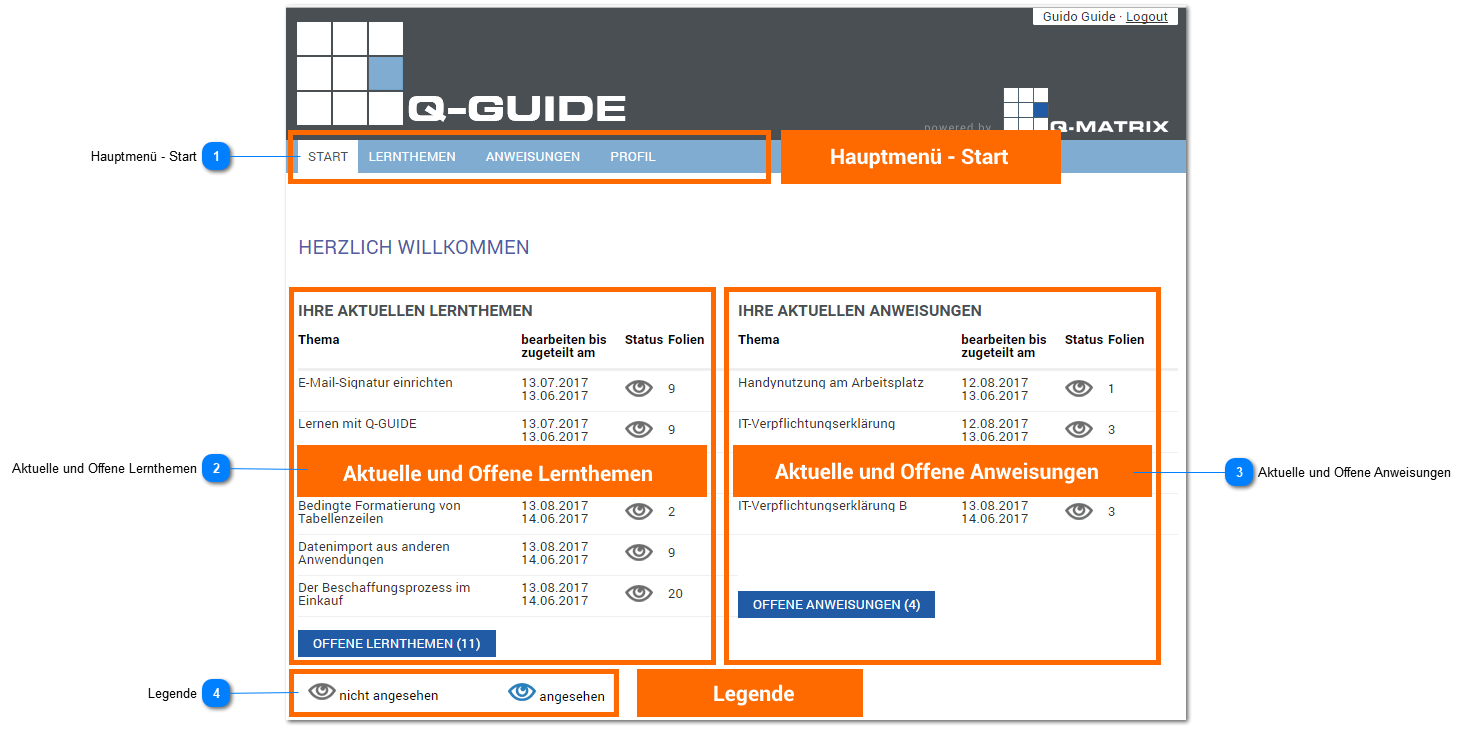
Main Menu - Home
If the Home tab is active in the main menu, you are on the Q-Guide welcome page.
Your current learning topics and your current instructions are clearly summarized for you.
Links to the respective open learning topics and instructions make navigating Q-Guide as easy as possible.
The legend explains all the symbols used.
Current and Open Learning Topics
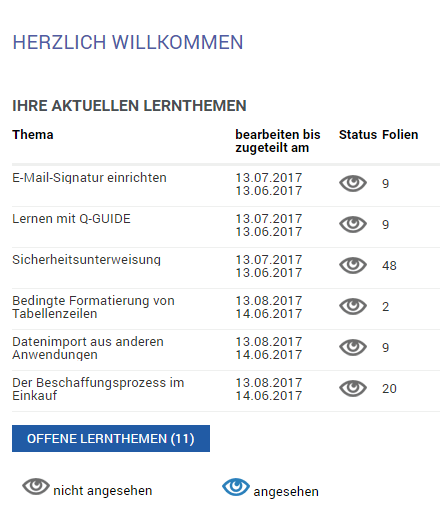
Under the Home menu item, a list is displayed showing all CURRENT LEARNING TOPICS assigned to you.
In addition, there is a button below the learning topics list that takes you to the OPEN LEARNING TOPICS.
The number of open topics is shown in parentheses.
To edit the learning topics, you must click on the title of the learning topic.
The two date values show you when a learning topic was assigned to you and by when you have time to complete this learning topic.
The icons show you the current processing status of the learning topic.
They are explained in the legend at the bottom of the home page.
In addition, you can gauge the scope of the learning topic from the number of slides.
Current and Open Instructions
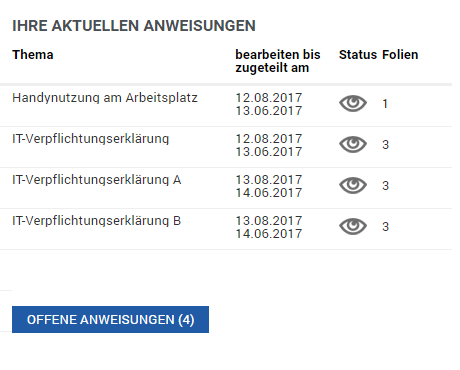
Under the Home menu item, a list is displayed showing all CURRENT INSTRUCTIONS assigned to you.
In addition, there is a button below the list of your instructions that takes you to the OPEN INSTRUCTIONS.
The number of open topics is shown in parentheses.
To edit the instructions, you must click on the title of the instruction.
The two date values show you when an instruction was assigned to you and by when you have time to complete this instruction.
The icons show you the current processing status of the instruction.
The icons are explained in the legend at the bottom of the home page.
In addition, you can gauge the scope of the instruction from the number of slides.
Legend
| Status | Description |
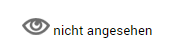 | The learning topic / instruction has not yet been viewed by the user. |
 | The learning topic / instruction has already been viewed by the user, but not yet completed. |