



"Shifts / Teams" Menu Item
Shifts/teams let you group employees into work groups.
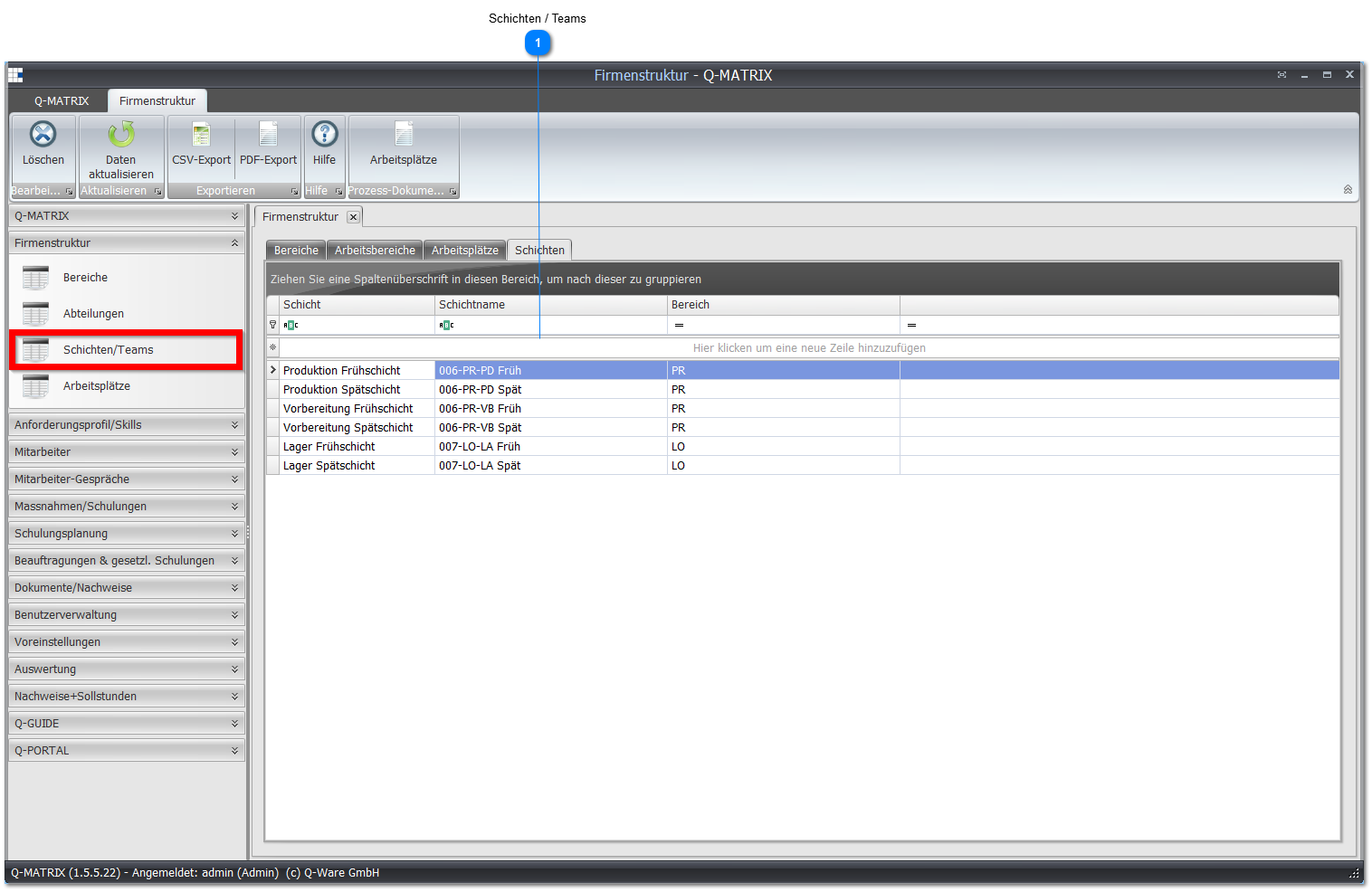
 Shifts / Teams
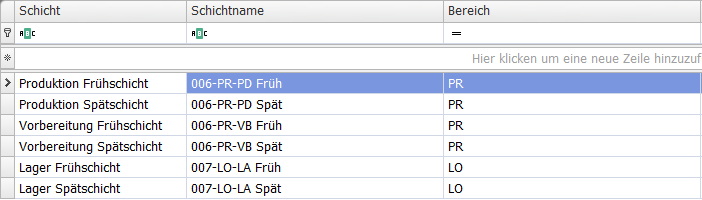
Once you have created shifts/teams, you can filter by the corresponding groups in the reporting area and view reports for them.
If you have no shift operations and no project teams, you can simply leave this menu empty.
| Shift | Enter a short name for the team or shift here. |
| Shift name | Enter the exact name of the team or shift here. |
| Area | Enter an area to which the respective shift should be assigned. |
Note:
To modify a record, click into the row/cell of the record to be changed and enter the desired information.
After making the change, you must leave the row again so that the record is saved.