



User - Instructions (AN)
Under the main menu item INSTRUCTIONS, all legally required and employer-mandated operating instructions and briefings assigned to you are listed.
You must read these instructions and, at the end, confirm that you have read and understood the content of the respective instruction and that you will act accordingly.
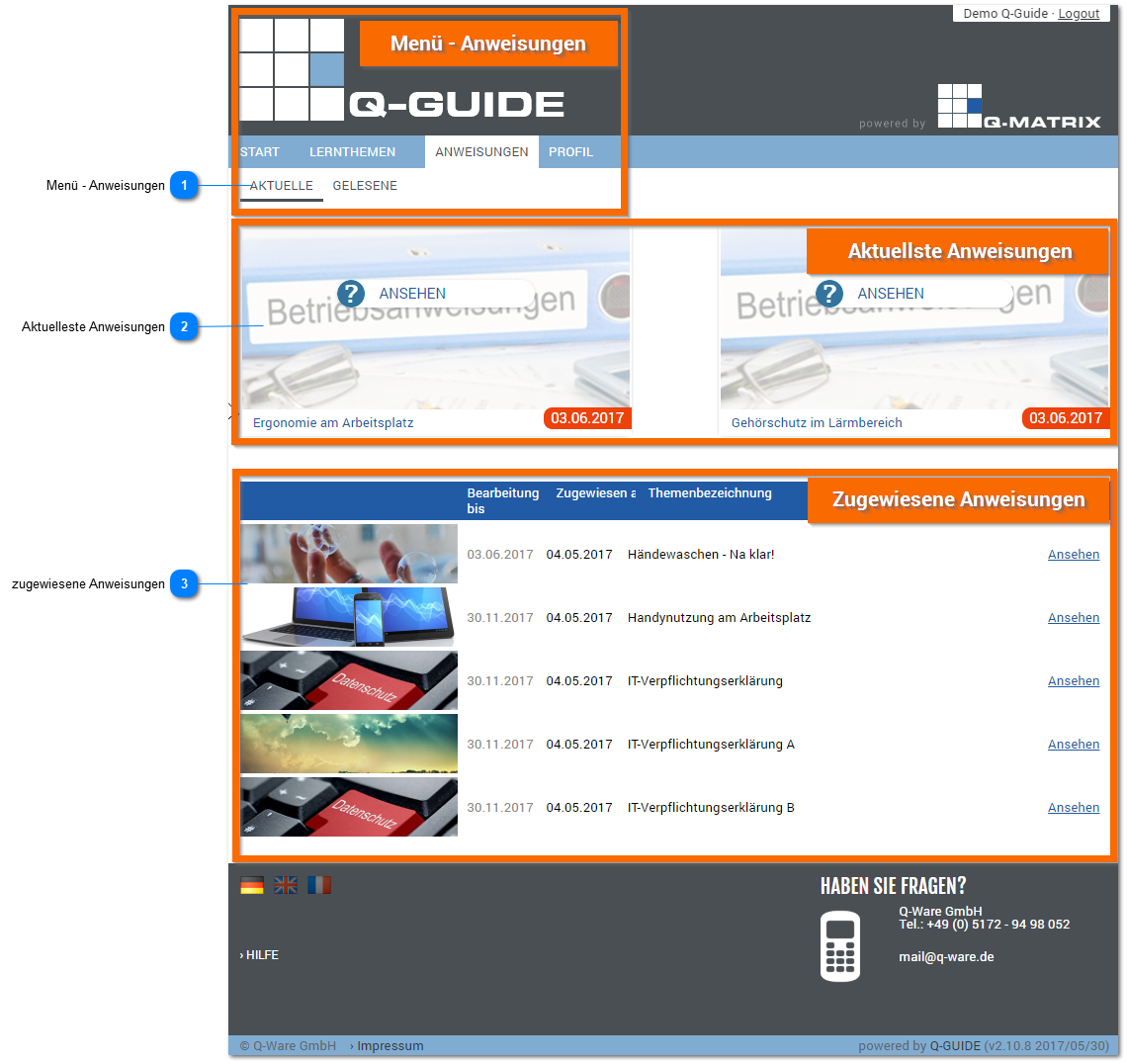
Menu - Instructions

Under the "Current" menu item, you find all instructions that you have not yet (fully) viewed.
Under the "Completed" menu item, all instructions you have fully viewed are listed. In each case, you have confirmed that you have read and understood the content.
Most Recent Instructions
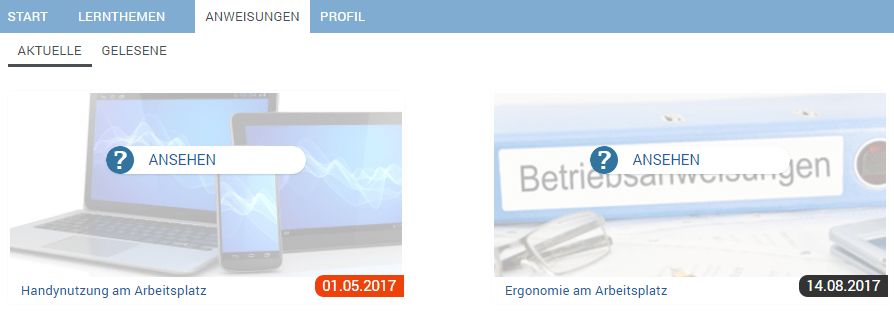
In the upper area of the "Current" menu within the INSTRUCTIONS main menu, you are shown the two instructions that should be processed next, since their processing date is coming up next or has even been exceeded.
Processing dates that are still within the intended deadline are shown with a gray background.
However, if the processing date has been exceeded, it is highlighted in orange.
To open the instruction, the user can click the View button.
An instruction is considered fully viewed once it has been viewed from the first to the last slide.
Assigned Instructions
In the lower part of the overview, you find all other current instructions.
Directly next to the title image and title of each current instruction, you see the respective processing date by which the instruction must be completed at the latest, and the date on which the instruction was assigned to you.