Linking Employees to Workplaces
You have now successfully created your employees and linked individual tasks to workplaces.
Now you still need to create a connection between the workplace/role and the employee.
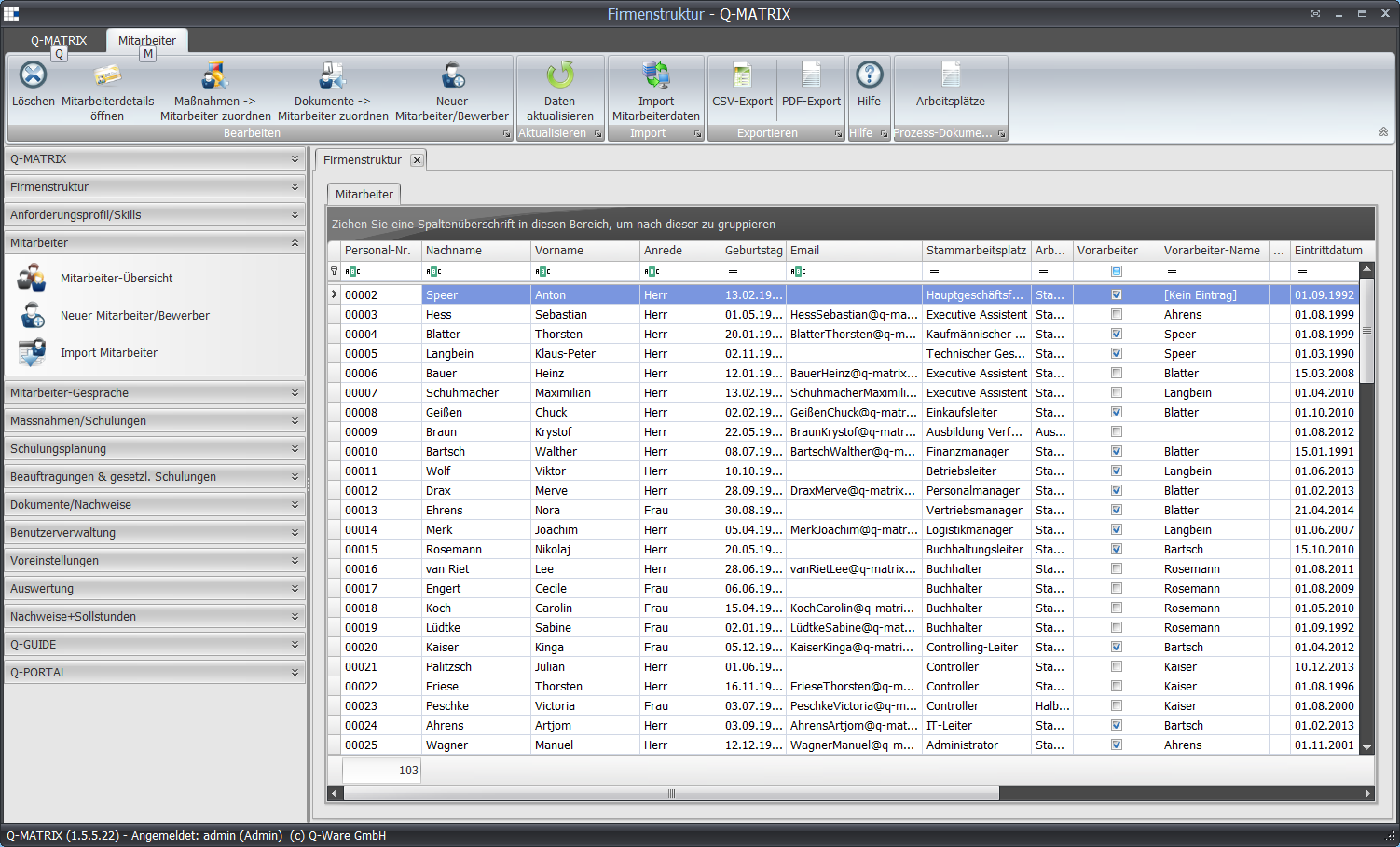
To make this connection, navigate back to the "Employee overview" menu item and switch to the Employees tab.
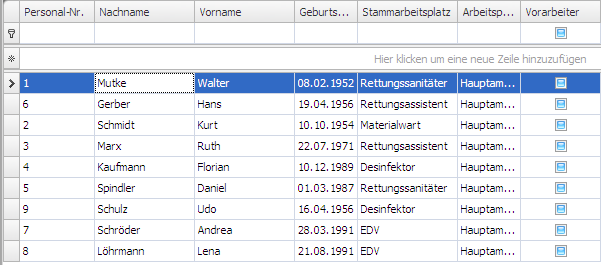
Select the employee to whom you want to assign a workplace, and open the employee details via the ribbon or by double-clicking with the left mouse button.

(You can also reach the employee details via the context menu.)
Employee details
The employee details contain detailed information about an employee.
Here you can see which workplaces the employee works at and which measures, appraisals, documents, etc. have already been created.
From here you can also directly define and assign measures, appraisals, goals, and documents.
We will initially limit ourselves to assigning a primary workplace.
Within Q-Matrix™, the term primary workplace refers to the workplace/role for which an employee is employed and currently paid by the company.
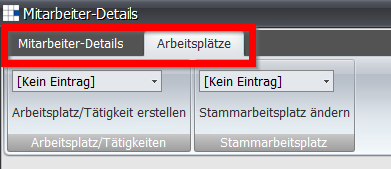
In the ribbon you will find the "Workplaces" area.
From the drop-down menu, select the desired primary workplace and click "Change primary workplace".
Primary workplace & additional workplaces
There are two types of workplace assignment in Q-Matrix™:
- Change primary workplace
- Create workplace/activity
As a rule, an employee will only work at one workplace.
In that case, you only need to assign a primary workplace, and all individual tasks relevant to the employee are assigned immediately.
The primary workplace is also the workplace listed in the employee overview.
However, if an employee also works at additional workplaces, you can assign this workplace (and thus the individual tasks too) using the "Create workplace/activity" function.
Assigned workplaces
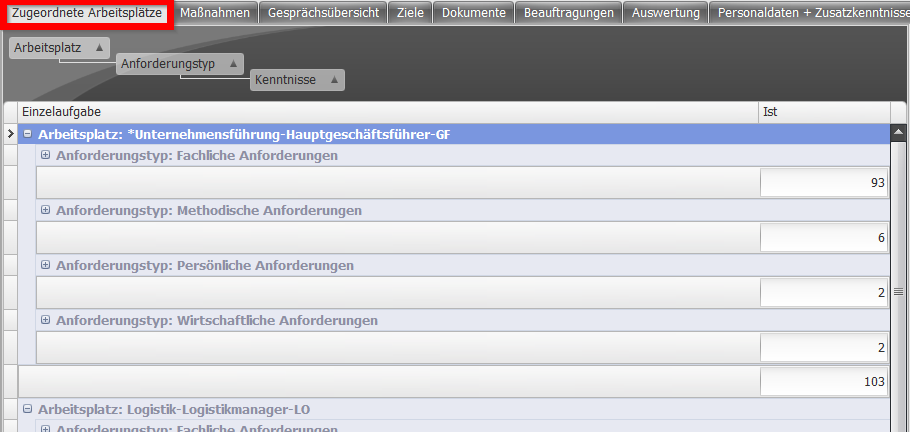
After you have assigned the primary workplace, it appears, along with its associated individual tasks, in the "Assigned workplaces" tab.
In the Actual column you see the employee's current assessment, broken down by individual task.