



Process Documents
This function is divided into two (2) different views of the process documents.
The first view shows you all documents / links relevant to your workplace / position.
The All Process Documents view lets you view all documents / links regardless of your workplace / position.
My Process Documents
Lists all documents that concern you generally or your workplace / position.
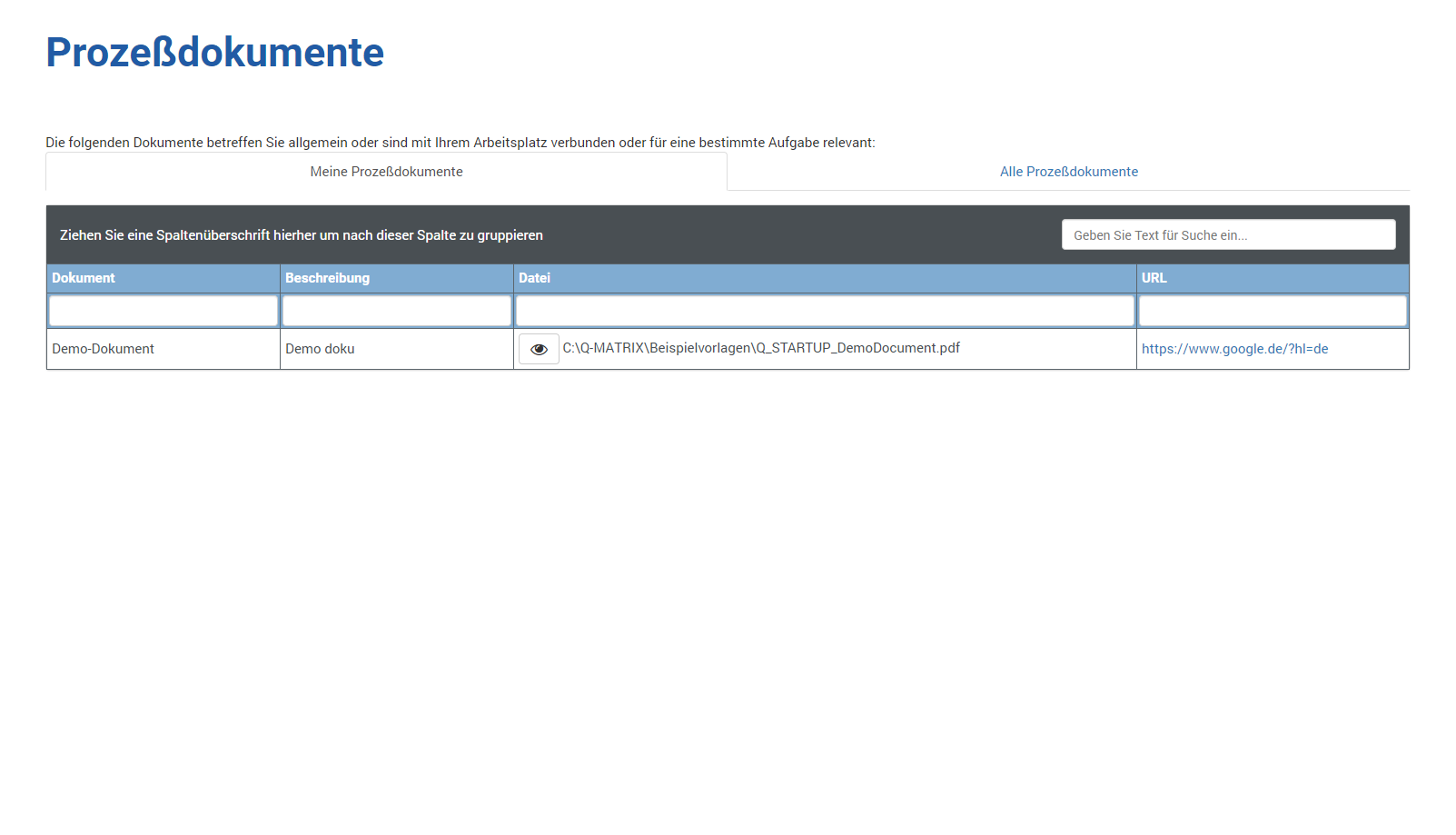
The following information is shown to you:
| Document | The name of the document |
| Description | A description of the document |
| File |
Shows you the full path to the file associated with this document. Clicking Note: The file (only PDF files are allowed) is displayed in a new browser tab. Depending on the settings, configuration, and administration of your IT in the company, you may receive the following notice: 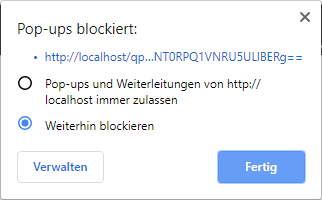
To view PDF files, please select Allow. Otherwise, you cannot view the document, and the new tab will not open. |
| URL | Shows you a link to the document in question. Clicking this link opens a new tab in your browser displaying the content of the link. |
 lets you view the document.
All Process Documents
Lists all documents / links used in your company.
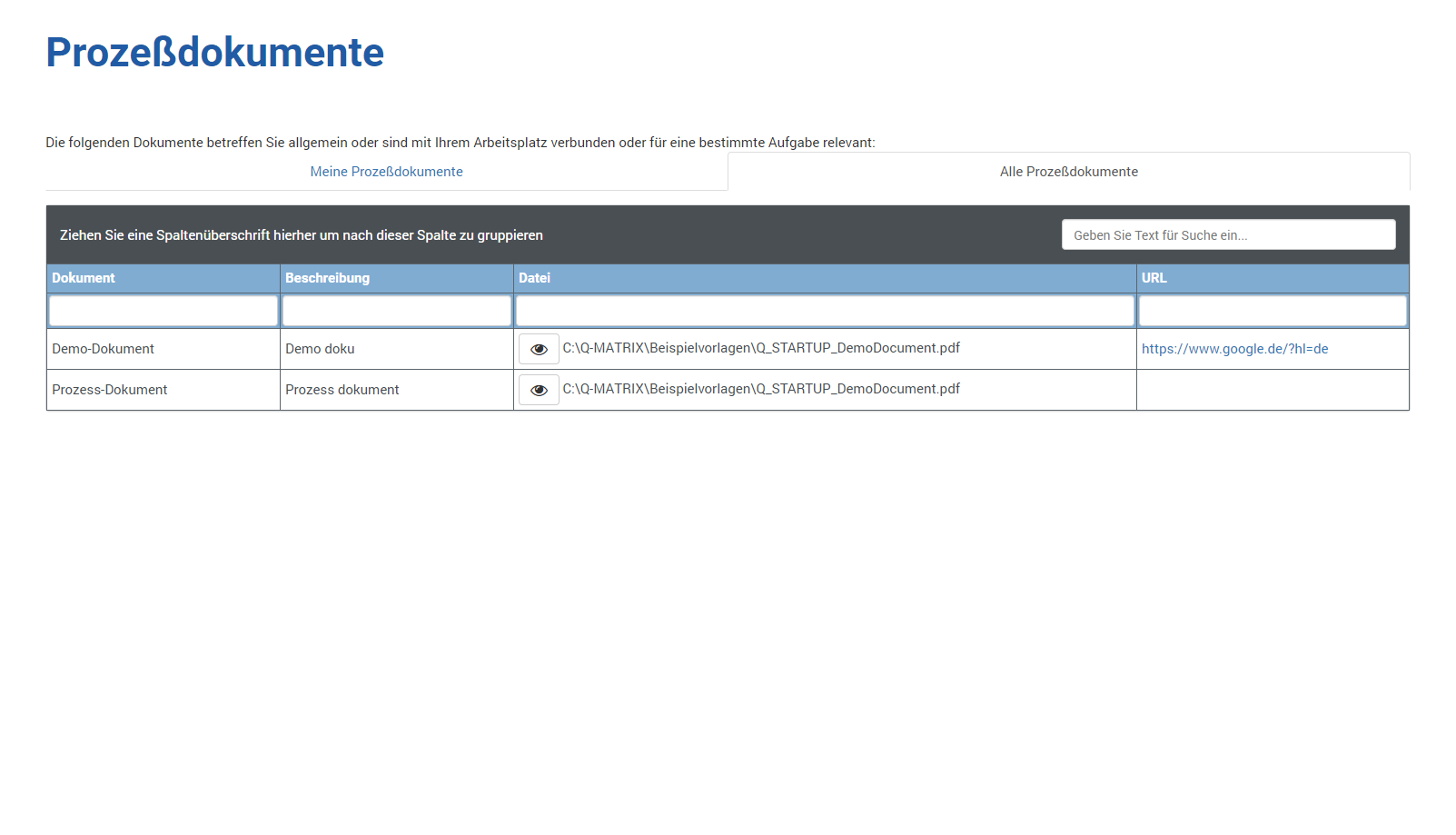
The following information is shown to you:
| Document | The name of the document |
| Description | A description of the document |
| File |
Shows you the full path to the file associated with this document. Clicking Note: The file (only PDF files are allowed) is displayed in a new browser tab. Depending on the settings, configuration, and administration of your IT in the company, you may receive the following notice:
To view PDF files, please select Allow. Otherwise, you cannot view the document, and the new tab will not open. |
| URL | Shows you a link to the document in question. Clicking this link opens a new tab in your browser displaying the content of the link. |