



Navigating Instructions
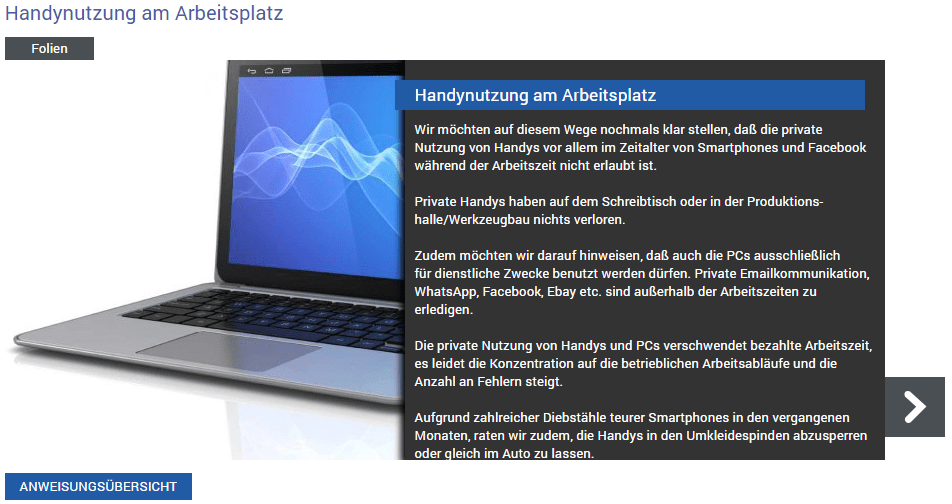
Each instruction opens in the "Slides" tab of the title menu and shows you the home page of the instruction – the title slide.


Clicking one of the arrow buttons navigates you one content slide forward or back within the open instruction.
Clicking the Instructions Overview button takes you back to the overview of your current instructions.