



Menu Item "Translations"
To edit the terminology, first select the language to be adjusted:
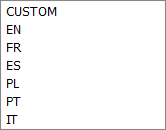
You can then start editing the terminology.
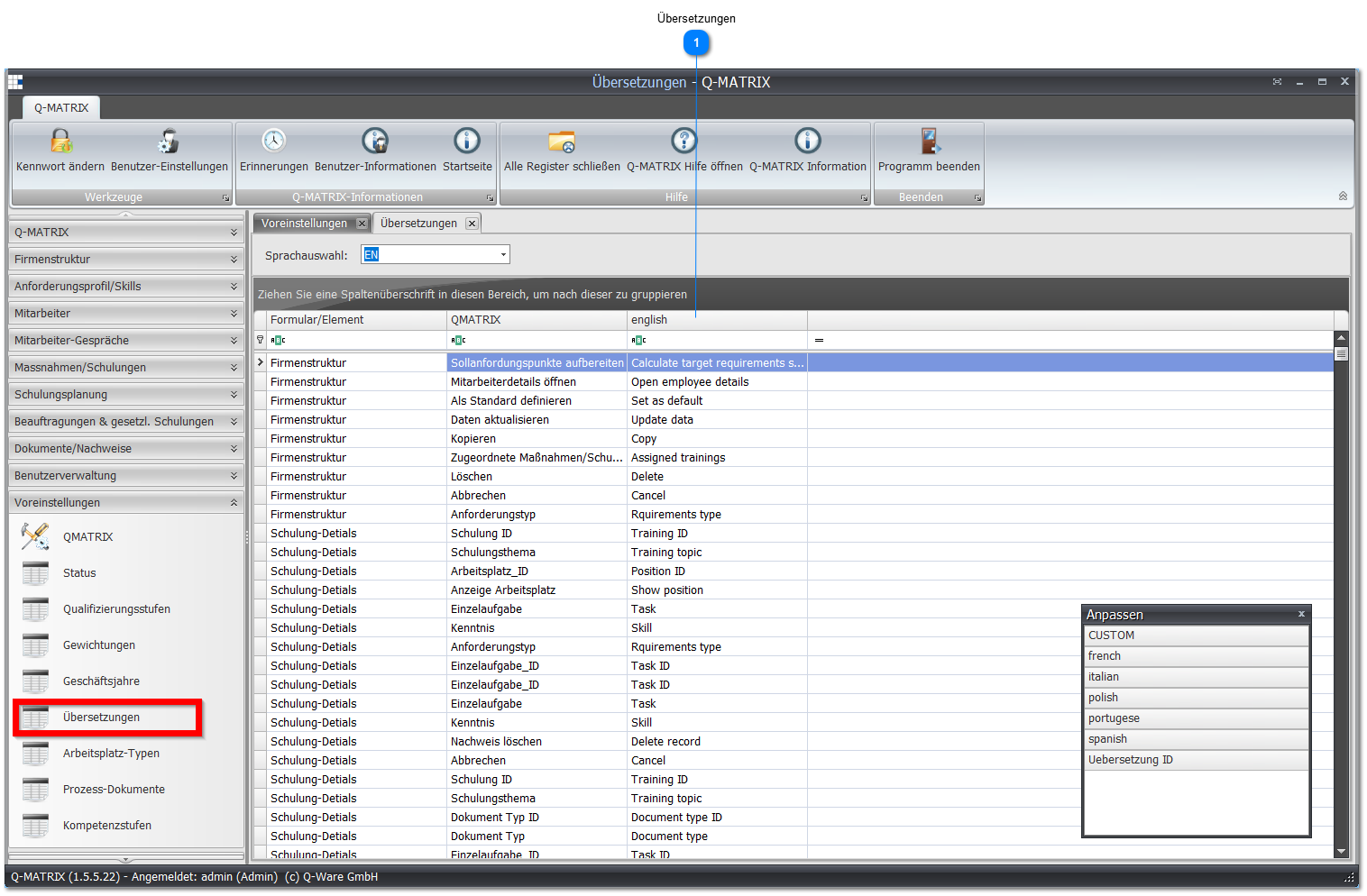
 Translations
| Column | Content |
| Form/Element | Form/element in the program where the label is used |
| Q-Matrix™ | The default language with the default terminology |
| Language Selection | Individual translation of the original label |
To change a record, click the row of the record to be changed and make your settings.
After the change, you must leave the row again for the record to be saved.
Right-clicking the column headers allows you to open the column selection as well as further functions.
This lets you add further languages, allowing you to edit several languages in parallel.