Sorting and Filtering
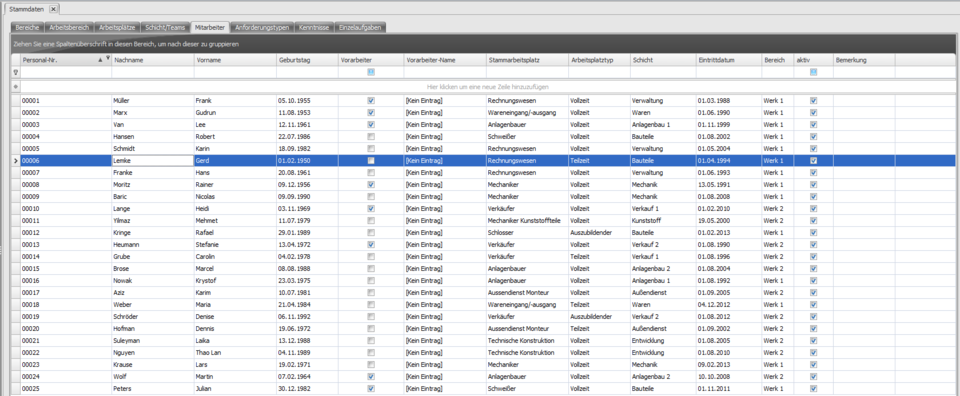
Left-click any table column to sort the table by that criterion.
In the example, the table is sorted by employee number from smallest to largest.
Another left-click would sort the table from largest to smallest.
Alternatively, you can right-click the desired table column to choose a sort order.
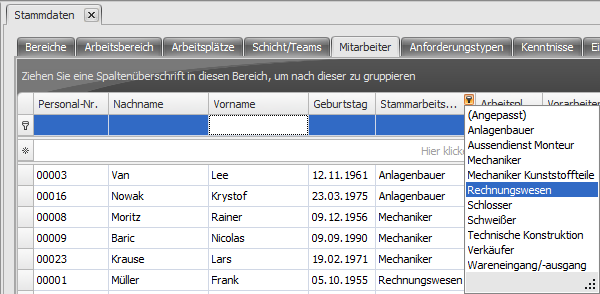
Clicking  also lets you pick a term (search term) directly from a list of all entries used in that table column, to filter by.
Or enter the desired filter term via the keyboard in the filter row () - for example, enter the letter N in the Last Name column to show only employees whose last name starts with N in the filtered view.