"Task Catalog" Menu Item
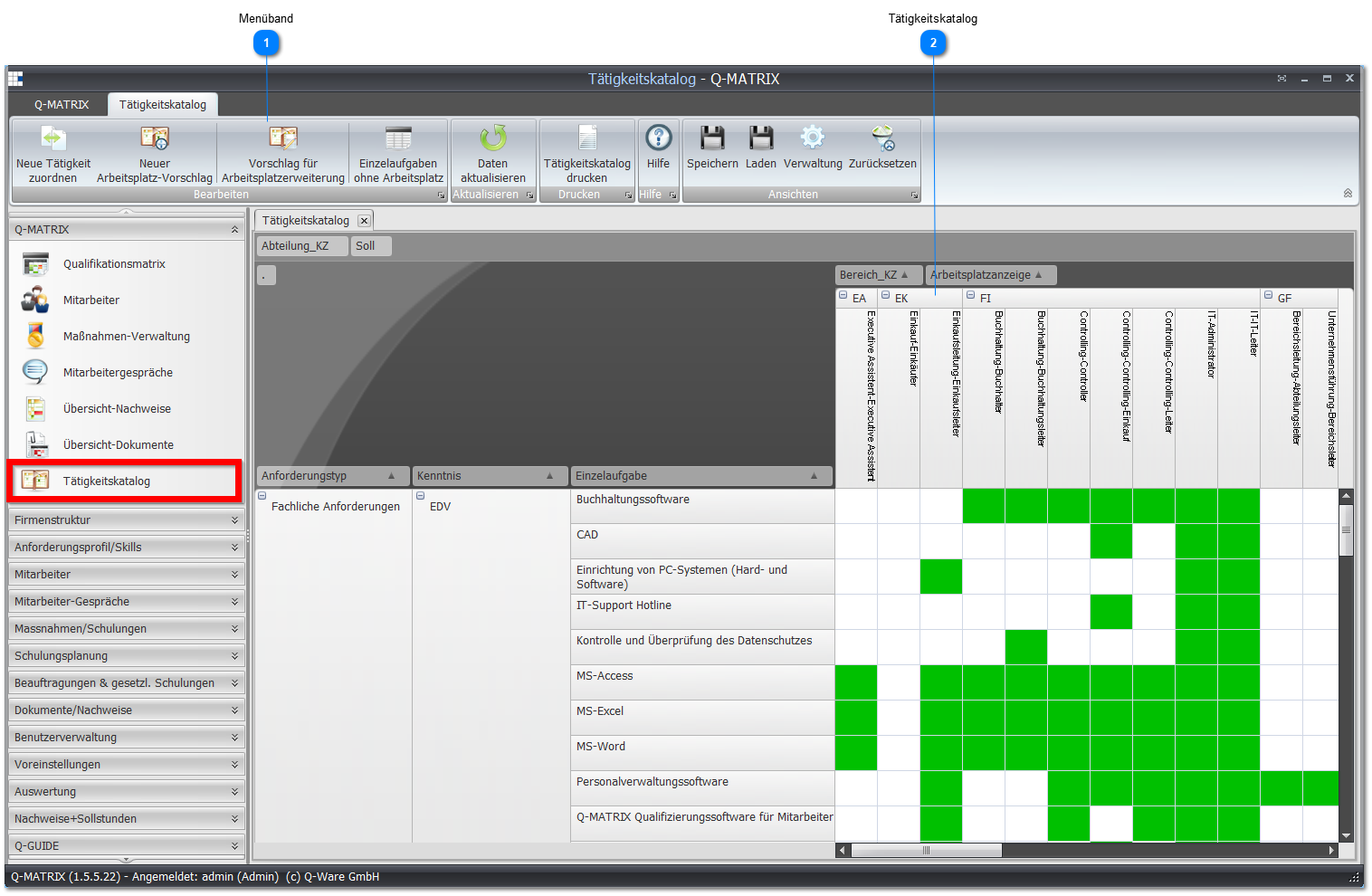
 Ribbon

| Assign new task | Opens the window for assigning individual tasks to workplaces (visible only for the Administrator and HR roles). |
| New workplace suggestion | Opens a window in which the information for a new workplace/role is collected and entered:
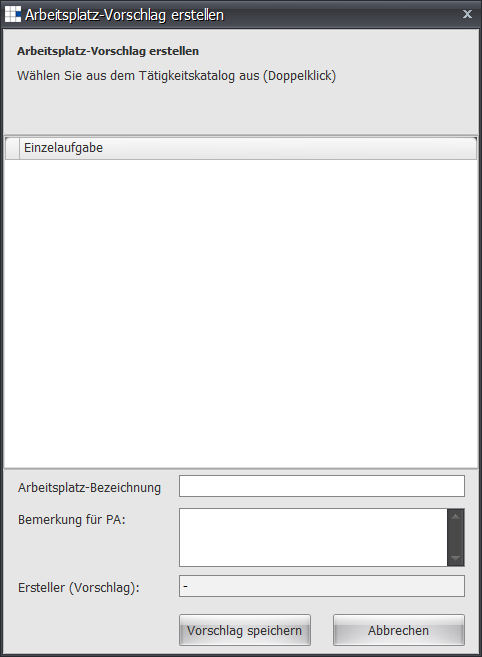
Under Workplace name, you can suggest a name for the workplace/role. If you have further notes or remarks for HR (Administrator and HR roles), you can enter them here - for example, that an individual task is missing. The individual task is added by double-clicking the task catalog fields. |
| Workplace extension suggestion | Opens a window in which the information for a workplace/role to be selected is collected and entered:
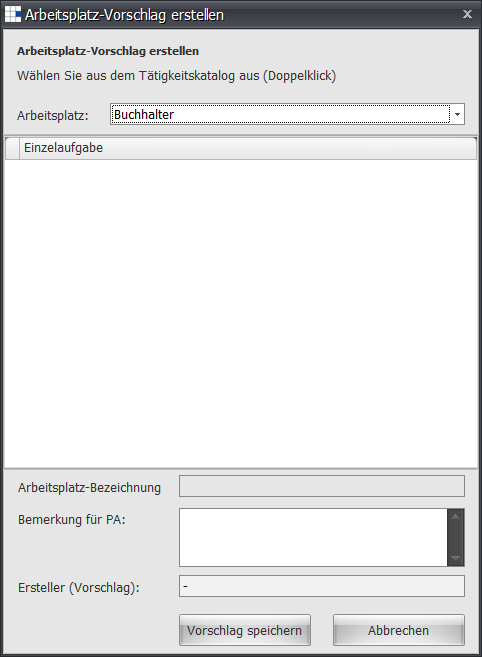
If you have notes or remarks for HR (Administrator and HR roles), you can record them here - for example, that an individual task should be renamed. The individual task is added by double-clicking the task catalog fields. |
| Individual tasks without a workplace | Opens an overview listing all individual tasks not yet assigned to any workplace/role. If this list is empty, all individual tasks are used in at least one workplace/role.
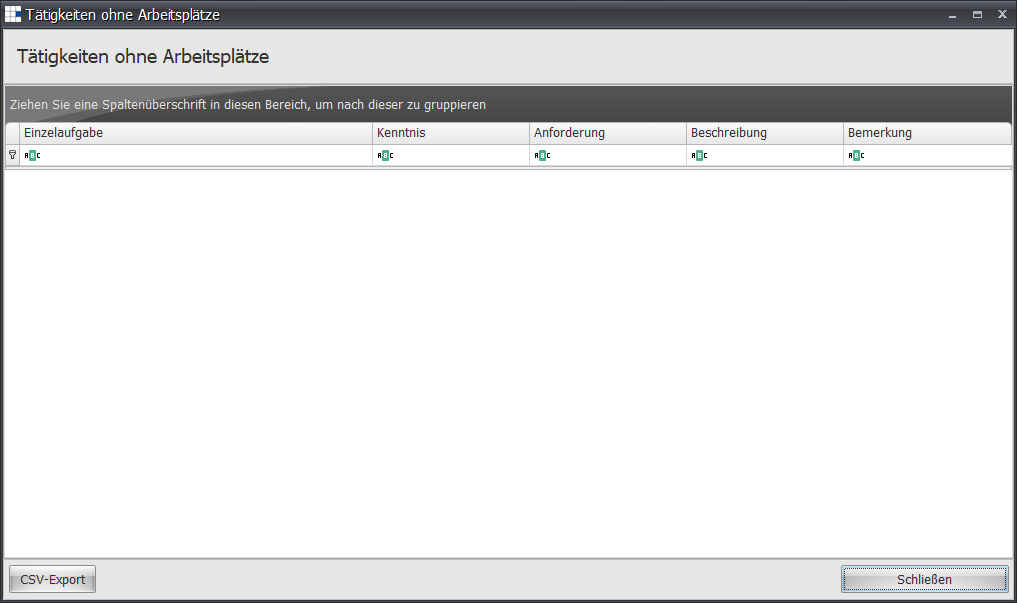
|
| Print task catalog | Opens the result according to the preferences. If the Excel template is used, the security notice must be accepted and the small macro for display preparation started. |
 Task catalog
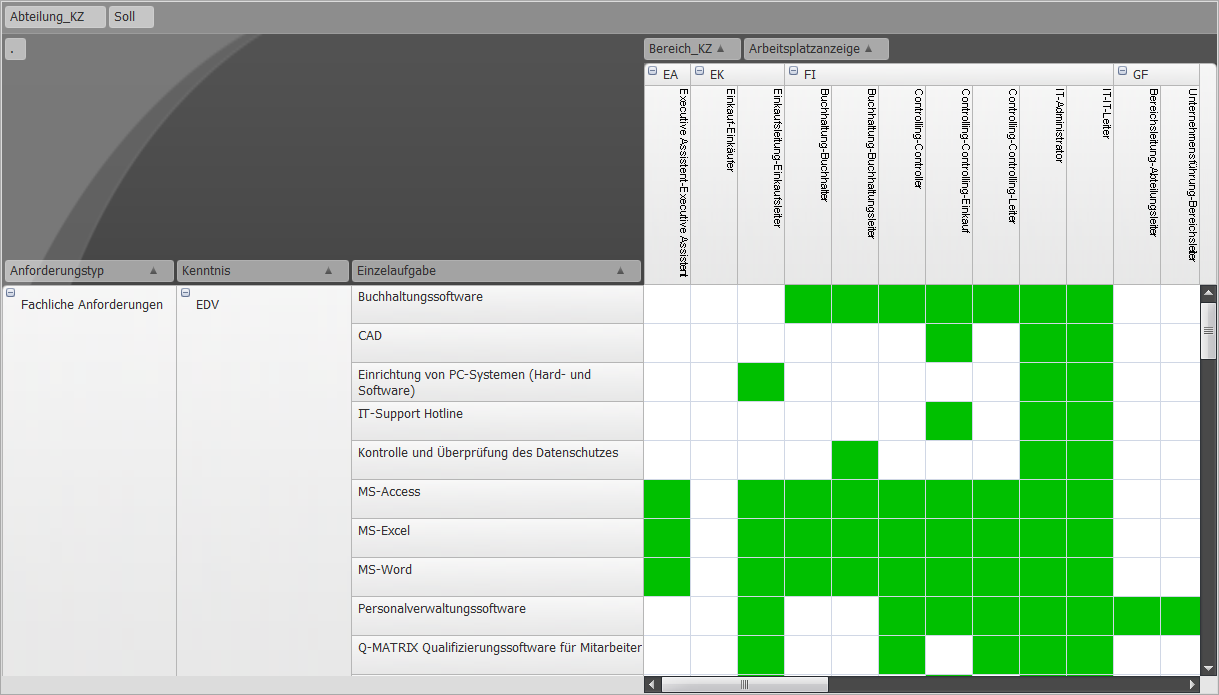
The task catalog shows you which individual tasks are performed at which workplace.
If a field/cell of the table is marked green, the individual task is assigned to the corresponding workplace/role.
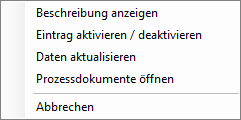
Via the context menu, you can directly enable or disable a field, i.e. assign it to the workplace/role.