Instructions (AN)
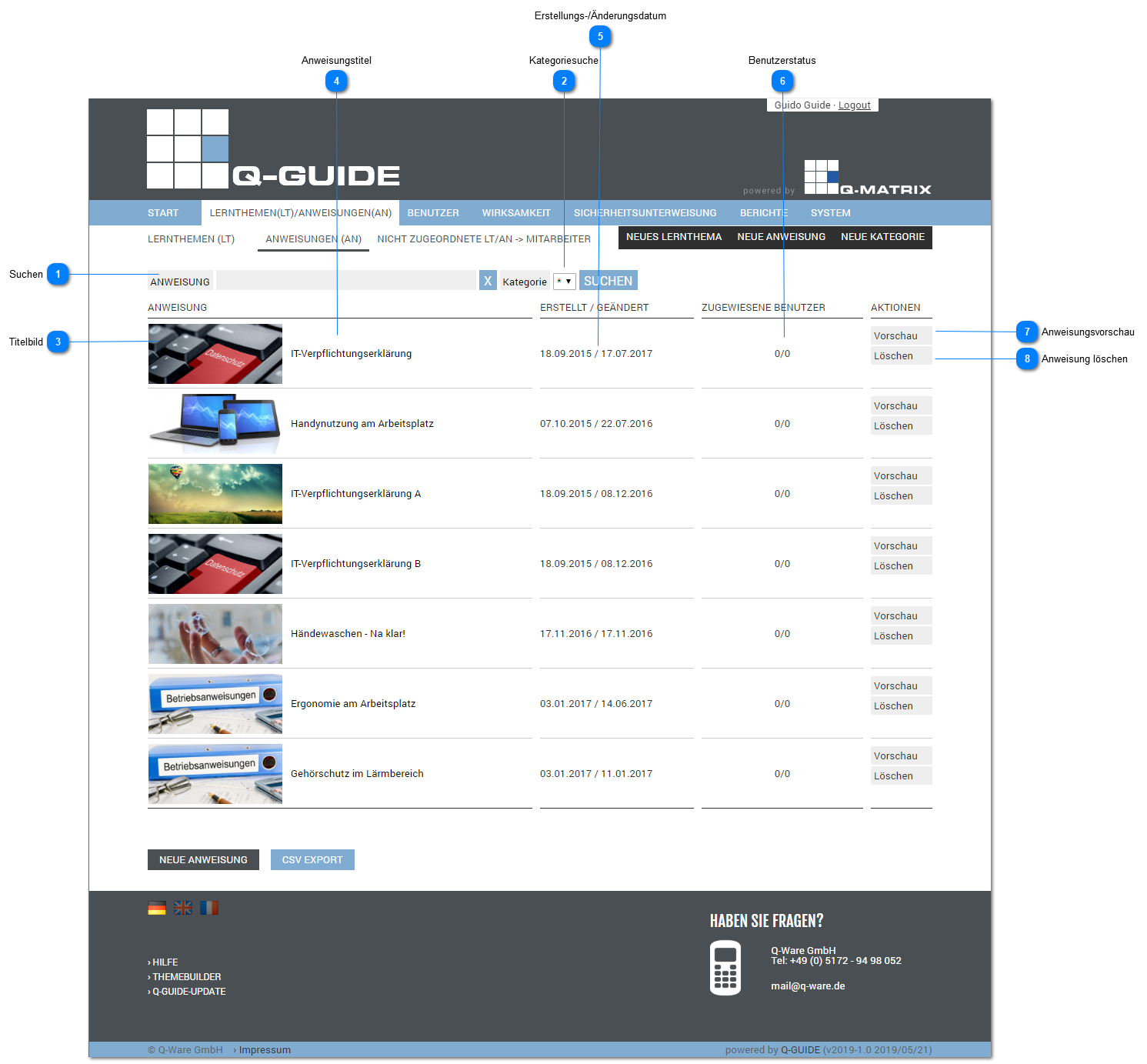
Shows you the management view for the instructions (AN).
Search
Lets you perform a free-text search across all titles of all instructions.
Category Search
Unless you set *, the free-text search is limited/filtered to the selected category.
You can select the category from the available options in the dropdown list.
Title Image

Shows the first slide, i.e. the title slide, as a scaled-down image.
Instruction Title
The title of the instruction (a maximum of ~50 characters is displayed).
Creation/Modification Date
First, the creation date is displayed, followed by the last modification date.
User Status
Shows you how many users have already successfully completed the instruction and how many the instruction has been assigned to in total.
Instruction Preview
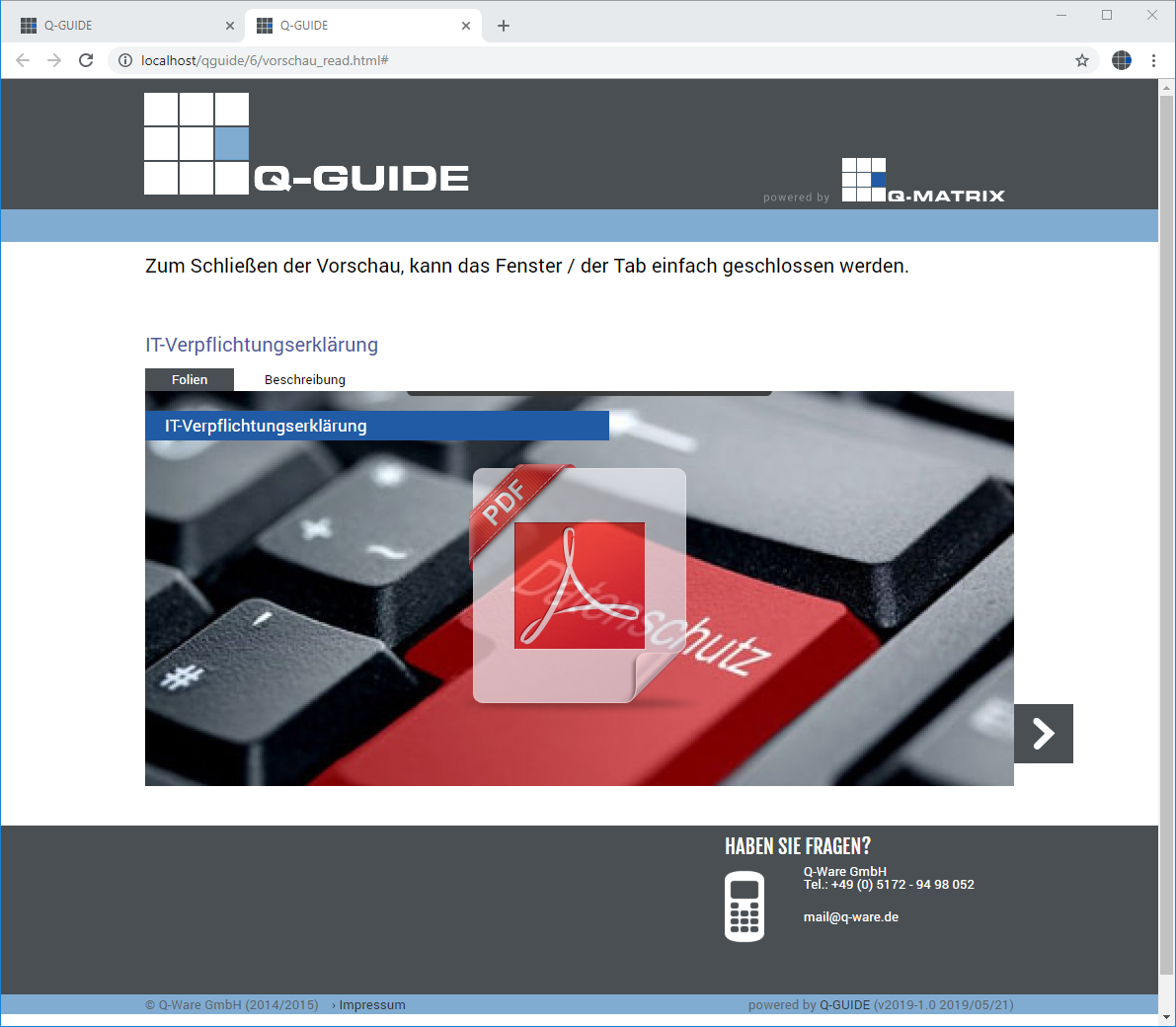
Clicking this button displays the content of the instruction in a new window.
You simulate a user's access for working through the instruction.
Delete Instruction
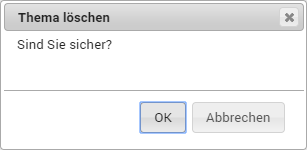
Clicking this button deletes the instruction upon confirmation (marked for final deletion and no longer visible here).