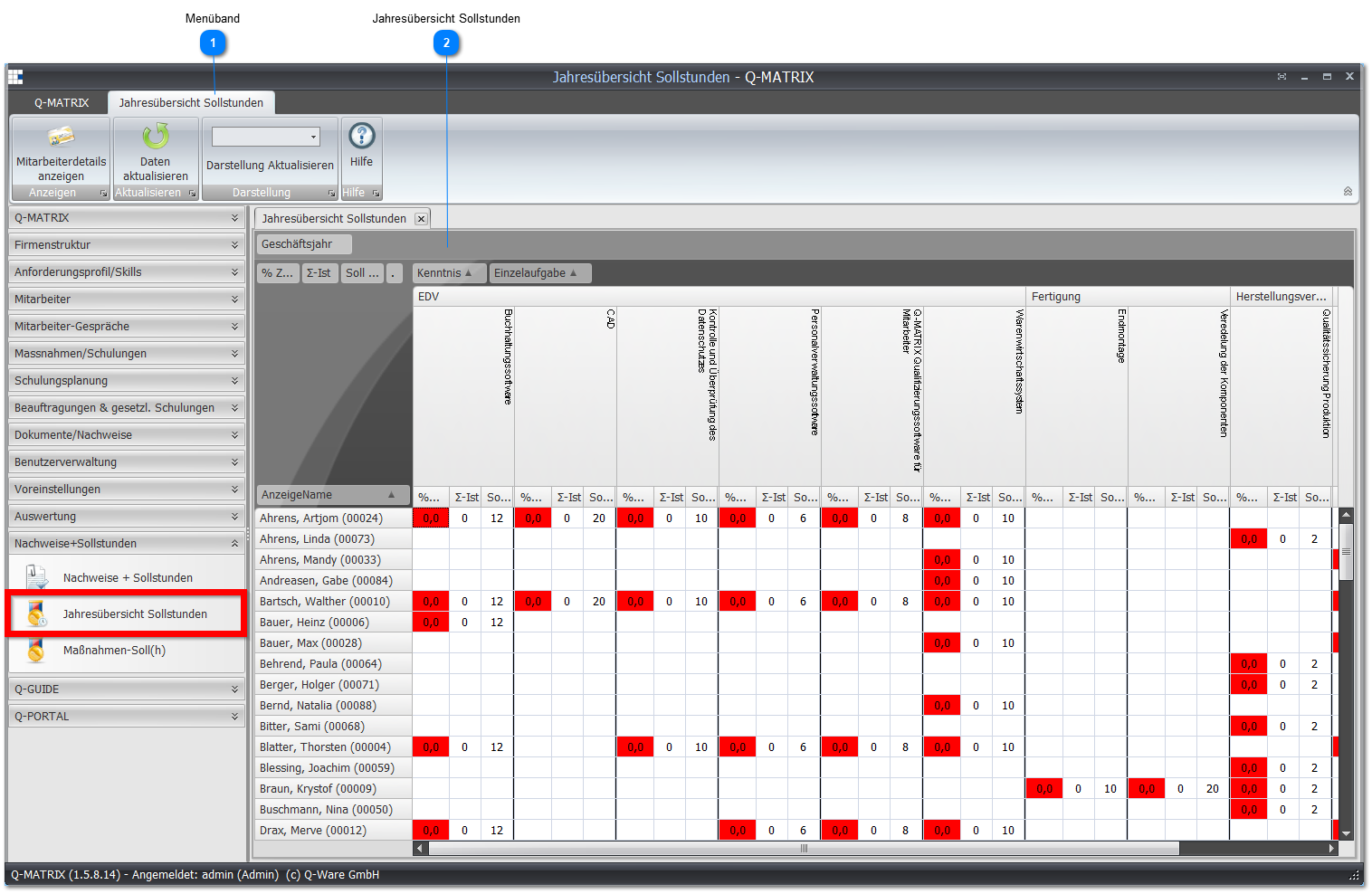
Menu Item "Annual Target Hours Overview"
Here you get all target hours to be completed for each employee at a glance.
 Ribbon
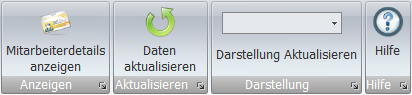
In the Display field, you can filter the view by various criteria.
Click Update Display to apply the desired filter.
| Planned Measures | Shows the data of the measures that still need to be carried out |
| Completed Measures | Shows the data of the measures that have already been carried out |
| All Measures | Shows all entries |
 Annual Target Hours Overview
This area shows you how many of the target hours your employees have completed so far.
| % Target-h | Shows what percentage of the target hours has been completed so far this year. |
| Actual-h | How many actual hours can the employee show for the individual task this year? |
| Target-h | How many target hours does the employee need to show for the individual task this year? |
Filter Examples:
Right-clicking any field lets you filter the view with Target Hours View, so that only the target and actual hours are shown.
You can also filter the view with Percentage View, so that you only get an overview of what percentage of target hours your employees have fulfilled.
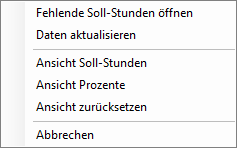
Furthermore, you can open a view of Missing Target Hours via the context menu.
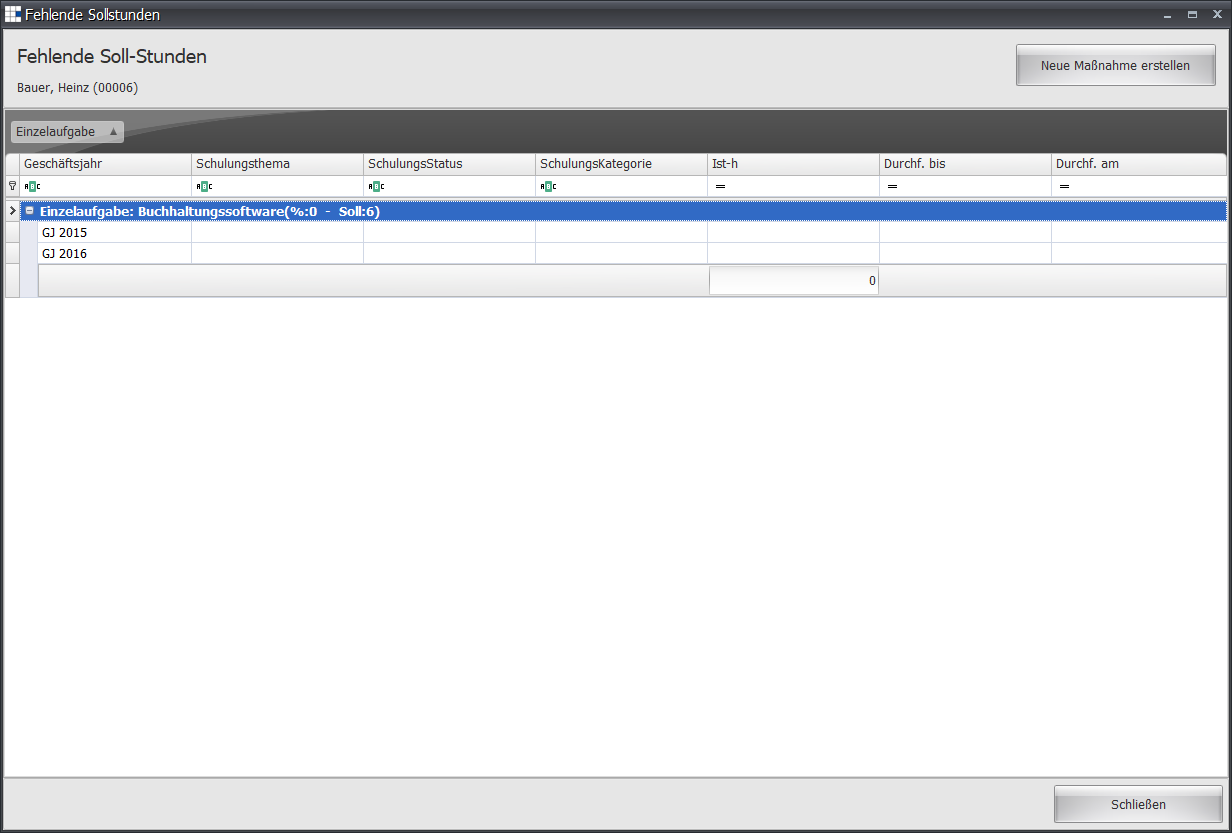
The Missing Target Hours overview shows you for which individual task and its associated measures/training courses an employee is still missing hours.