



"Documents" Tab
On this tab you can manage the documents assigned to the employee.
The documents are listed by category (measure, appraisals, employee) for this purpose.
You can also add documents to this tab area via drag & drop.
Documents are records that require little or no updating and are, in principle, relevant to all employees.
Examples of these would be employment contracts, certificates, social security cards, driving licenses, etc.
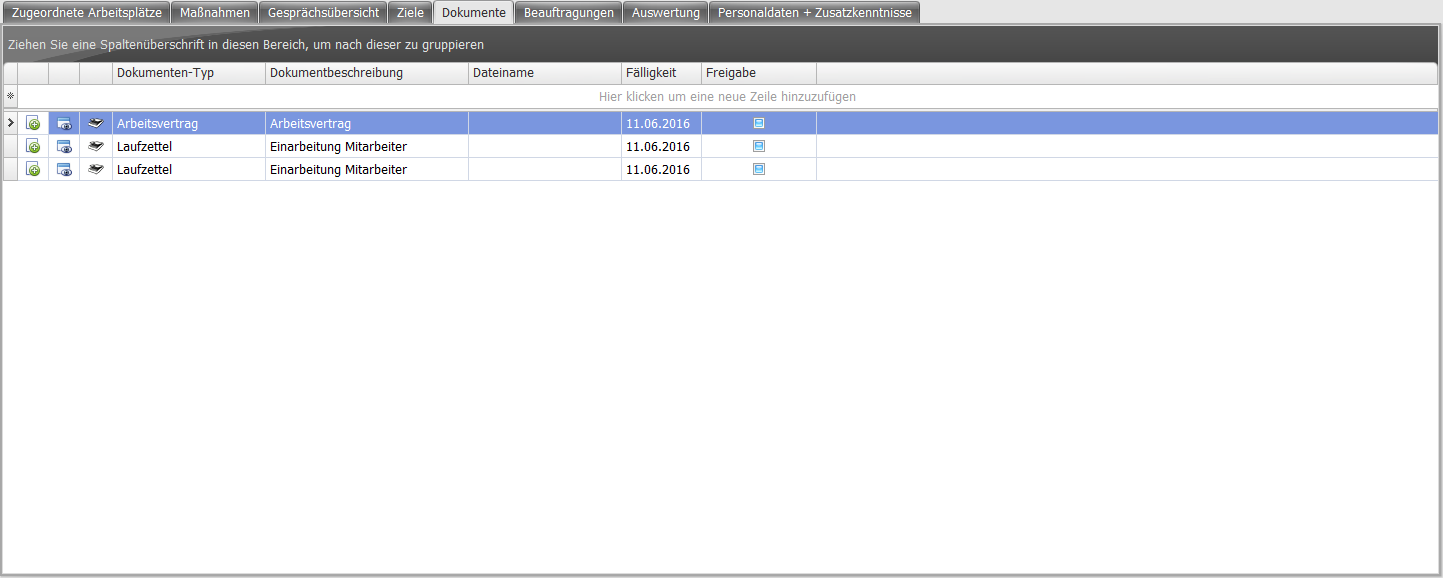
 | You can store scanned documents (provided they are in PDF format) directly in the program. This button opens a dialog window in which you can select the desired PDF file and store it as a document. |
 | This lets you open and view stored documents. The PC's configured default program for viewing PDF documents is used for this. |
| Document type | Select what kind of document this is (e.g. driving license, certificate). |
| Document description | Briefly describe the document. |
| File name | Shows the file name of the stored document file. Double-clicking opens the file selection dialog. |
| Due date | Specify by when the corresponding document must or should be submitted by the employee. |
| Release | If this checkbox is enabled ( ), managers can access the stored document. ), managers can access the stored document.
Note: If you disable the checkbox, only the Administrator and HR roles can access this document. Be aware that you could lose access rights in this case. |
The context menu on a row allows opening, moving category, restoring, assigning, and deleting.
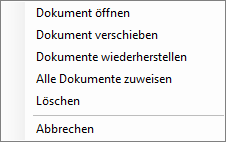
| Open document | Opens the document and displays it on the PC with the associated program. |
| Move document | The document can be moved to a different category via a dialog:
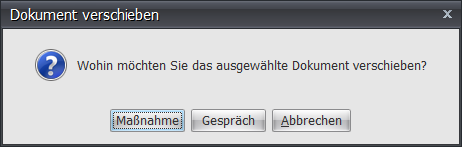
If the Measure or Appraisal category is selected, the already existing element (measure or appraisal) must be selected in a follow-up dialog. 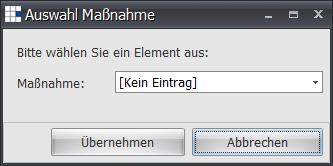 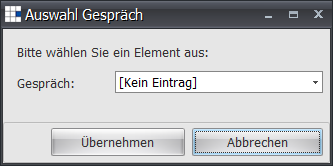
|
| Restore document | Restores documents no longer listed from the archive and assigns all documents to the Employee category. |
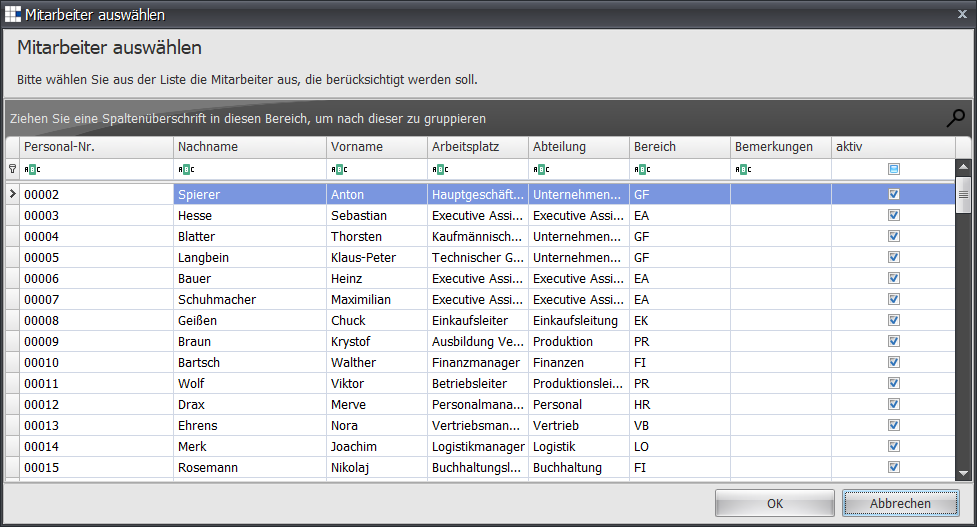
| Assign all documents | Allows moving (including the archive) all documents in the Employee category to another person. The person must be selected in the follow-up dialog:
|
| Delete | If the document is to be deleted, the database entry is deleted. The document is not deleted from the archive. |