Word Job Description
The template for the job description is set in the document defaults or in the individual file reference of a position.
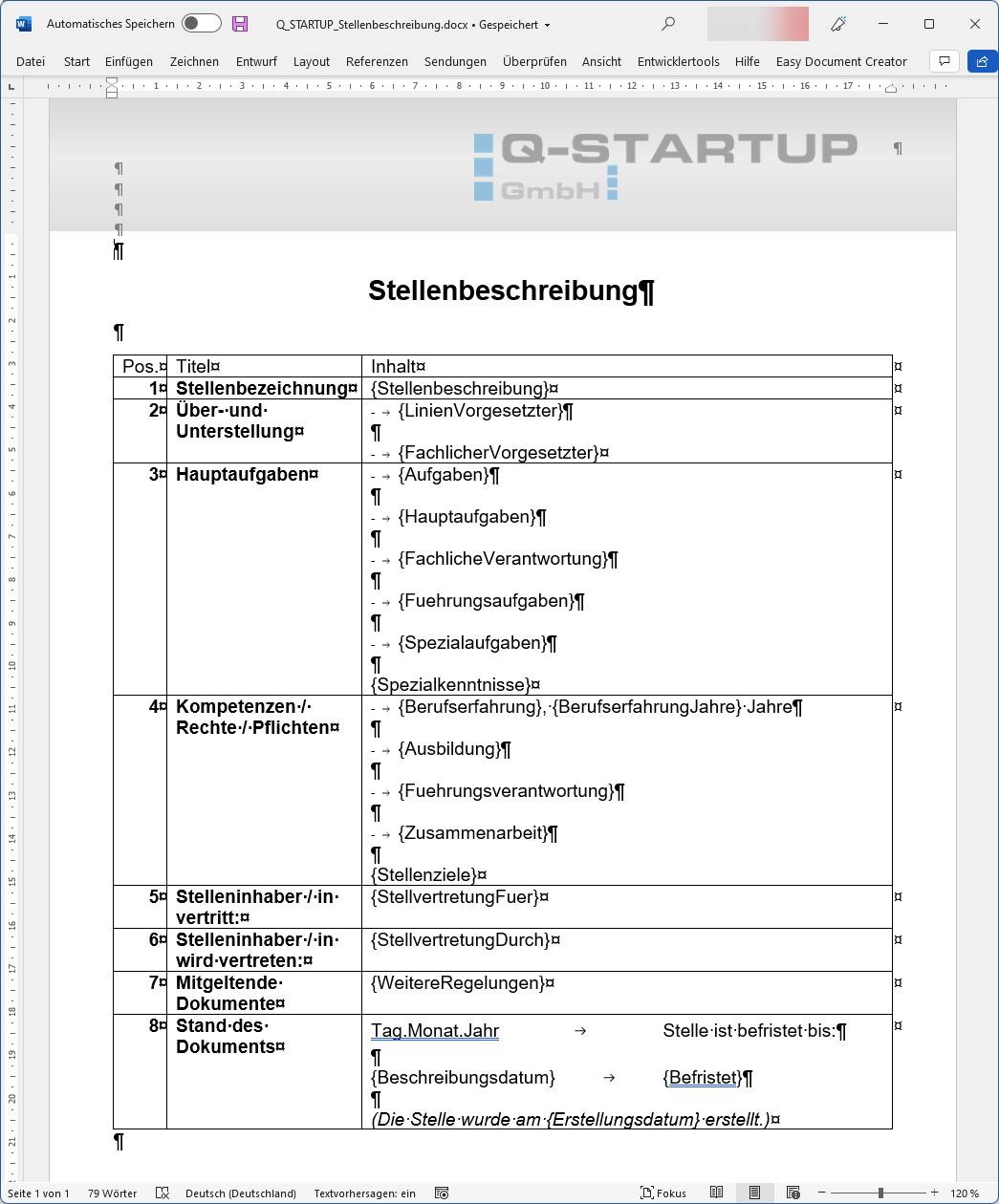
A sample template ("Q_STARTUP_Stellenbeschreibung.docx") is already included in the installation.
You can use this template to set up your own specifications.
Alternatively, you can also use a template from your own company and enter the available fields at the desired locations.
A field can be found in the job description under the document details. The configured value must then be enclosed as a field in "{" and "}".
At print time, these texts enclosed in "{" and "}" are searched for and replaced with the defined position values.
There are three (3) special fields:
- {Stellenbeschreibung} : Filled at runtime with the name of the position
- {Aufgaben} : Filled at runtime with the individual tasks of the position
- {Erstellungsdatum} : Filled at runtime with today's date
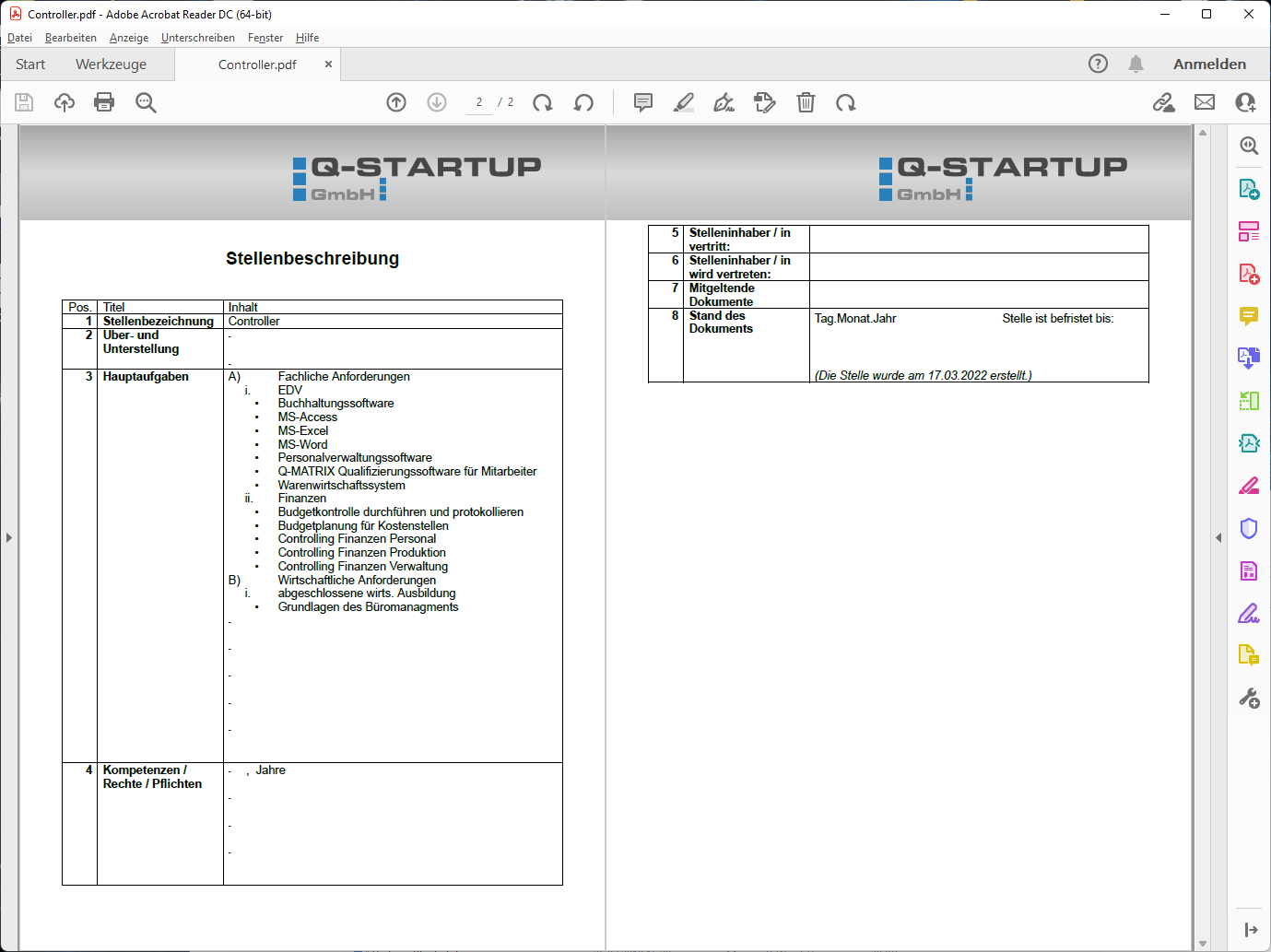
The following is an example of a possible print result: