Conversation Editing
In conversation editing, you can record answers to questions from a question catalog, note desired measures, define possible goals, and carry out a self-assessment of your competencies and skills.
The following tabs are available for this
- Questions (Answer questions from a question catalog)
- Measures (Note your desired measures)
- Goals (Define your possible goals)
- Self-/Third-Party Assessment (Carry out a self-assessment of your competencies and skills)
Note:
You can only see the third-party assessments once the conversation has been started.
You can also view all entries in the conversation result report.
Questions
An overview of all questions to be processed as part of this employee conversation.
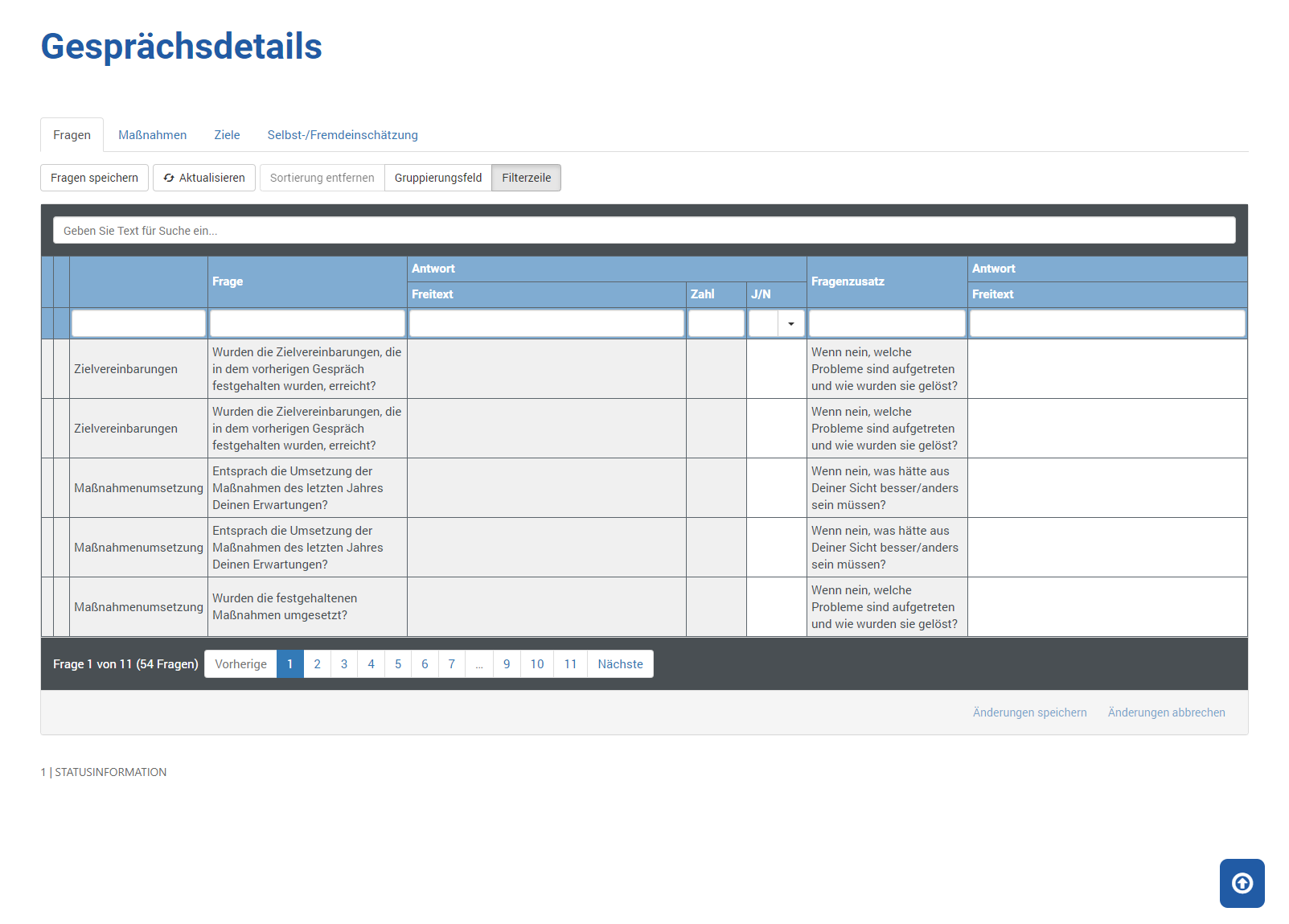
Clicking Save Questions or Save Changes saves your answers in the database.
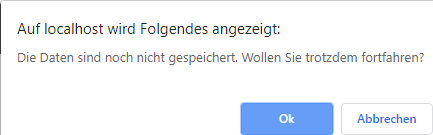
If you switch to the next questions without saving, you will first be asked whether you want to process the new questions without saving.
Measures
An overview of all measures agreed upon as part of this employee conversation.
Until the conversation is concluded, these measures are stored as ideas from you or your supervisor.
In many companies, actual participation and planning is confirmed by the HR department.
Therefore, you should always coordinate the measures listed here again with your HR department.
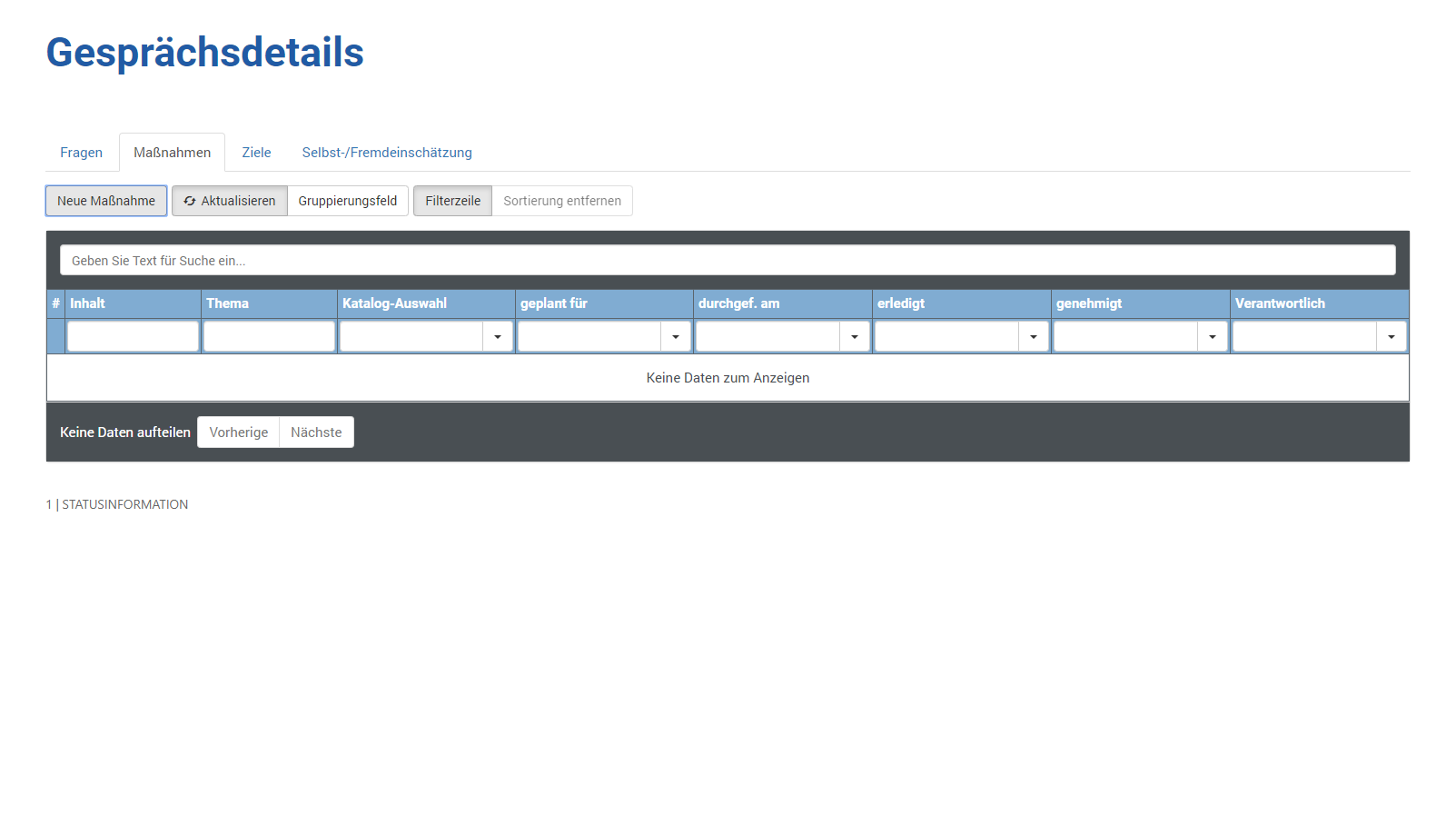
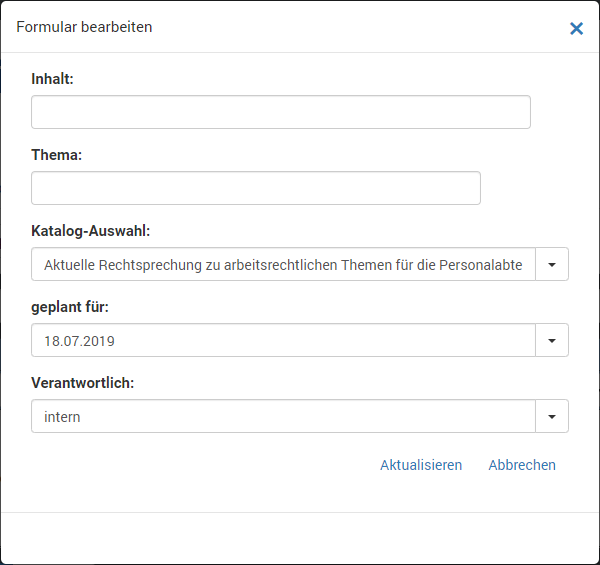
Clicking New Measure allows you to enter what kind of measure you want to attend.
You can either specify your wishes in the content and/or subject, for example Excel for Beginners, or select a measure from the catalog.
You can also specify a desired date and/or which provider the measure should be conducted with.
Once you have entered all the information, click Update to save your entry.
Goals
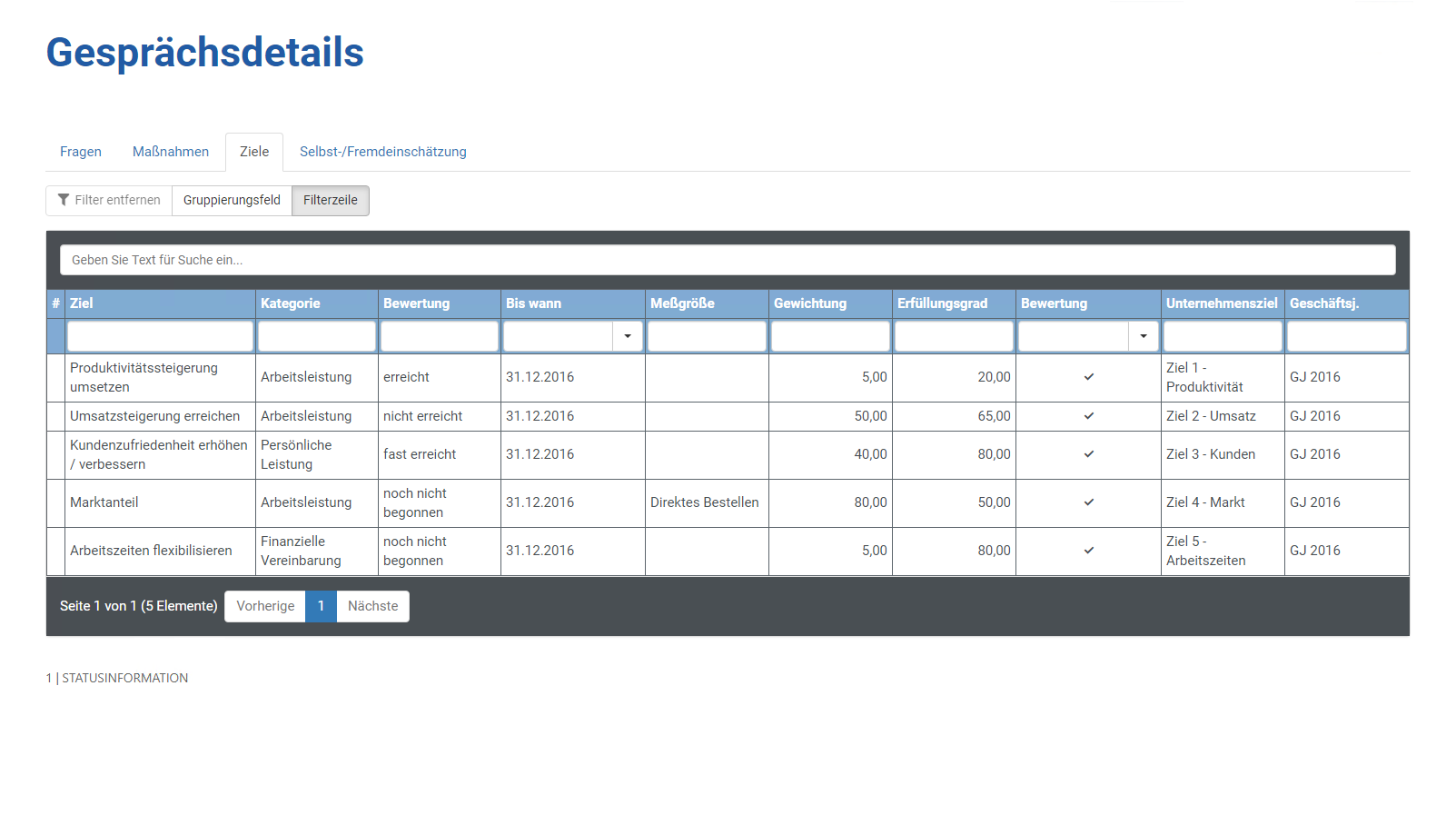
An overview of all goals that have been or are to be defined as part of this employee conversation.
Until the conversation is concluded, the goals listed here should be regarded as suggestions.
Self-/Third-Party Assessment
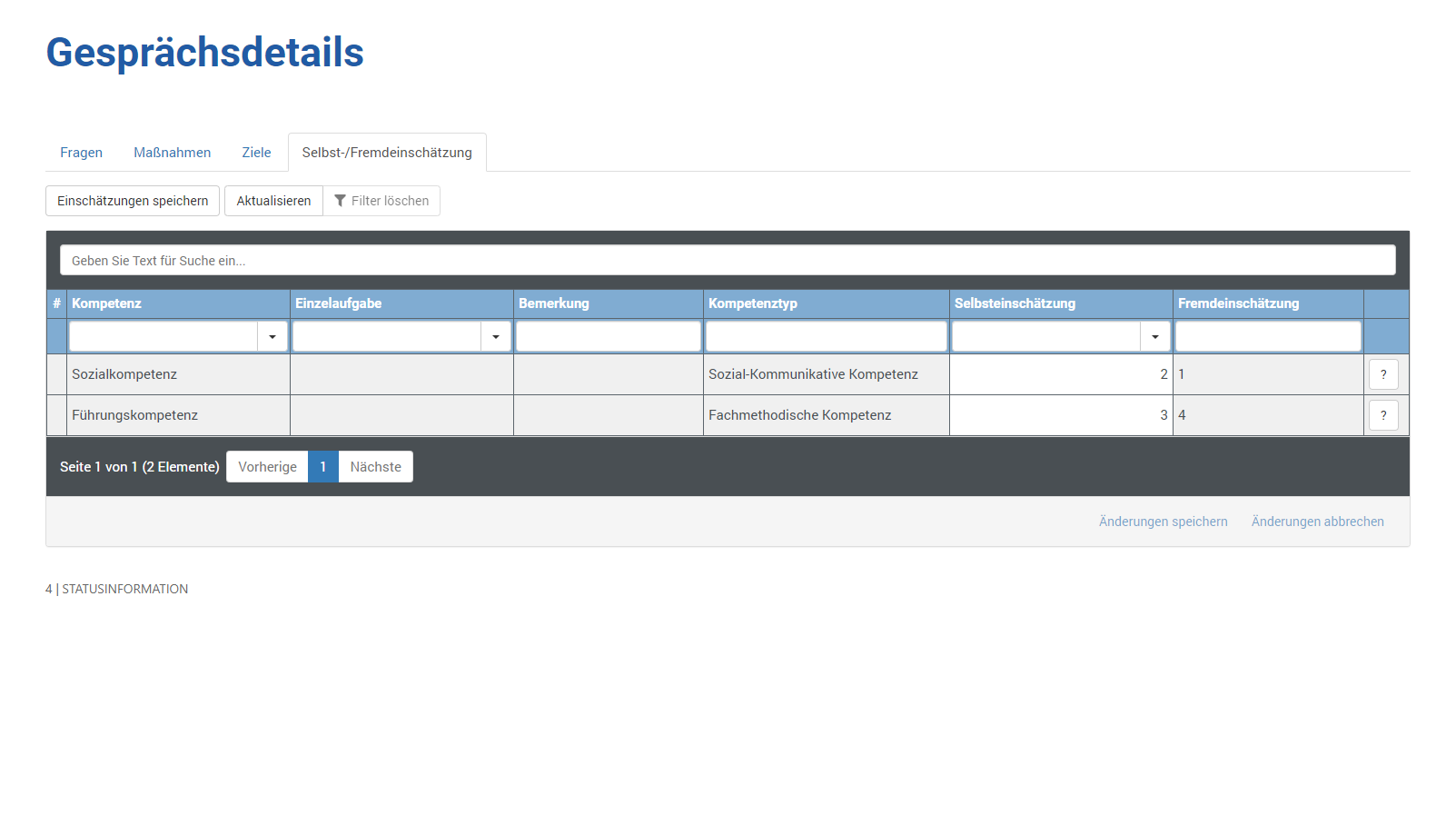
An overview of your self-assessment entered by you as part of this employee conversation.
The third-party assessment (assessment by the conversation leader / supervisor) only becomes visible after the conversation has started.
If you switch to the next page without saving, you will not be asked beforehand whether you want to process the new questions without saving.
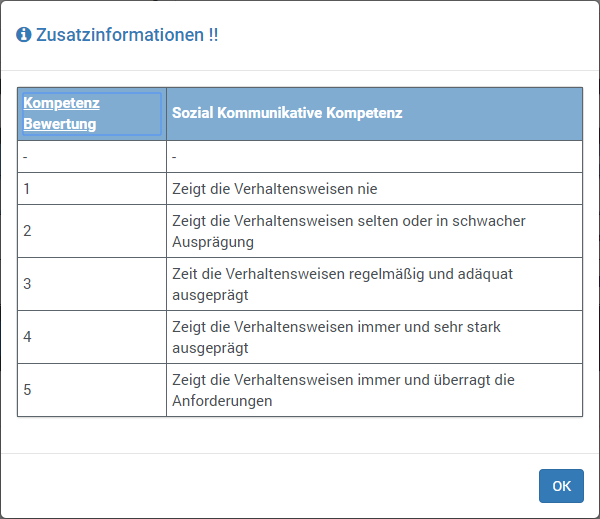
Clicking  gives you the following additional information.