



Menu Item "Process Documents"
The "Process Documents" menu item contains the tabular overview of all instructions/process documents.
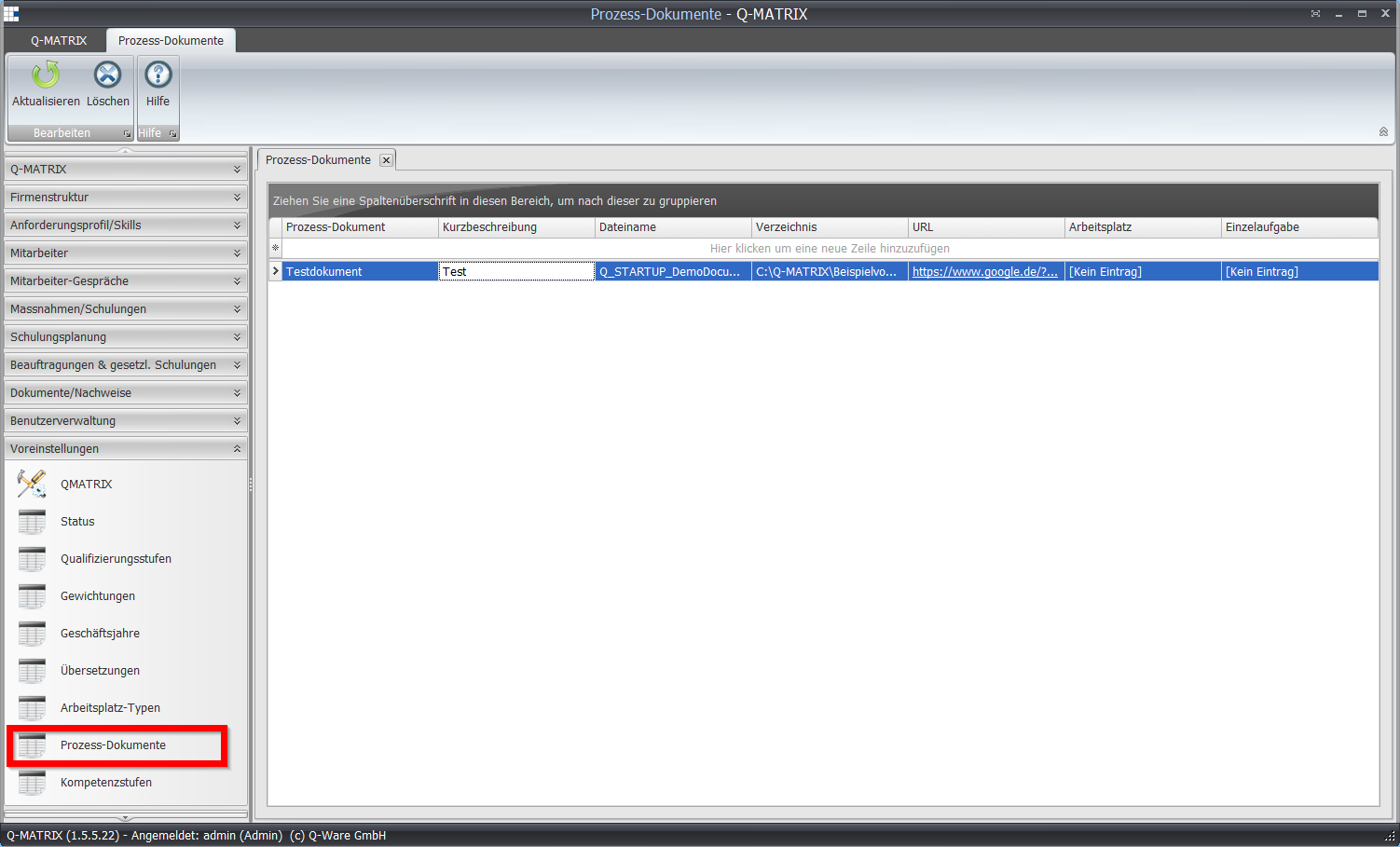
| Process Document | Give the document a name/label that you want to use within Q-Matrix™. |
| Short Description | In this column, you can give a description of the document. |
| File Name | The name of the document. Clicking this column and row opens the file selection dialog: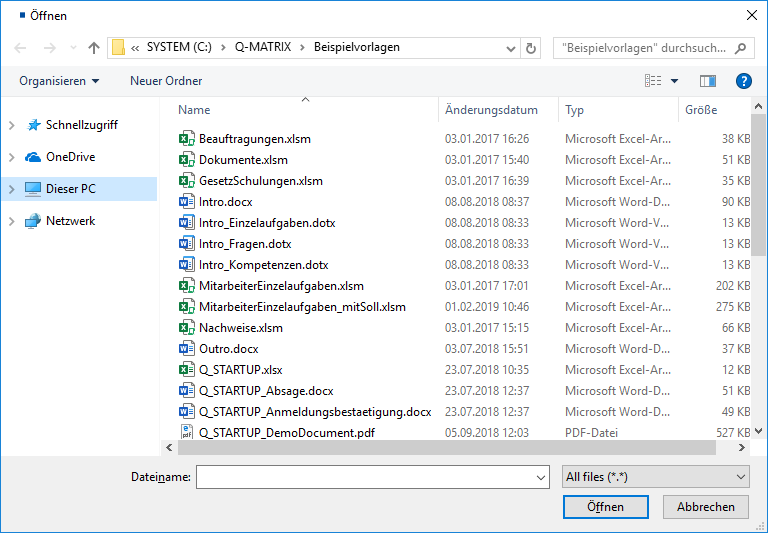 Clicking Open enters the selected file into the File Name column. |
| Directory | The directory of the document. Clicking this column and row opens the folder selection dialog: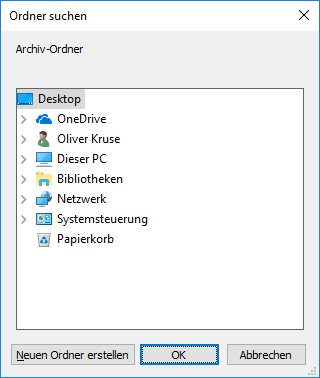 Clicking OK enters the selected directory into the Directory column. |
| URL | A web address/URL for accessing the document. This should be reachable from every PC used. |
| Position | If the document is for a specific position, you can make the corresponding assignment here. To do this, click in the column, and the selection dialog opens as a dropdown menu: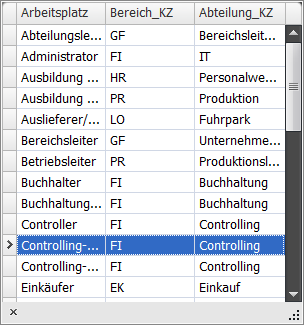 |
| Individual Task | If the document is for a specific individual task/activity, you can make the corresponding assignment here. To do this, click in the column, and the selection dialog opens as a dropdown menu: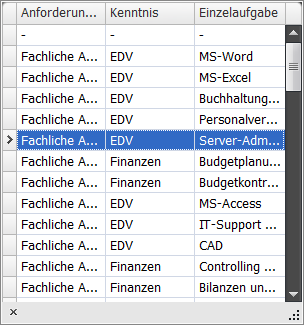 |