



Menu Item "Position ◄► Requirements"
This wizard helps you assign the individual tasks that your employees need or perform to your positions.
This then allows you to later assess your employees at their respective positions on all of their assigned individual tasks.
This was already briefly explained in the first steps.
At this point, the individual functions of this wizard are covered again in much greater detail.
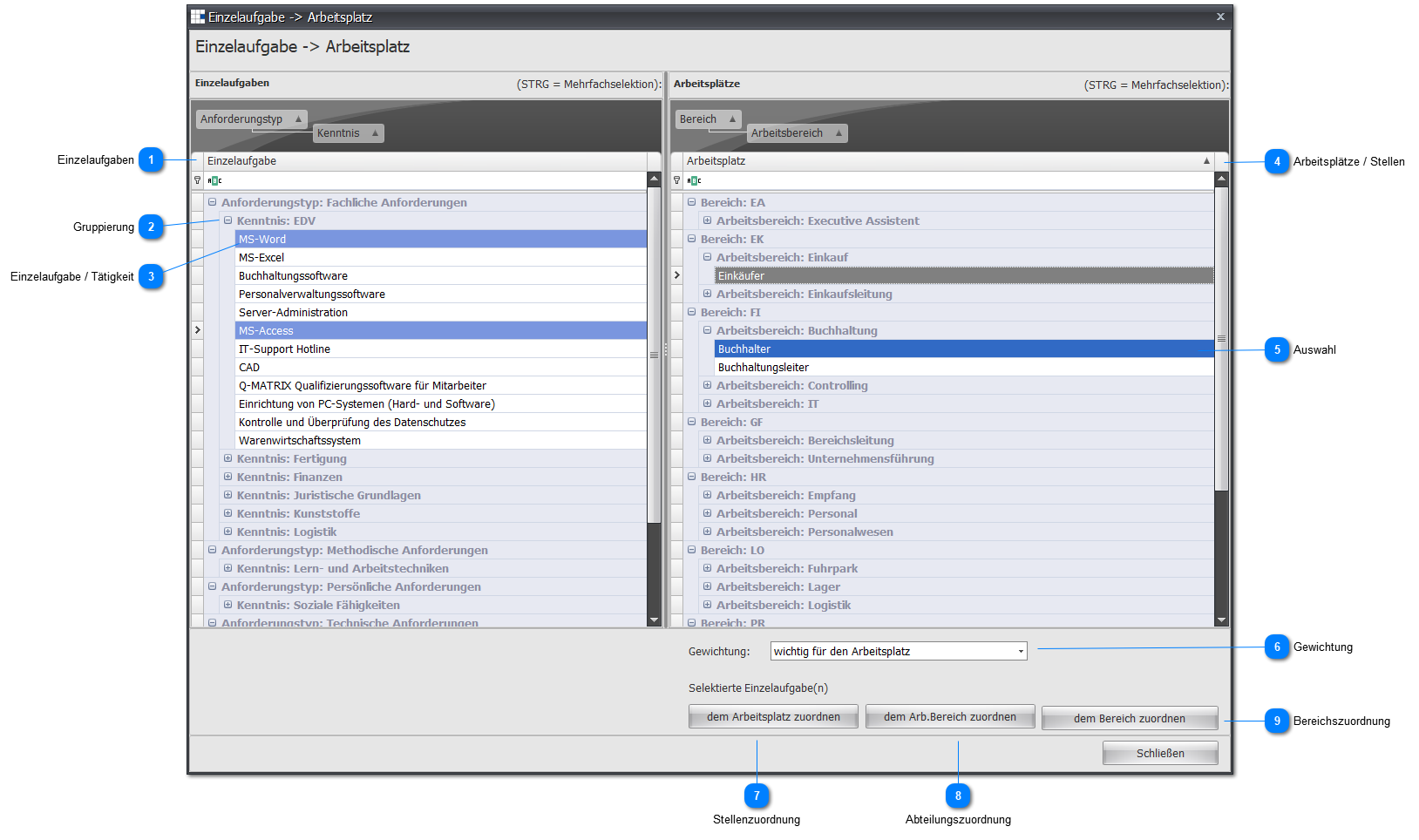
 Individual Tasks
Here, all available individual tasks/activities are displayed in a default grouping.
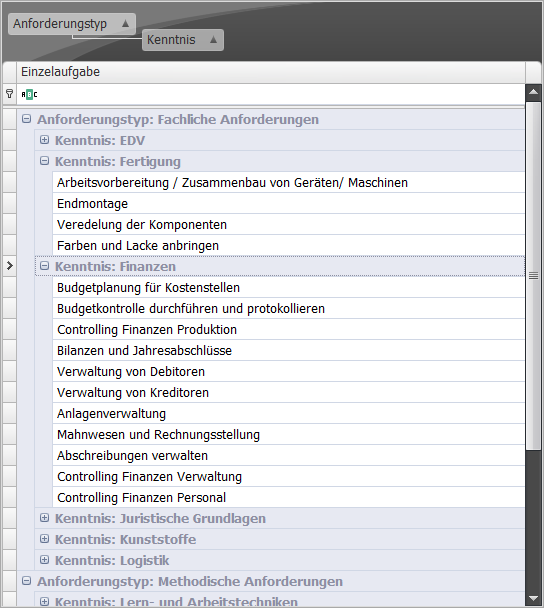
 Grouping
By clicking  and
and  you can expand/collapse the elements underneath.
 Individual Task / Activity
Select an individual task/activity and your selection will be highlighted in blue.
If you want to select several individual tasks/activities, hold down the CTRL key and mark further individual tasks/activities with the left mouse button.
Each selected individual task/activity is displayed highlighted in blue.

 Positions
Here, all available positions are displayed in a default grouping.
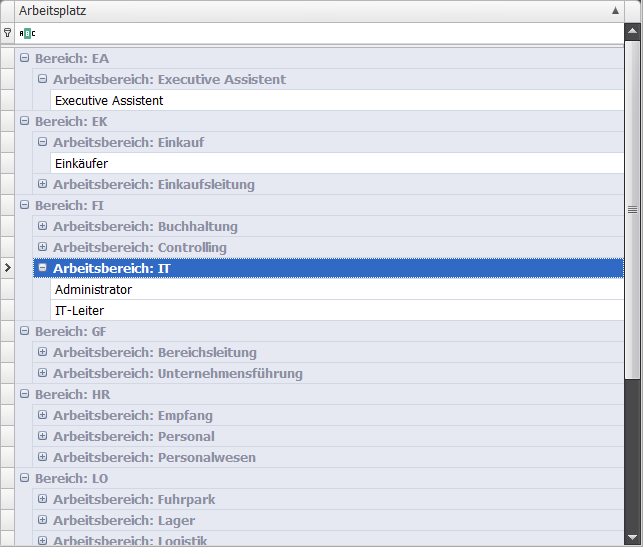
 Selection
As already described for individual tasks/activities, you can select the positions.
Note:
The position assignment supports a multiple assignment.
The department assignment and area assignment do not support a multiple assignment.
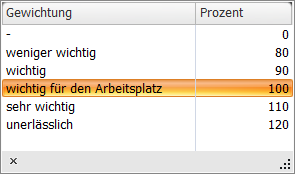
 Weighting
According to the default setting, you can weight the assignment at this point.
This lets you decide whether one task is more important than another.
 Position Assignment
Clicking this button assigns the selected individual tasks/activities to the selected positions.
 Department Assignment
Clicking this button assigns the selected individual tasks/activities to the selected department.
Note:
Only one department is assigned at a time.
If you want a multiple assignment, you must mark and assign the departments one after another.
 Area Assignment
Clicking this button assigns the selected individual tasks/activities to the selected area.
Note:
Only one area is assigned at a time.
If you want a multiple assignment, you must mark and assign the areas one after another.