



Conversation Details
The conversation details help you document and track the results of your employee conversations.
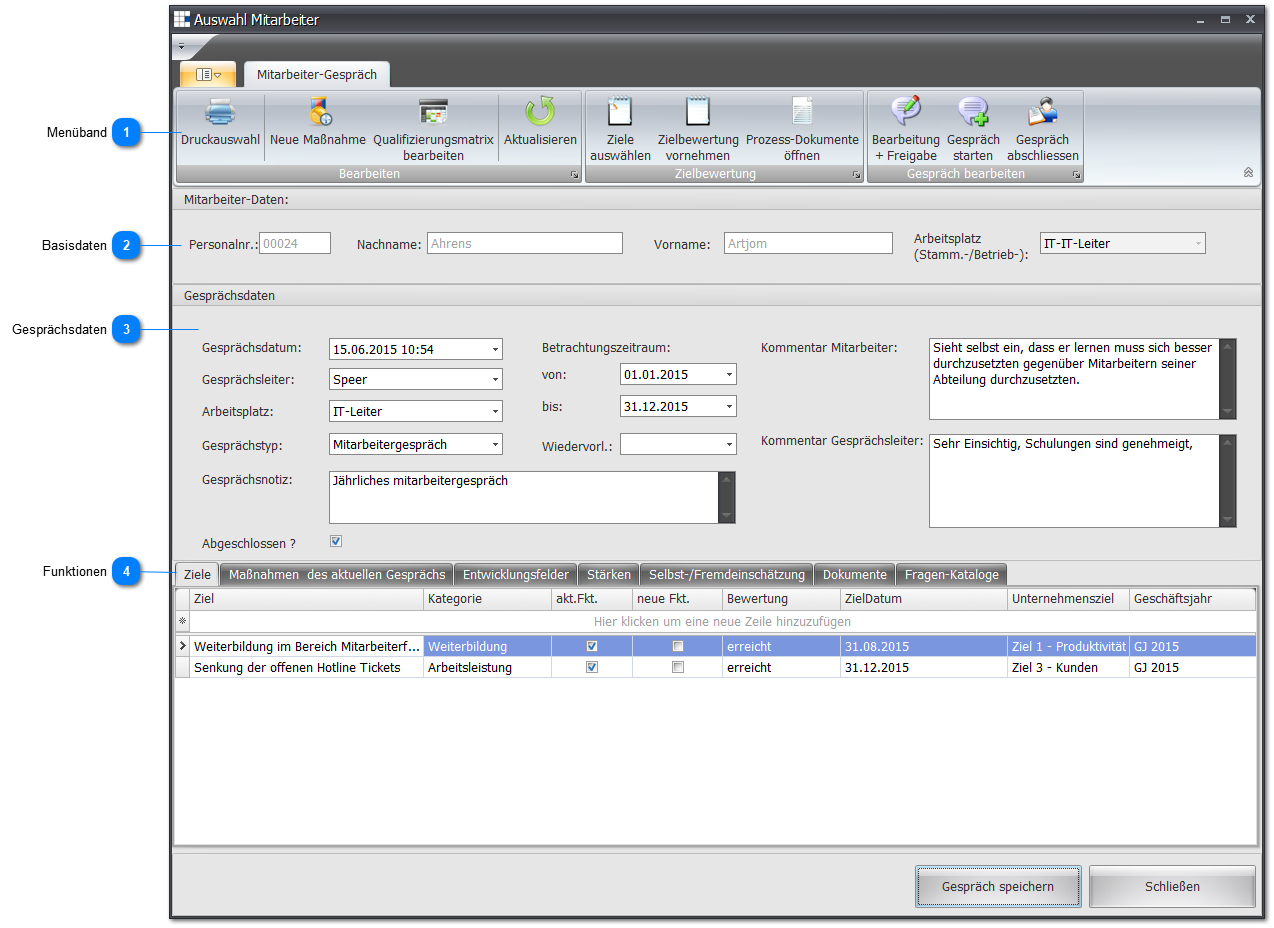
 Ribbon

| Print Selection | Clicking the printer icon opens the following print selection dialog: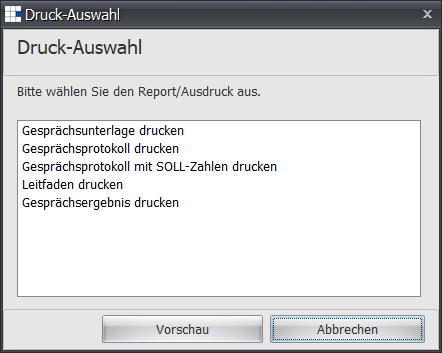 You can see the results of the selection here. |
| New Measure | Enter a measure discussed in the conversation. |
| Edit Qualification Matrix | Change the assessments for the various activities according to the conversation |
| Refresh | Refresh the data for this function. |
| Select Objectives | In a selection dialog, you can select from the available objectives. Confirming (OK or Apply Objective) adopts the selected objectives into this conversation: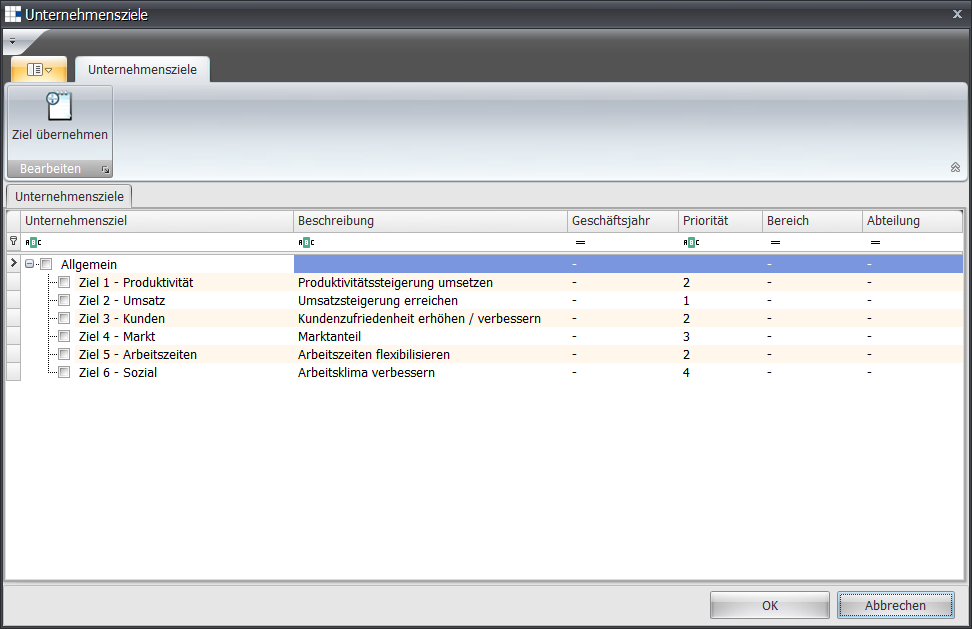 |
| Assess Objectives | Here you can assess the objectives of the conversation. Please note that an assessment is only complete once every objective is marked as completed: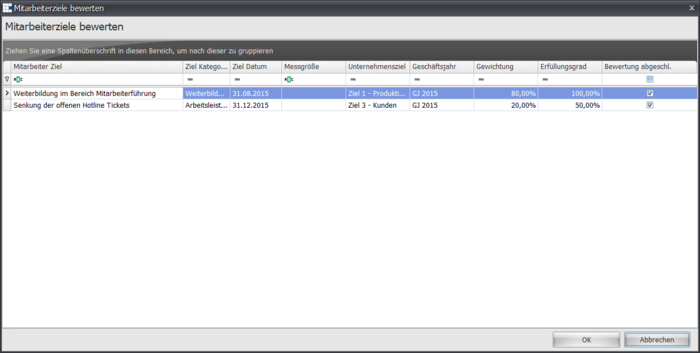 |
| Open Process Documents | Opens a view of all process documents relevant to the position of the conversation: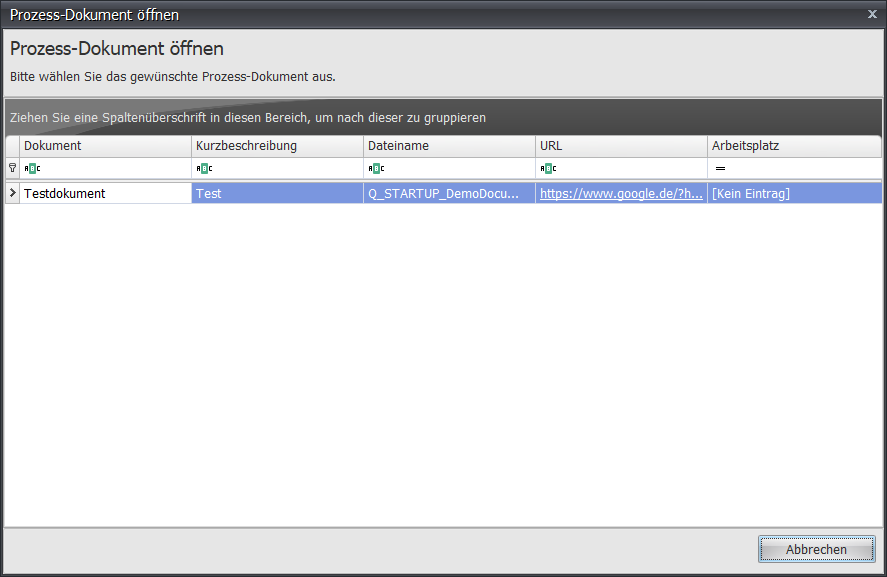 |
| Edit + Release | Opens a wizard for editing the questions, measures, objectives, and self-/third-party assessment.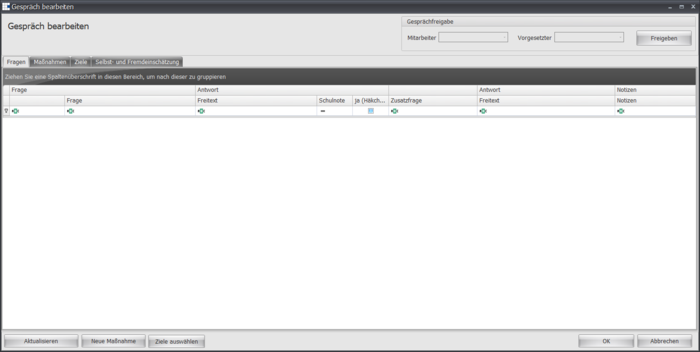 |
| Start Conversation | Once you have completed all preparations, you can use this button to start the conversation. You can only make further changes once both parties (conversation lead and employee) have activated the start of the conversation: |
| Conclude Conversation | Once all information for this conversation has been entered and recorded, you can conclude the conversation here: |
 Basic Data

Here you can see the employee's basic data for this conversation, i.e. personnel number, last name, first name, and primary position.
 Conversation Data
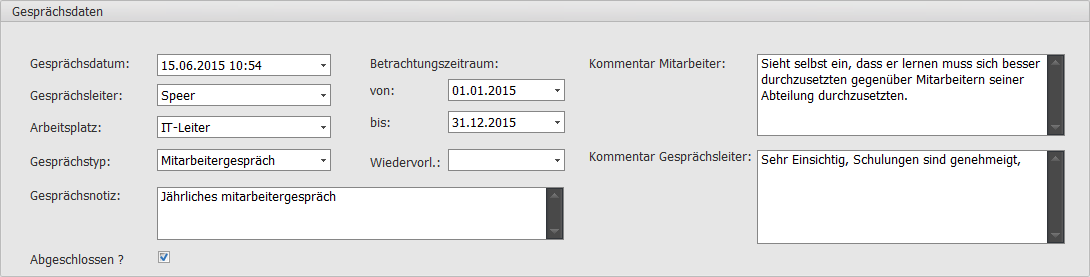
Define the conversation data:
| Conversation Date | The date and start time of the conversation |
| Conversation Lead | Select the conversation lead from all available employees. For conversations with your employees, we recommend selecting yourself. Without a conversation lead, the conversation cannot be conducted/saved. |
| Position | If the employee has several positions, select one for the conversation. Without a position, the conversation cannot be conducted/saved. |
| Conversation Type | Select the conversation type. Without a conversation type, the conversation cannot be conducted/saved. |
| Conversation Note | Record the notes for a conversation here. |
| Review Period From | The conversation can be conducted for a specific review period. Here you define the start date. |
| Review Period To | Here you define the end date for the review period. |
| Follow-Up | If the conversation is to be put on follow-up, define a follow-up date here. |
| Employee Comment | Record the employee's comments on a conversation here. |
| Conversation Lead Comment | Record the conversation lead's comments on a conversation here. |
| Completed | When everything for a conversation is done, you can use this switch to mark it as concluded. |
 Functions
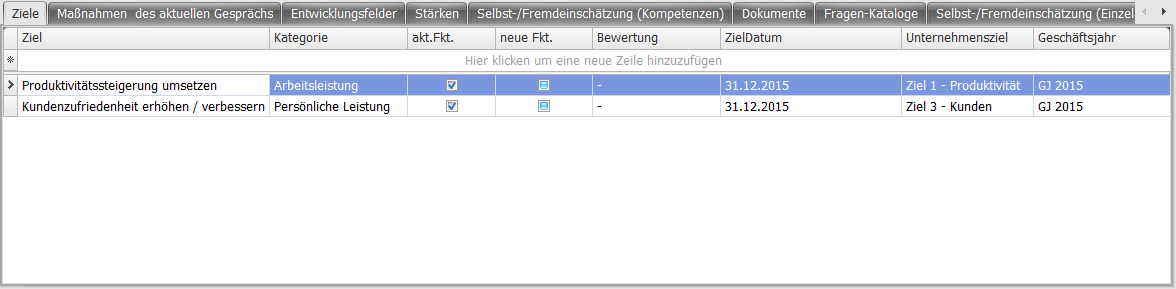
| Objectives | Record objectives for the employee captured in the conversation. |
| Measures of the Current Conversation | Opens an overview of the measures discussed during the employee conversation. New measures can also be created here via the context menu. |
| Development Areas | Enter the identified development areas of the employee. |
| Strengths | Enter the identified strengths of the employee. |
| Self-/Third-Party Assessment (Competencies) | Record the assessments here for the employee's competencies. Use the qualification levels in a dropdown dialog for this. The following mapping is used: Self-assessment = Employee assessment Third-party assessment = Conversation lead assessment |
| Documents | Record documents needed for the conversation. |
| Question Catalogs | Define the question catalog to be used for the conversation here. |
| Self-/Third-Party Assessment (Individual Tasks) | Record the assessments here for the employee's individual tasks. Use the qualification levels in a dropdown dialog for this. The following mapping is used: Self-assessment = Employee assessment Third-party assessment = Conversation lead assessment |