



Q-Matrix™ Ribbon
On the "Q-Matrix™" tab, which is already active at program start and can be selected at any time, you will find the following ribbon:

| Change password | Change the password of the currently used user profile |
| User settings | Change the language, appearance, currency symbol and date format of the user interface for the currently used user profile
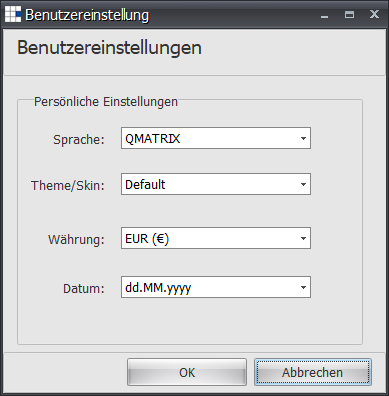 |
| Reminders | Shows the documents that are due in the next few days or are already overdue |
| User information | Shows expiring certificates, new training offers and effectiveness checks to be carried out that are due in the next few days or are already overdue |
| Home | Shows the home page in the detail area |
| Close all tabs | Closes all open tabs |
| Open Q-Matrix™ help | Opens the Q-Matrix™ help |
| Q-Matrix™ information | Shows information about your version of Q-Matrix™ and your license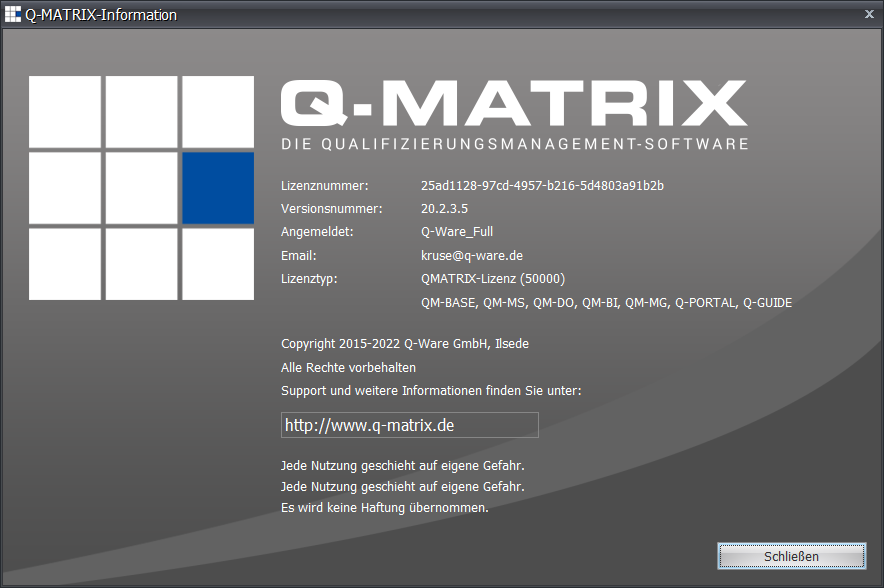 |
| Exit program | Exits the program |