



New Row, Filter Row
You will find the filter row (1) and new row (2) in every table view of Q-Matrix™.
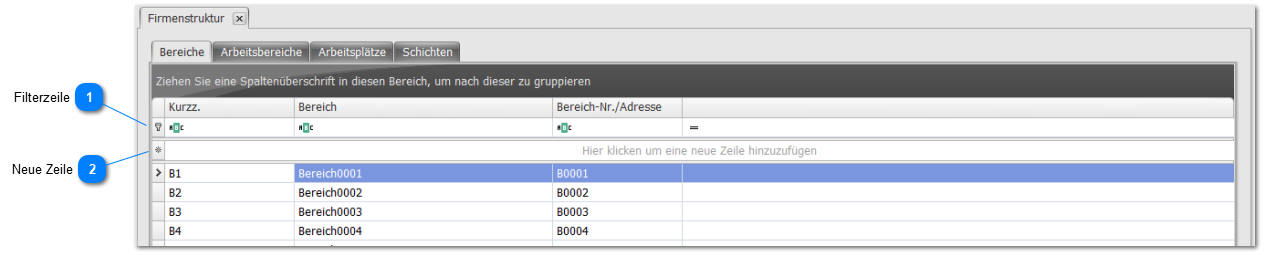
1. Filter row

Enter the information you are looking for into any field.
The table will search for matching entries and only display the matching records.
(For example, search the Area column for a specific area ...)
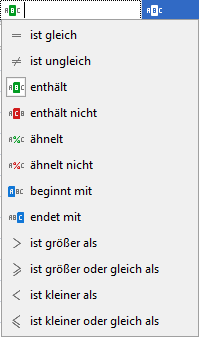
The icons preceding the table columns let you adjust the filter type.
Simply click the table column icon, and a selection like the following becomes available:
2. New row

Entering information here creates a new record.
Note that the information is only saved once you confirm the entry by clicking outside this row!