



Menu Item "Proofs Overview"
The existing or missing proofs of employees are shown to you in a matrix display.
This menu item is identical to the Proofs Overview menu item of the Q-Matrix™ menu bar.
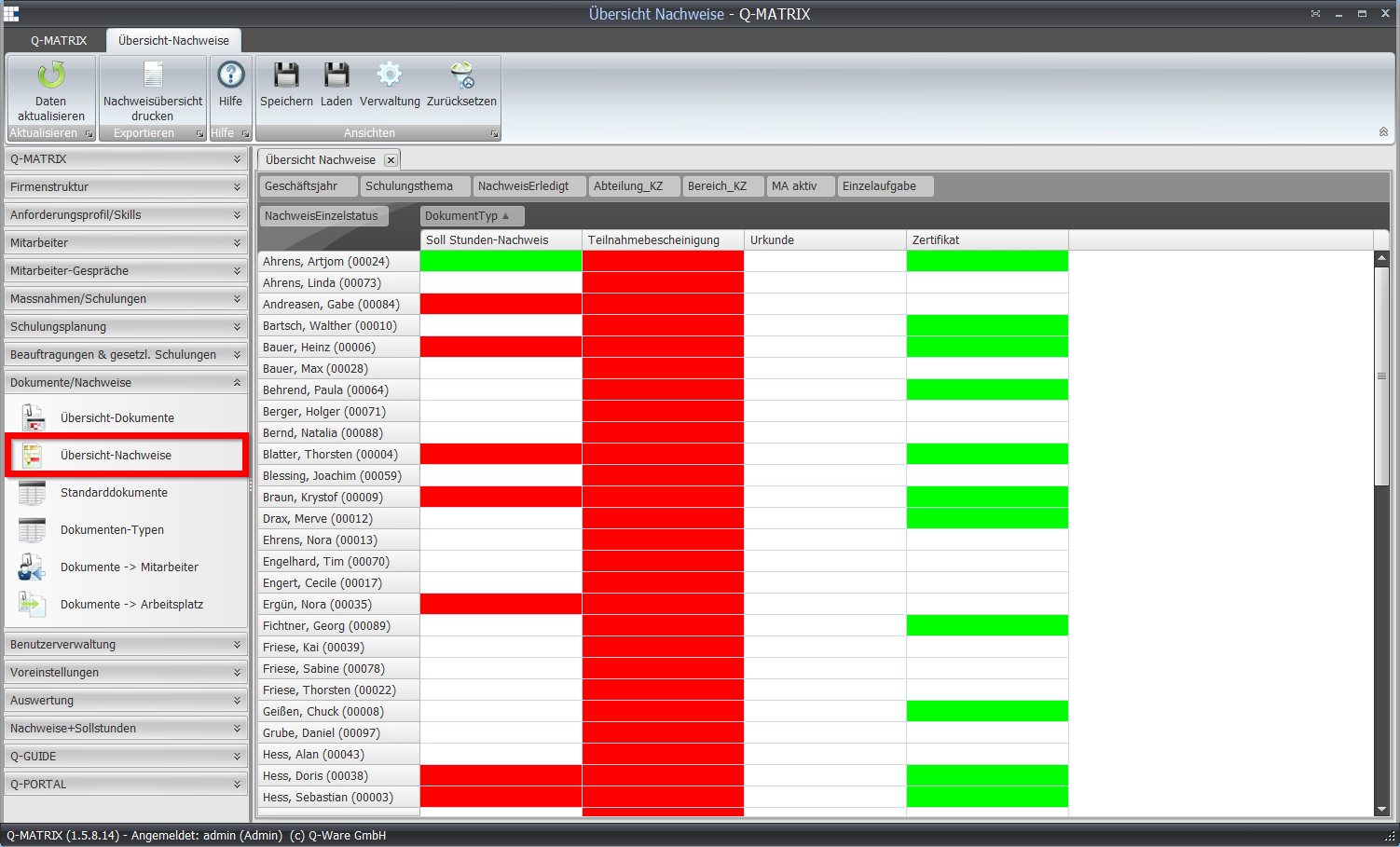
Double-clicking the respective field opens the measure of the assigned employee, so you can directly mark the submitted proof as completed.
If a proof is used in several measures, all measures must have the proof completed in order to receive a green status.
Print Proofs Overview opens the result according to the default settings.
If the Excel template is used, the security notice must be accepted and the small macro for display preparation must be started.