



Menu Item "Rule Management"
In this tabular view, you find the existing rules used for the various functions.
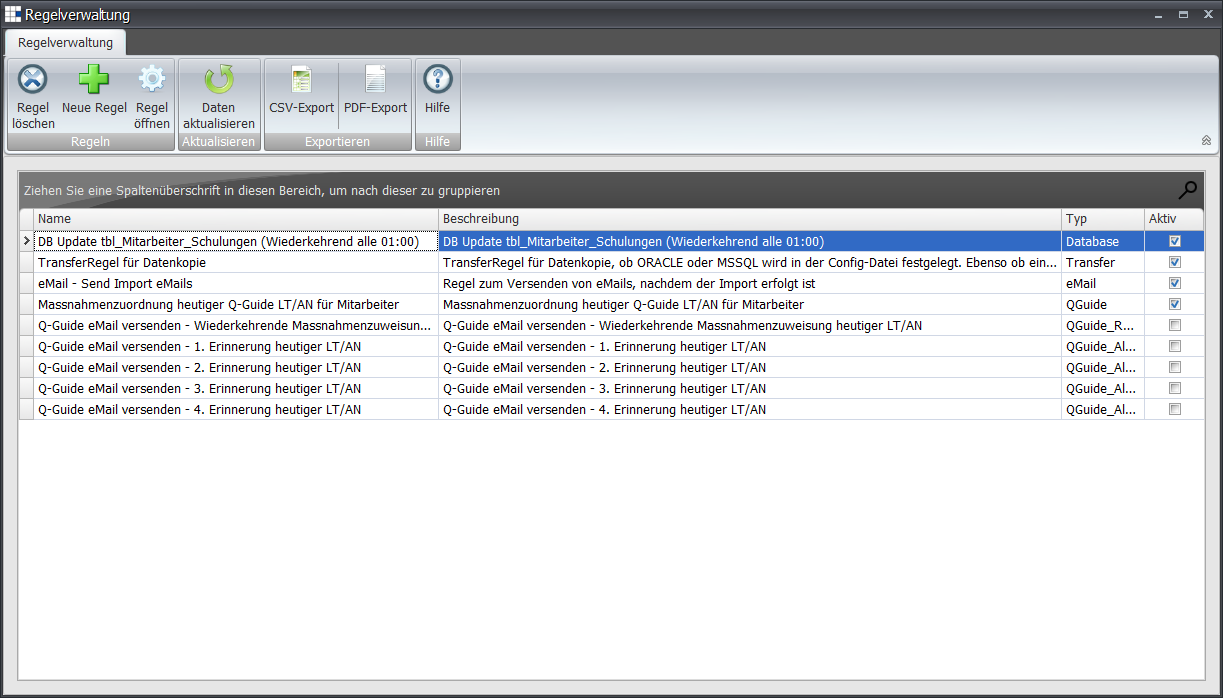
Editing (Open Rule or double-click) opens the editor for editing the rule:
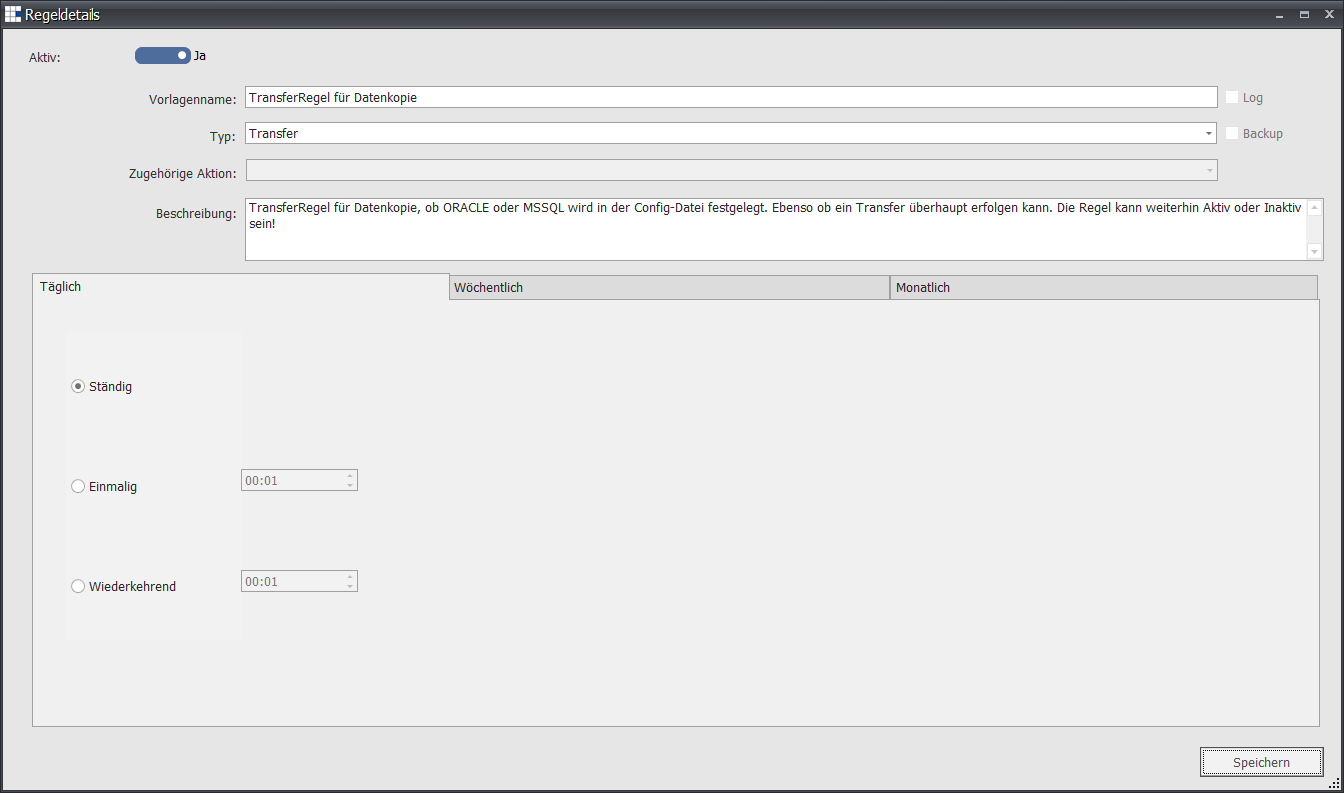
The lower part of the rule allows the frequency setting.
You can choose between a daily, weekly, or monthly frequency.
Daily
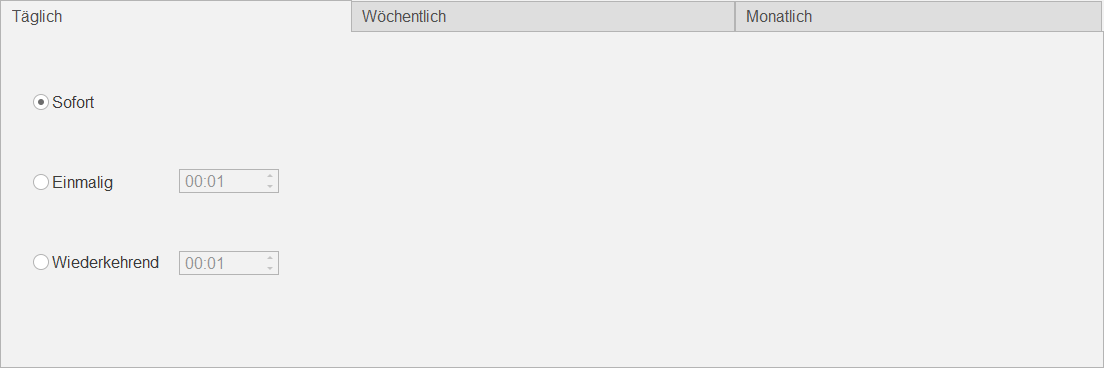
You can define the following setting:
| Immediately | The associated action should be executed immediately (every 5-50 seconds) |
| Once | The associated action should be executed once a day at this time |
| Recurring | The associated action should be executed recurringly every X minutes and Y hours per day |
Weekly
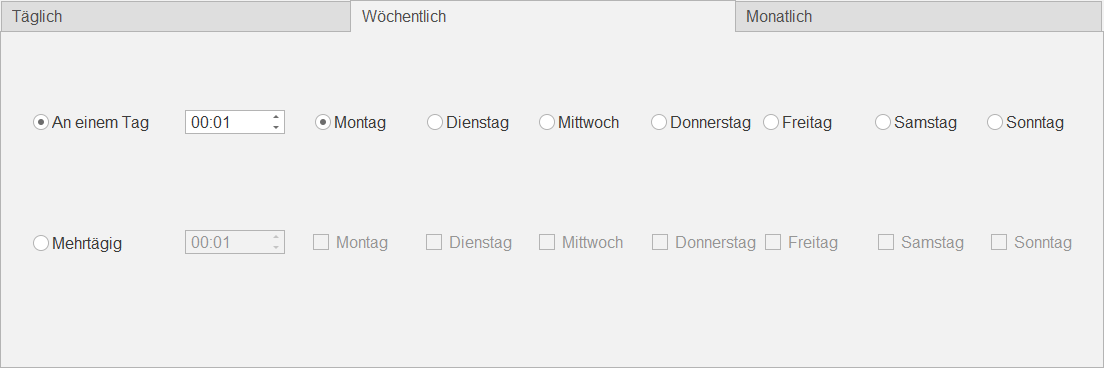
You can define the following setting:
| Single day | The associated action should be executed on this one weekday at this time |
| Multiple days | The associated action should be executed on these weekdays at this time |
Monthly
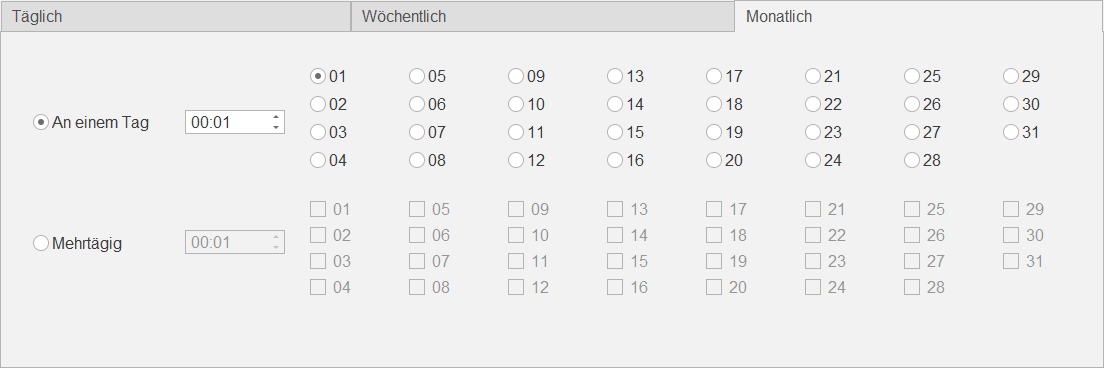
You can define the following setting:
| Single day | The associated action should be executed on this one day of the month at this time |
| Multiple days | The associated action should be executed on these days of the month at this time |