



Images Tab
In this tab, you can customize the logo in Q-Guide so that your company logo is used.
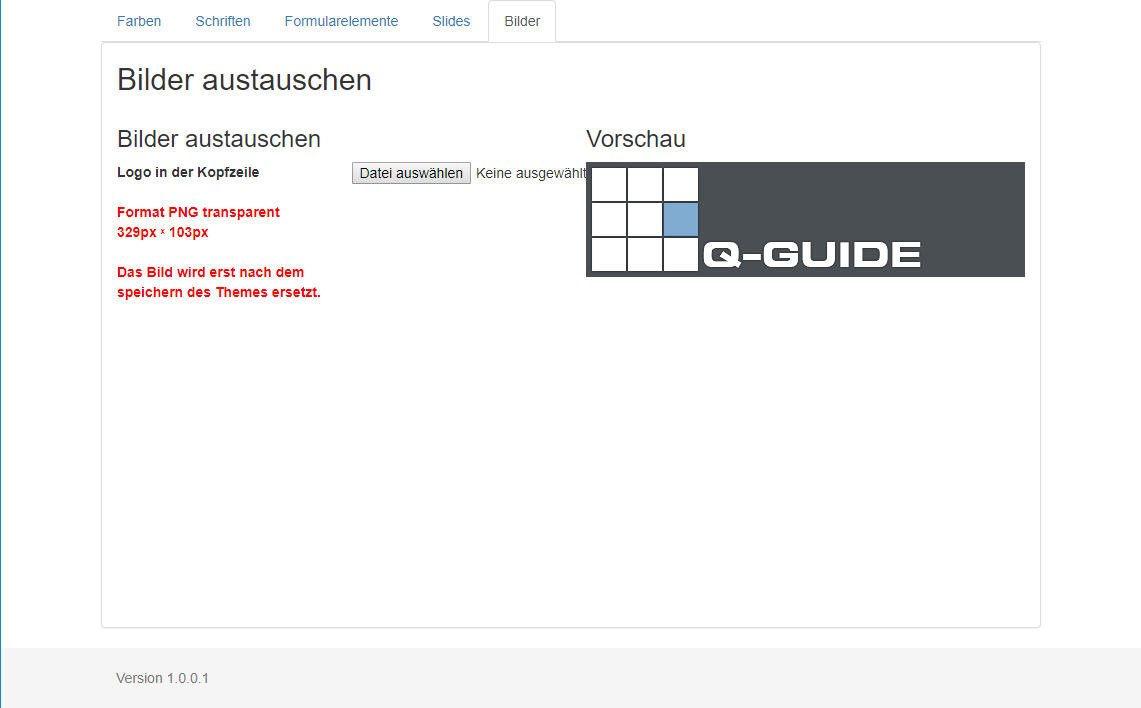
Click Choose File and select the logo to use in a file selection dialog.
Please note the guidance on this page and use a logo with the appropriate dimensions and a transparent background.
The template must then be saved so the selected logo is shown in the preview.
Note:
Without saving the template, no new logo can be displayed and used.