



Program Interface
Learn about the basic elements and functions of the Q-Matrix™ program interface here.
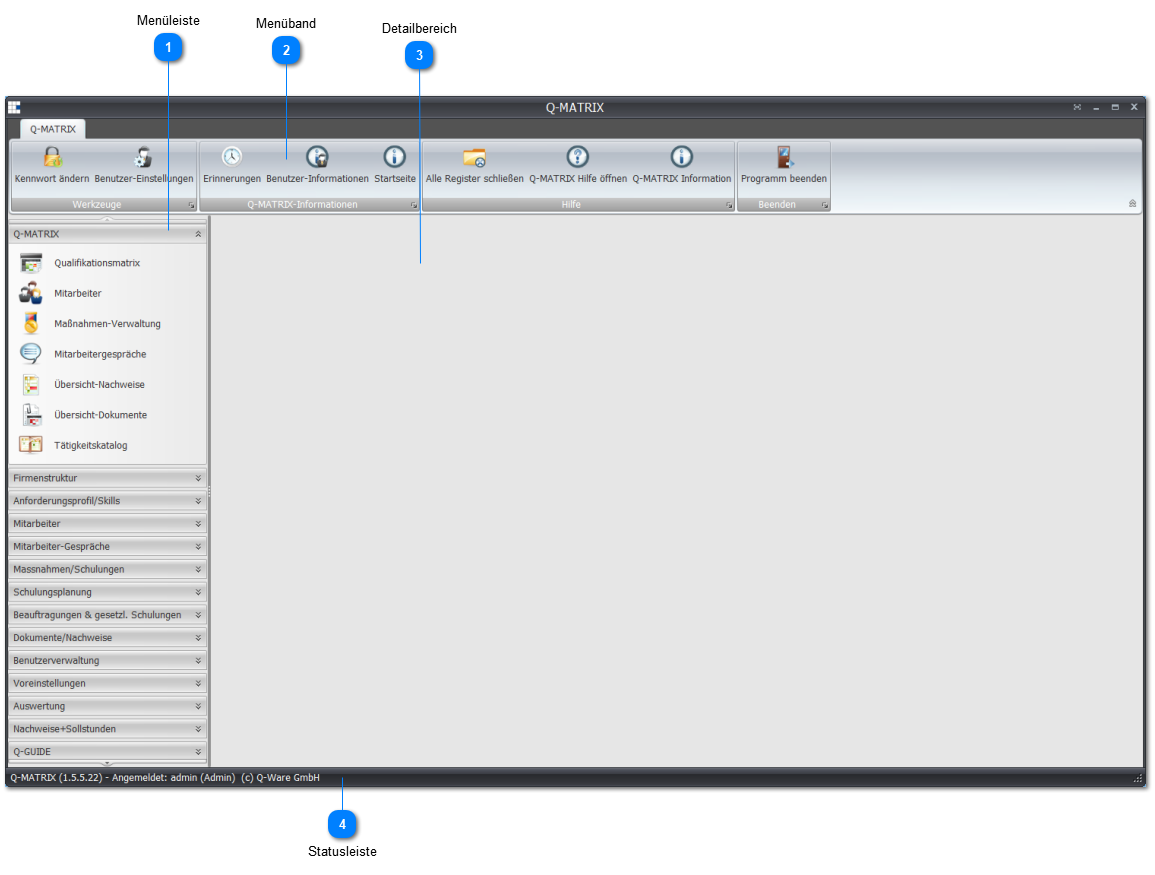
 Menu Bar
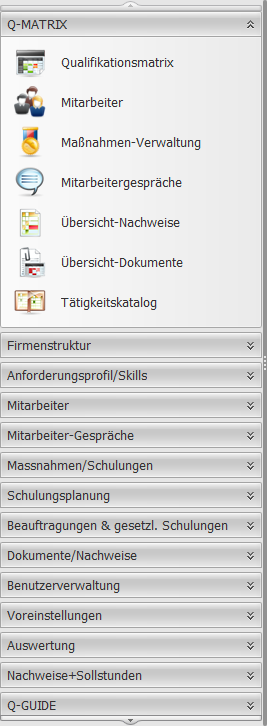 |
The menu bar lets you select the various program levels and functions you want to work with in Q-Matrix™. A clearly organized menu structure groups all program levels into categories:
|
 Ribbon

The ribbon helps you access important Q-Matrix™ functions.
 Detail Area

The detail area is the main working area of Q-Matrix™.
Every action in Q-Matrix™ is carried out here - whether you are editing tables or opening overviews, for example.
 Status Bar

The status bar shows information about the program version and the user profile you are logged in with.
The user profile also controls your access rights within the Q-Matrix™ environment.